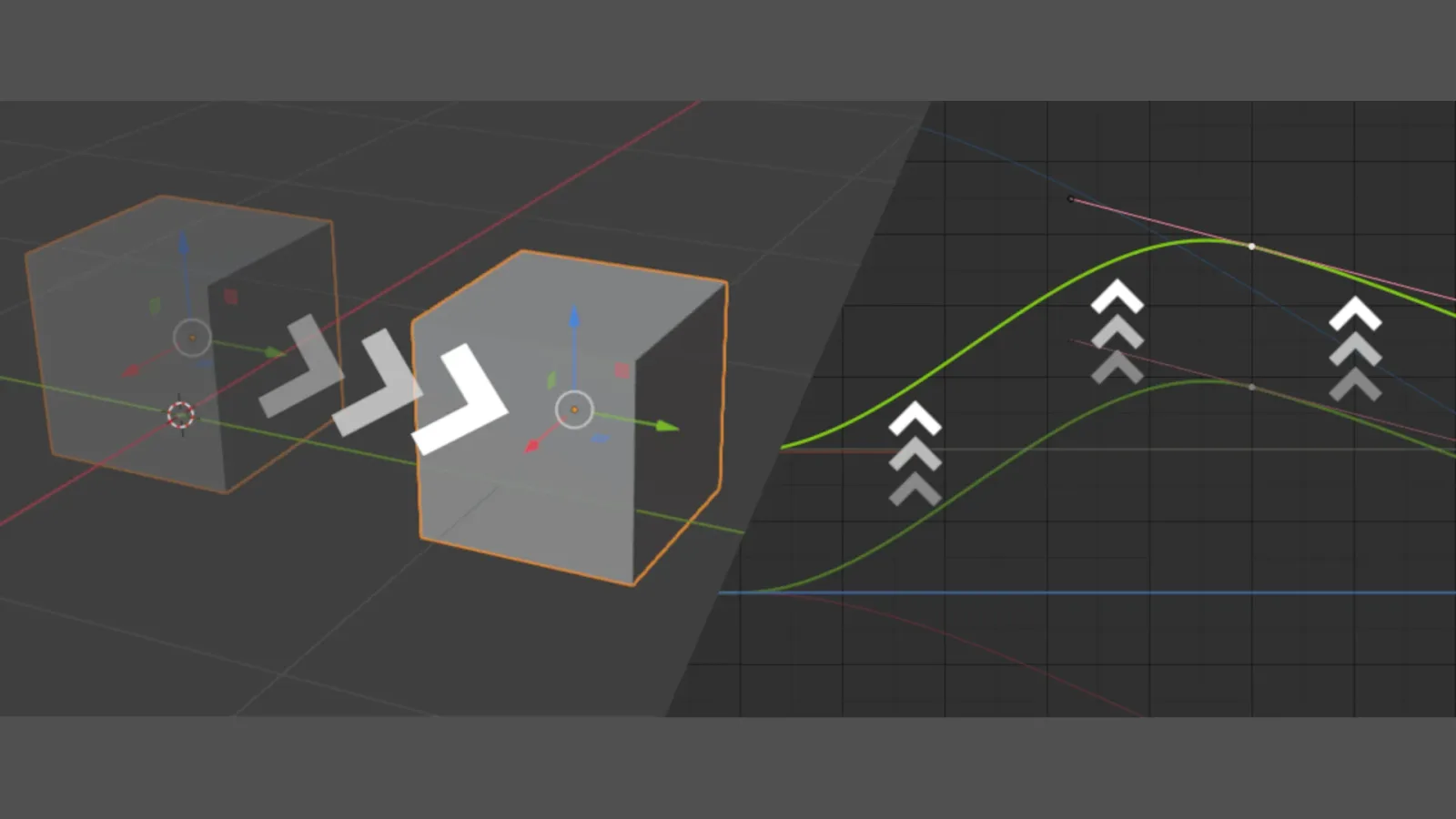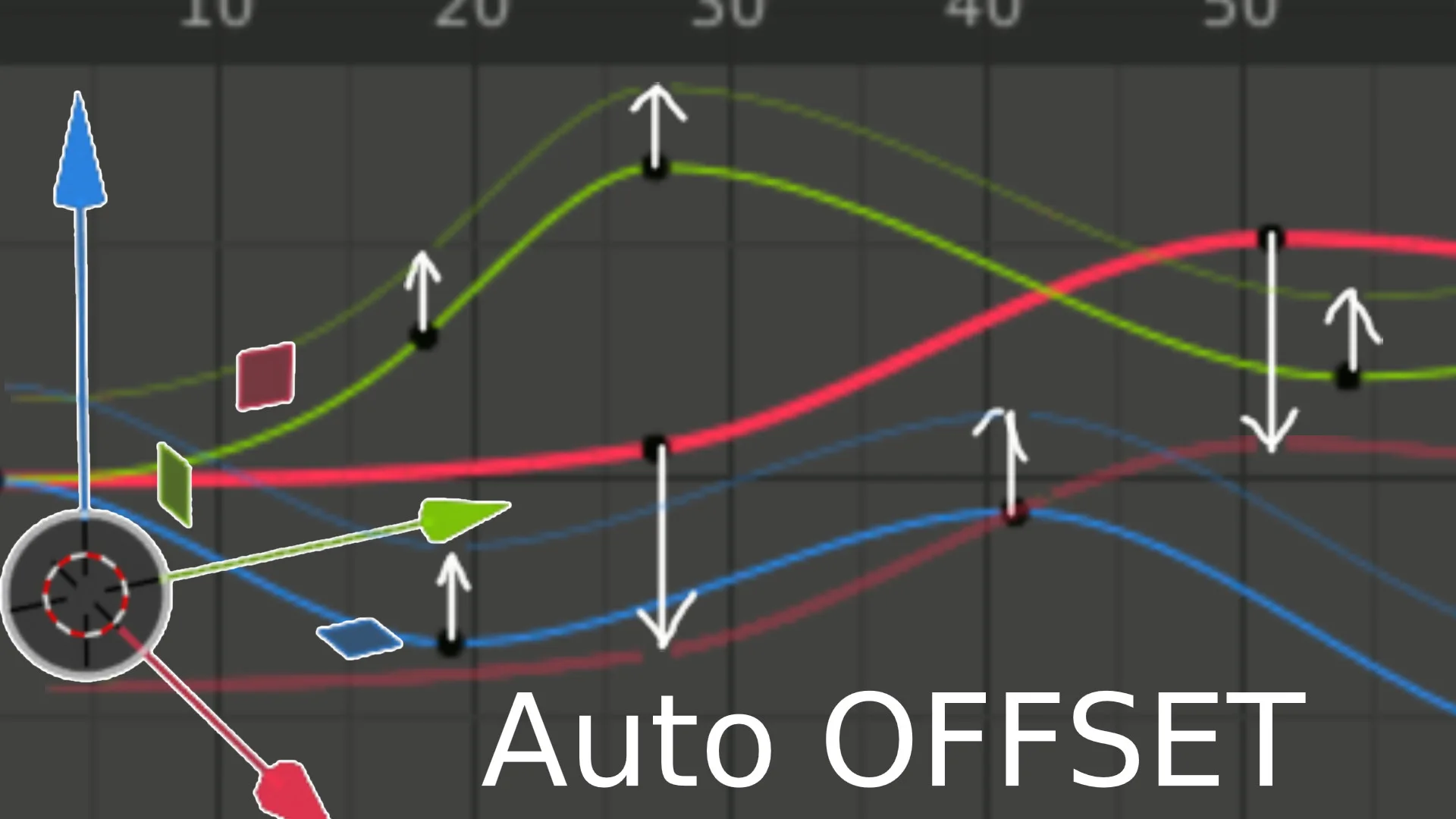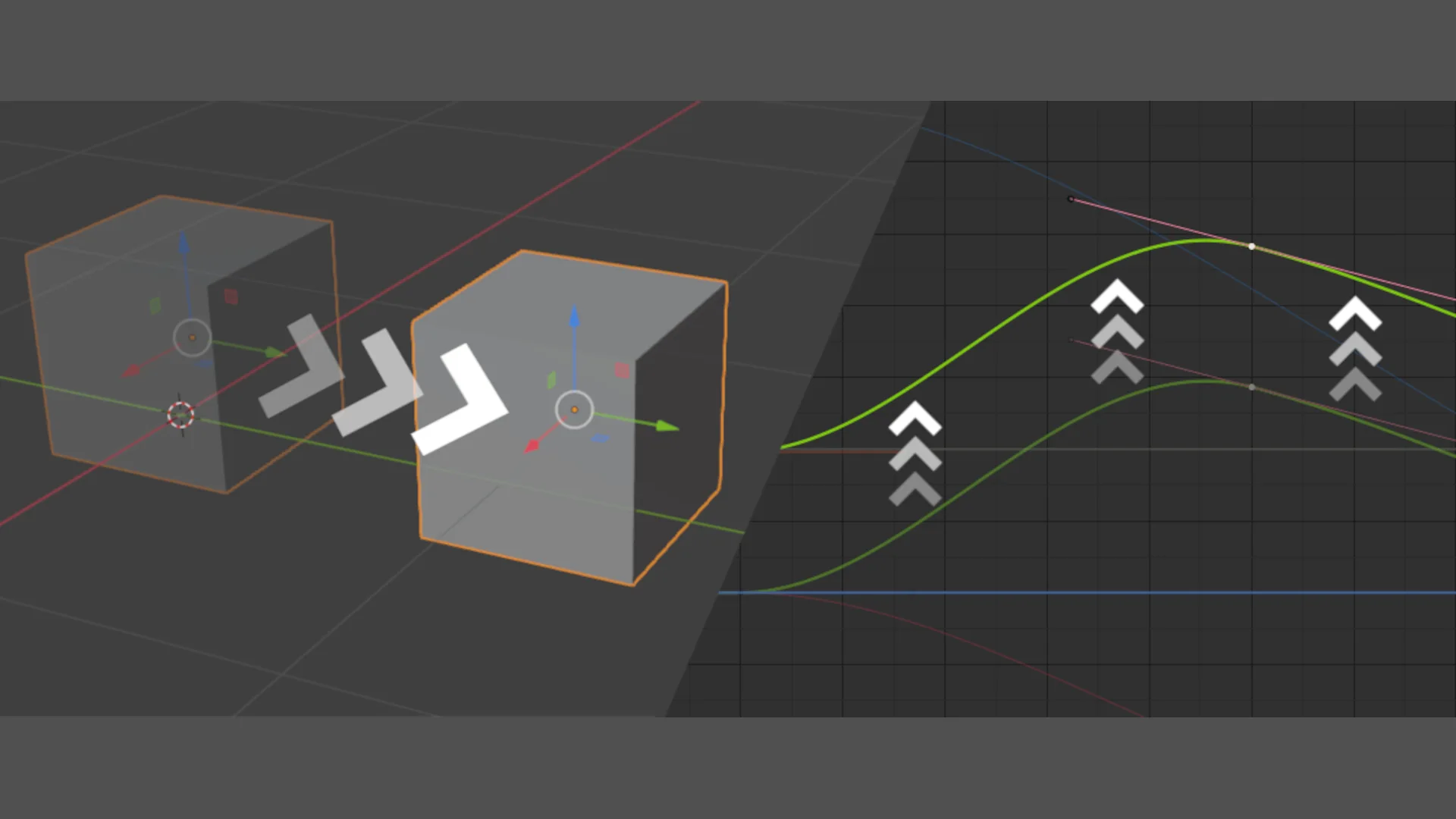
Animation Auto Offset is a Blender add-on by Marek-Zając for editing keyed animation. The Blender Extensions listing describes it as updating all keyframes relatively when a transform changes.
How Animation Auto Offset works
With its animation editing mode active, Animation Auto Offset applies changes to an object's or bone's transform or another animatable property to all keyframes or only selected keyframes, preserving their relative offsets. It works with Blender's standard Move, Rotate, and Scale operators, so animators can offset poses without editing curves in the Graph Editor. The mode has no effect while auto-keying is enabled; the add-on's Auto keying override preference temporarily disables auto-keying so offsetting can work.
Version and compatibility
The Blender Extensions catalog record lists version 1.5.0 and a minimum Blender version of 4.4.0. The listed developer is Marek-Zając, and the license is GNU GPL-3.0-or-later. Check the official extension page for release and download details.
Installation and source
If you install a downloaded archive manually, Blender's Install from Disk instructions describe that process. The developer repository includes the project source and issue tracker.