Image editing and modeling in Blender
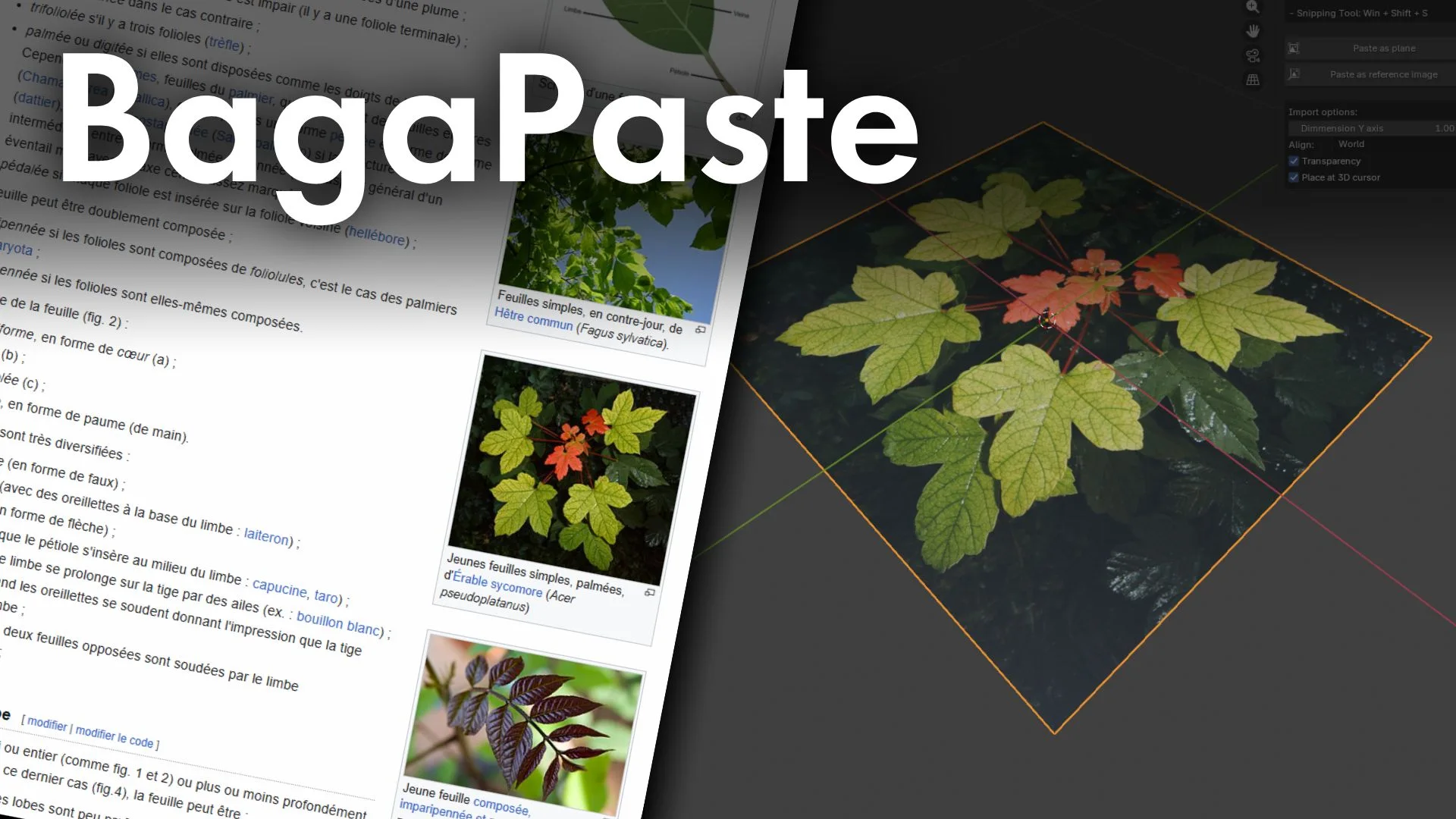
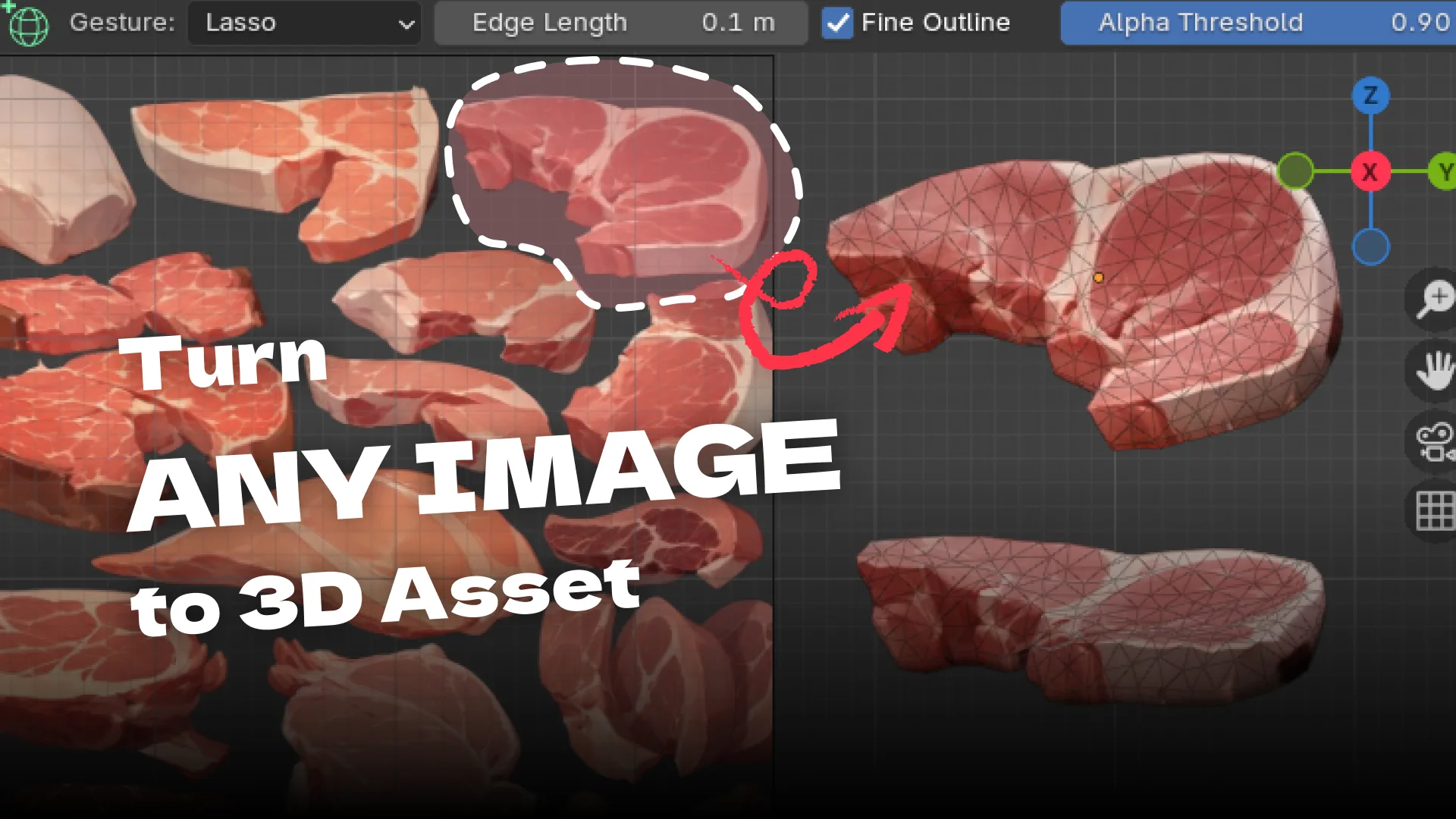
Any Image is a lite edition for image editing and modeling in Blender. Clipboard pasting inserts an image into the scene. In Sculpt or Texture Paint mode, it creates a brush texture; in a node editor, it creates an image node. Cutout lets you outline part of an image, give it thickness, and place it in the scene. Images can also become terrain, reliefs, or panoramic scenes. Frame Images crops an image or combines several images arranged in the current view into one. Image Visibility hides unwanted parts with a lasso, brush, or polyline and lets you restore them. Rectify uses four selected corners to straighten a photographed surface for use as a texture. Color Match adjusts colors and brightness against a reference image; it also works with image textures in materials. For tool details, consult the documentation linked from the Blender Extensions listing.
Release and access details
Blender Extensions identifies icrdr as the maintainer and lists a GPL-3.0-or-later license. The catalog API lists version 1.2.3, which the Blender Extensions version history marks Approved; a captured product-page excerpt lists version 1.2.2. The API record lists permissions to read source and clipboard images, save image edits, and paste images from the system clipboard. Review the declared access needs and package details on the listing before installing.