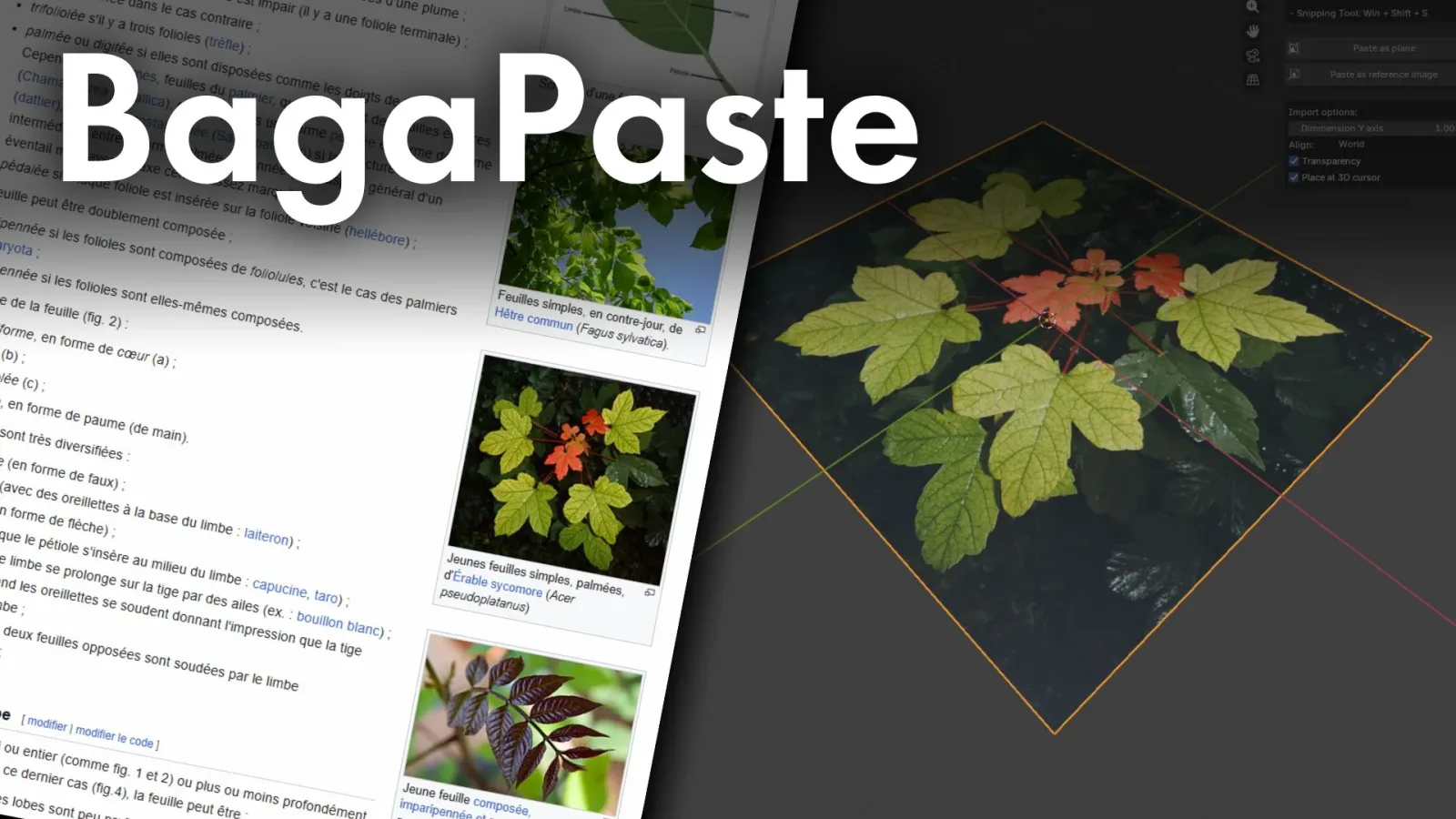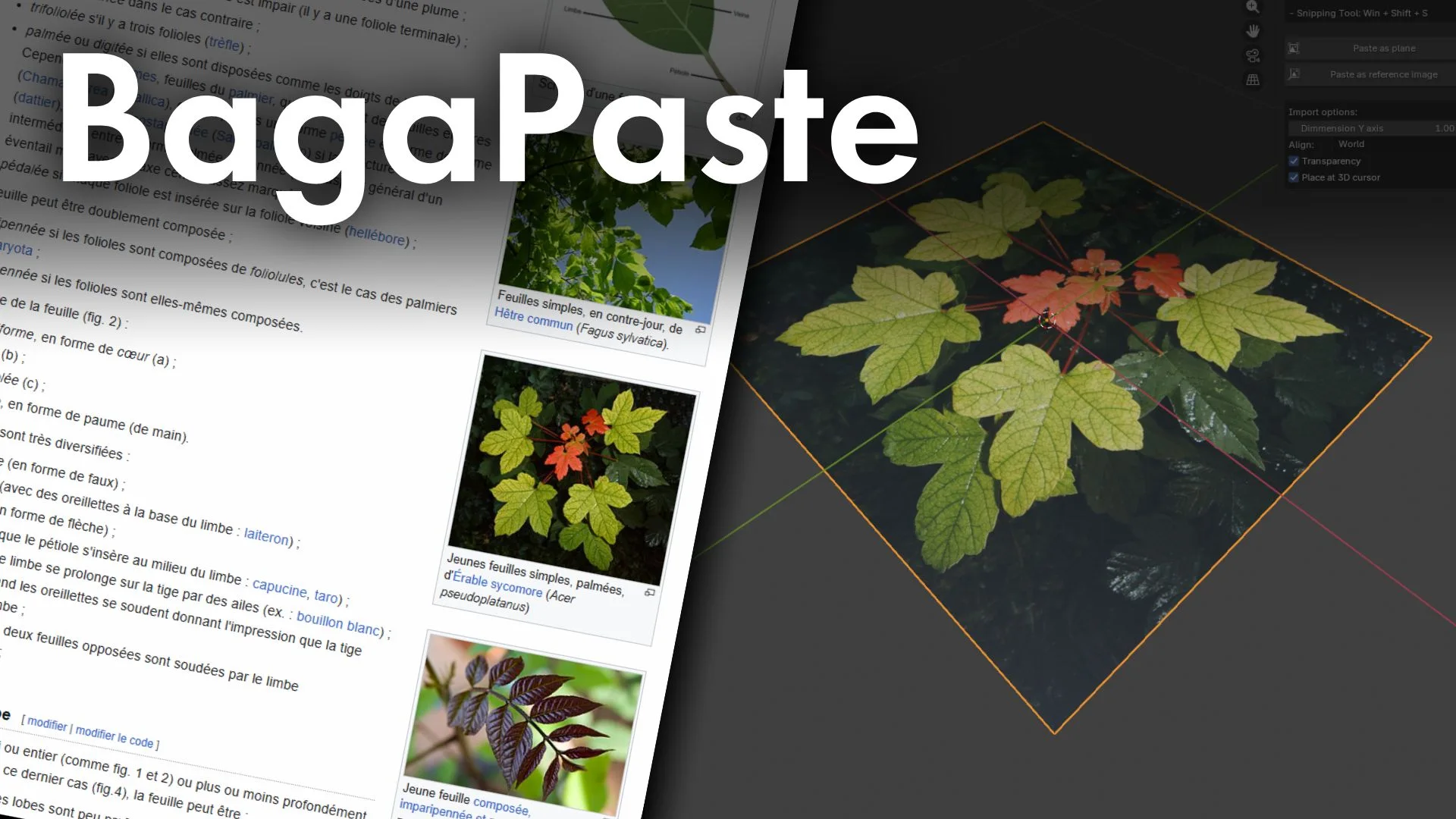
BagaPaste is a Blender add-on for bringing clipboard content into a scene as an image. Copy an image, screenshot, image file, local path, or image URL, then paste it as a plane or a reference image. When the clipboard contains an HTTP or HTTPS image URL, BagaPaste downloads the image before importing it.
Paste from Blender's 3D View
You can open BagaPaste from the 3D View's Add > Image menu or from the BagaPaste panel in the N-Panel. Choose whether to add the image as a plane or as a reference image. BagaPaste supports transparency.
Placement controls let you align an image to World, View, 3D Cursor, or Active Object. A separate option places it at the 3D cursor.
Choose where pasted images are stored
BagaPaste lets you choose the storage location for pasted files: the blend folder, a temporary directory, or a custom directory. It saves clipboard or downloaded images to disk before importing them.
Compatibility and permissions
The Blender Extensions listing identifies BagaPaste 1.0.3, with Blender 5.0.0 as its minimum version and GNU GPL v3.0 or later as its license. AnyPlugins' BagaPaste product entry reports support for Windows, macOS, and Linux; on Linux, it notes that wl-paste or xclip is needed for clipboard access.
The extension requests clipboard access to read image, file, or text data; file access to save images before import; and network access to download an image when the clipboard contains an HTTP or HTTPS URL. For the current release and its permissions, see the BagaPaste listing on Blender Extensions. Blender's install-from-disk instructions explain how to install a downloaded extension archive.