Power Paste is a Blender add-on by 3d illusions for moving clipboard images into a scene without first saving and importing each file. The editor under the mouse determines where the image is pasted and which Blender elements Power Paste creates.
Paste images into Blender editors
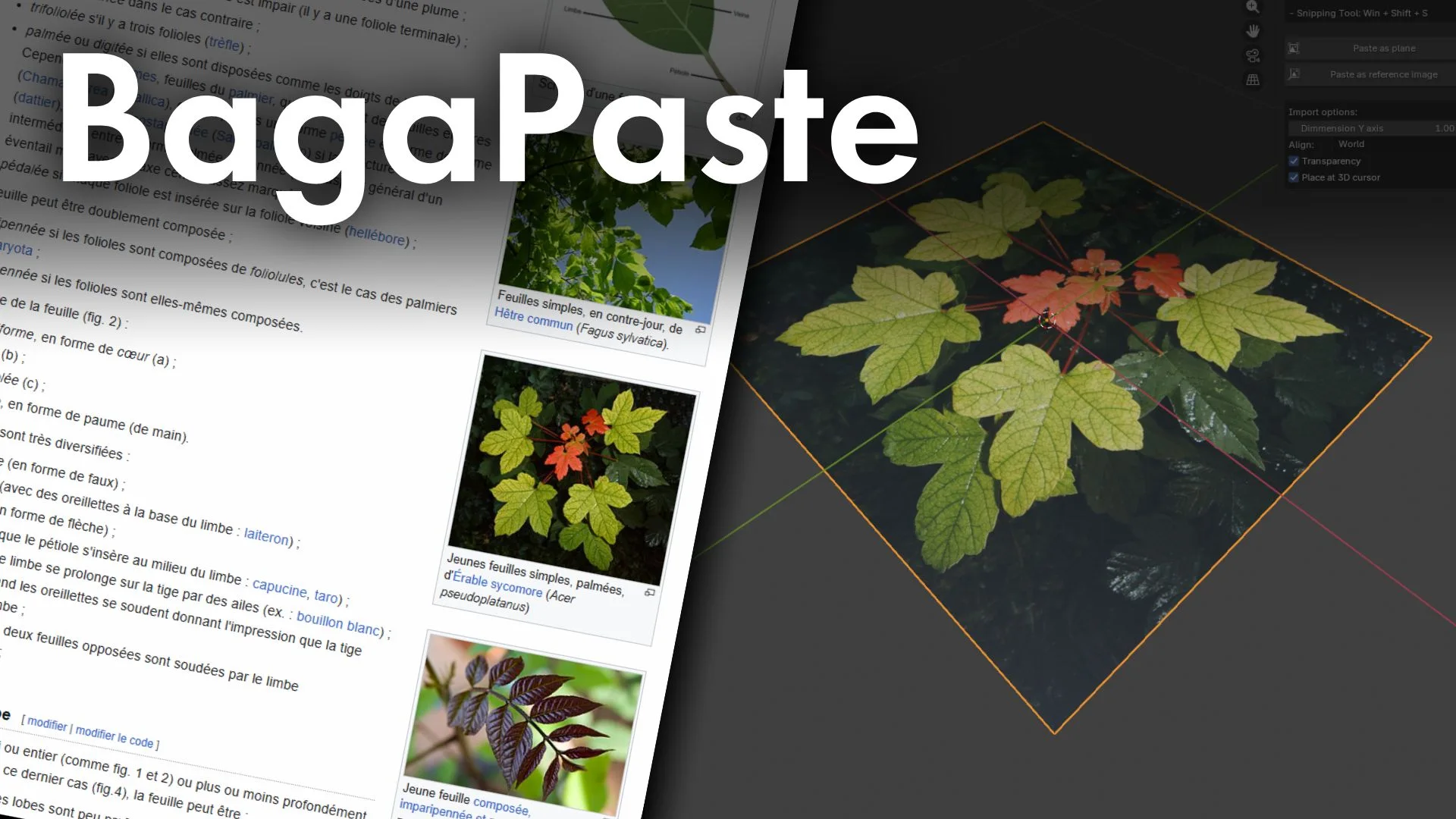
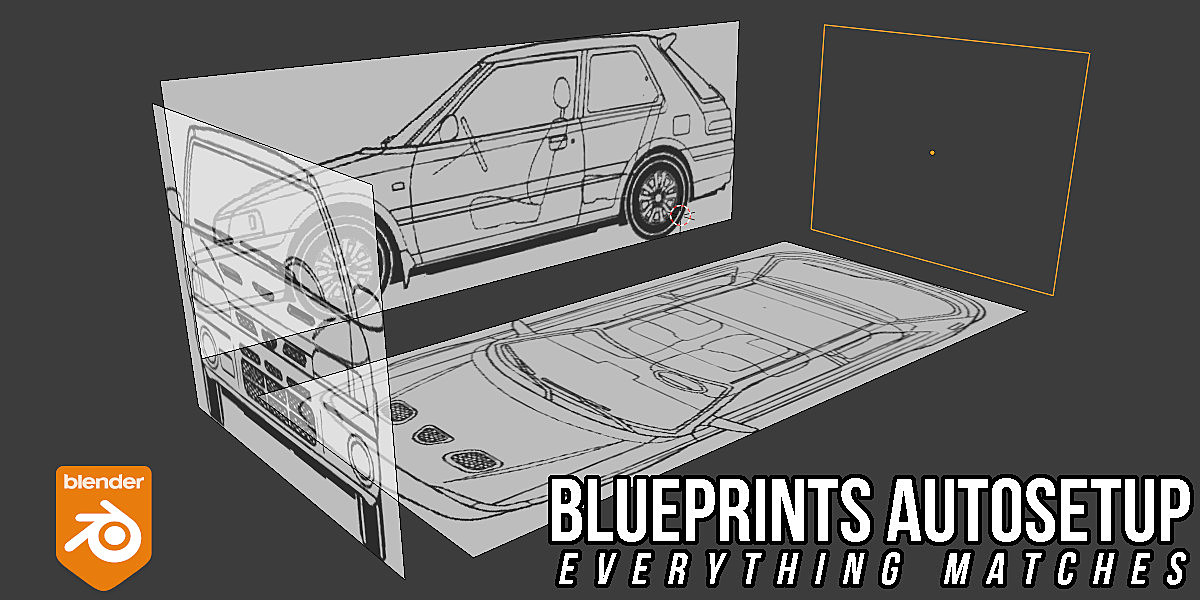
Press Ctrl+Alt+V to paste an image with alpha. In the 3D viewport, Power Paste can create a renderable image plane with a material assigned. For reference images, it can paste as an empty oriented to the 3D cursor, with rotation based on the global axis the camera is most aligned with.
In the Geometry Nodes and Shader Editors, pasted nodes appear at the mouse cursor. Power Paste also supports the Compositor and Image Editors.
Prepare height and displacement maps
Clipboard images and downloaded material packs may use 8-bit data, which can show visible stepping when used for displacement or bump maps. Press Ctrl+Shift+Alt+V to paste with height and displacement compatibility. This mode processes the image during pasting to help avoid those stepping artefacts. Use Ctrl+Alt+V when you want a regular image paste with alpha.
Reuse compositor output
Power Paste can move image data between editors. For example, copy the output of a Compositor Viewer node and paste it into the Compositor as a texture node. You can also paste compositor output into a Shader or Geometry Nodes Editor to use as a base colour or bump map. The add-on can turn compositor-generated masks into pixels for further editing with the Image Editor’s paint and mask tools.
Other workflows include pasting into pre-configured particle systems to generate landscapes.
Compatibility and documentation
The Superhive listing identifies Blender versions 2.93 to 5.2 and a GPL license. Check the Power Paste listing and its documentation for installation steps and current compatibility details.