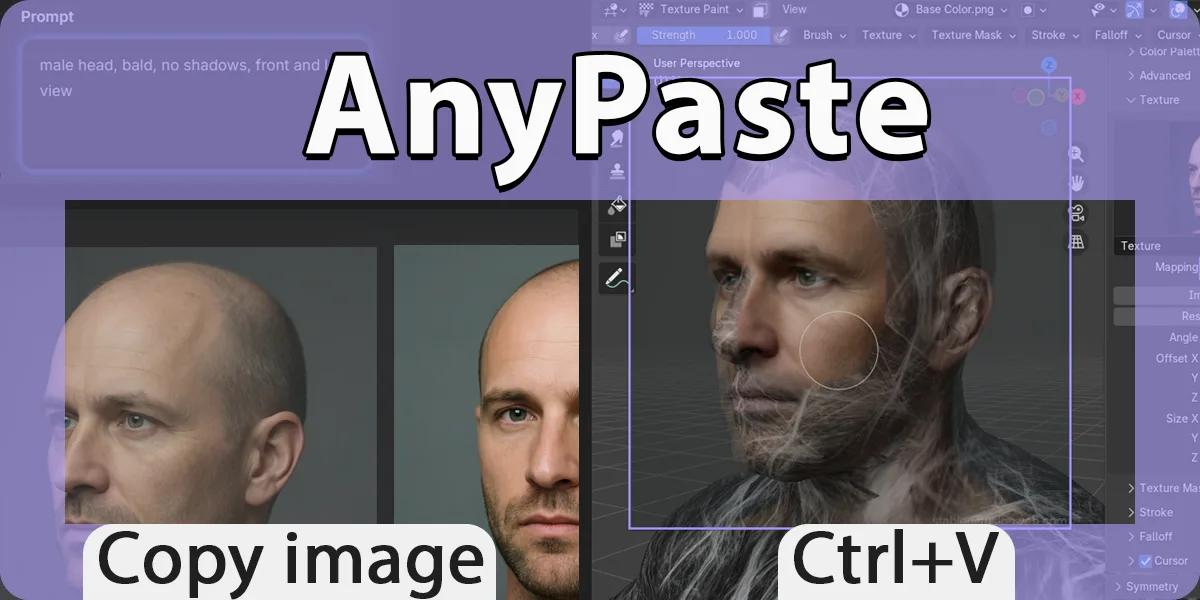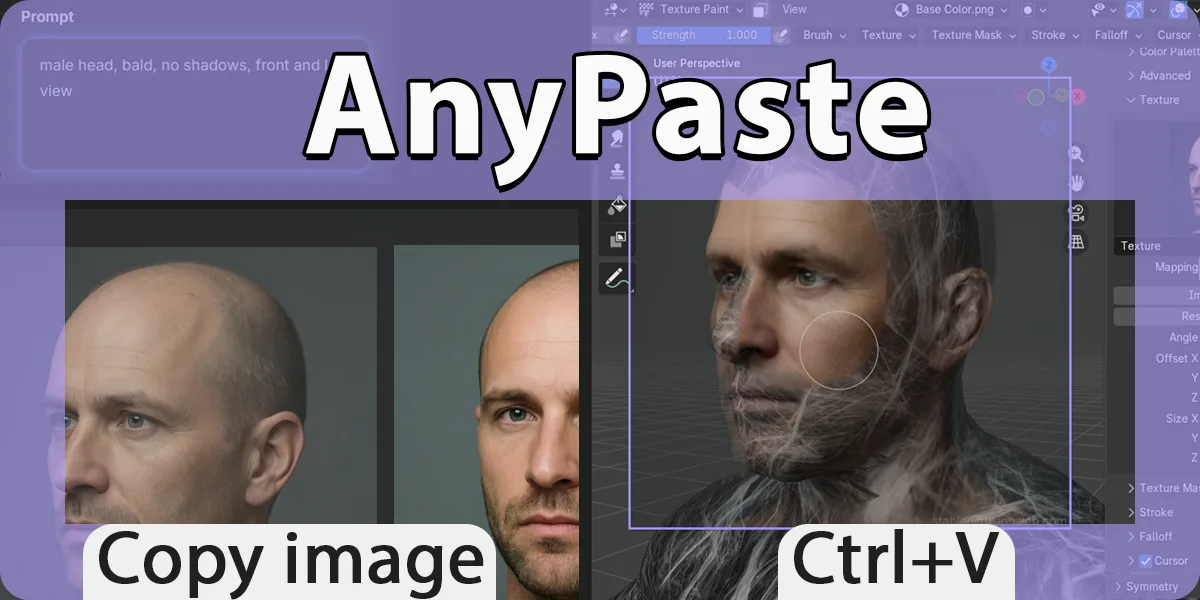
Anypaste by BlendPix is a Blender add-on that replaces the current brush texture image with an image from your clipboard when you press Ctrl+V. The listing describes use in Texture Paint and Sculpt modes, for both 2D and 3D work.
Install and paste a brush texture
- Use the .zip file provided for your Blender version. Leave it compressed. In Blender, open Edit > Preferences > Add-ons, choose Install from Disk, select the archive, and click Install Add-on. See the Anypaste installation instructions.
- Switch to Texture Paint mode. In Brush settings or Texture settings, create a new Texture and a new Image.
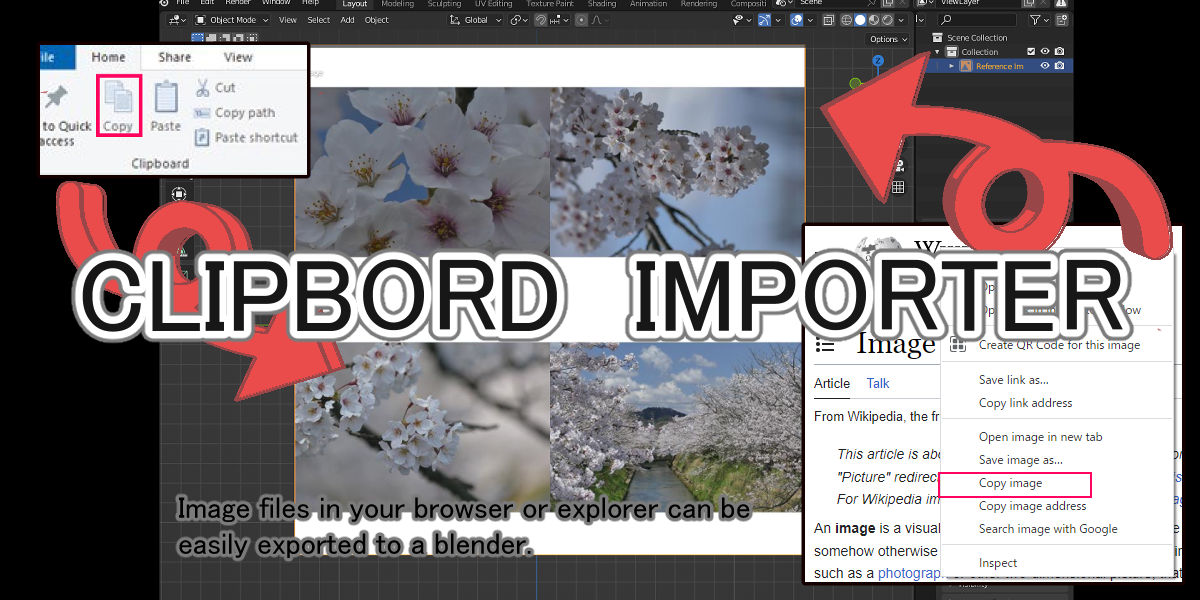
- Copy an image from a web browser, Photoshop, another graphics program, or Blender itself. Press Ctrl+V in Blender to replace the image in the current brush texture. Transparent images are supported.
Compatibility and image behavior
The Superhive listing states that Anypaste is available for Windows x64 and supports Blender versions 2.9 through 5.1. It lists Cycles and Eevee as render engines and GPL as the license. Set the brush color to pure white; another color can tint the texture or make it appear black. The creator also notes that some images found online may be protected by copyright.