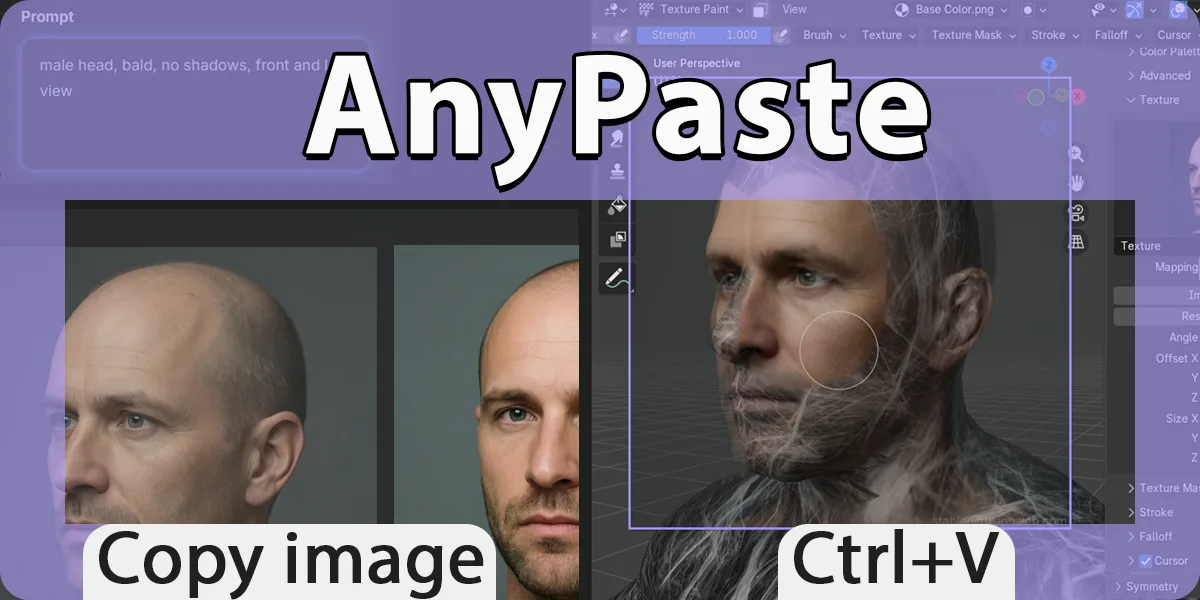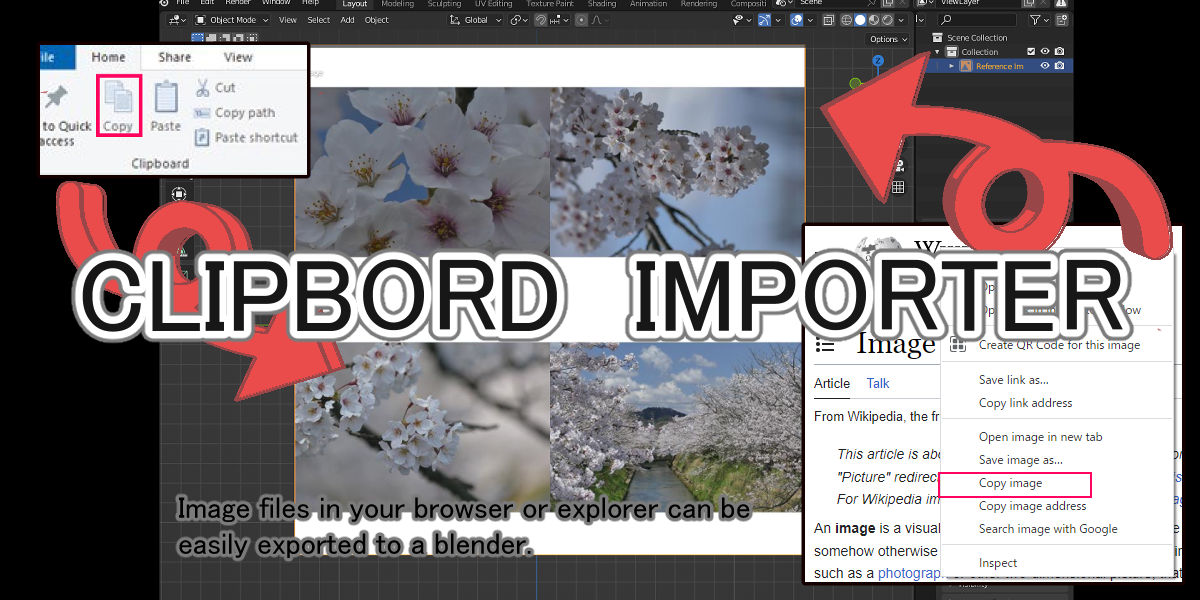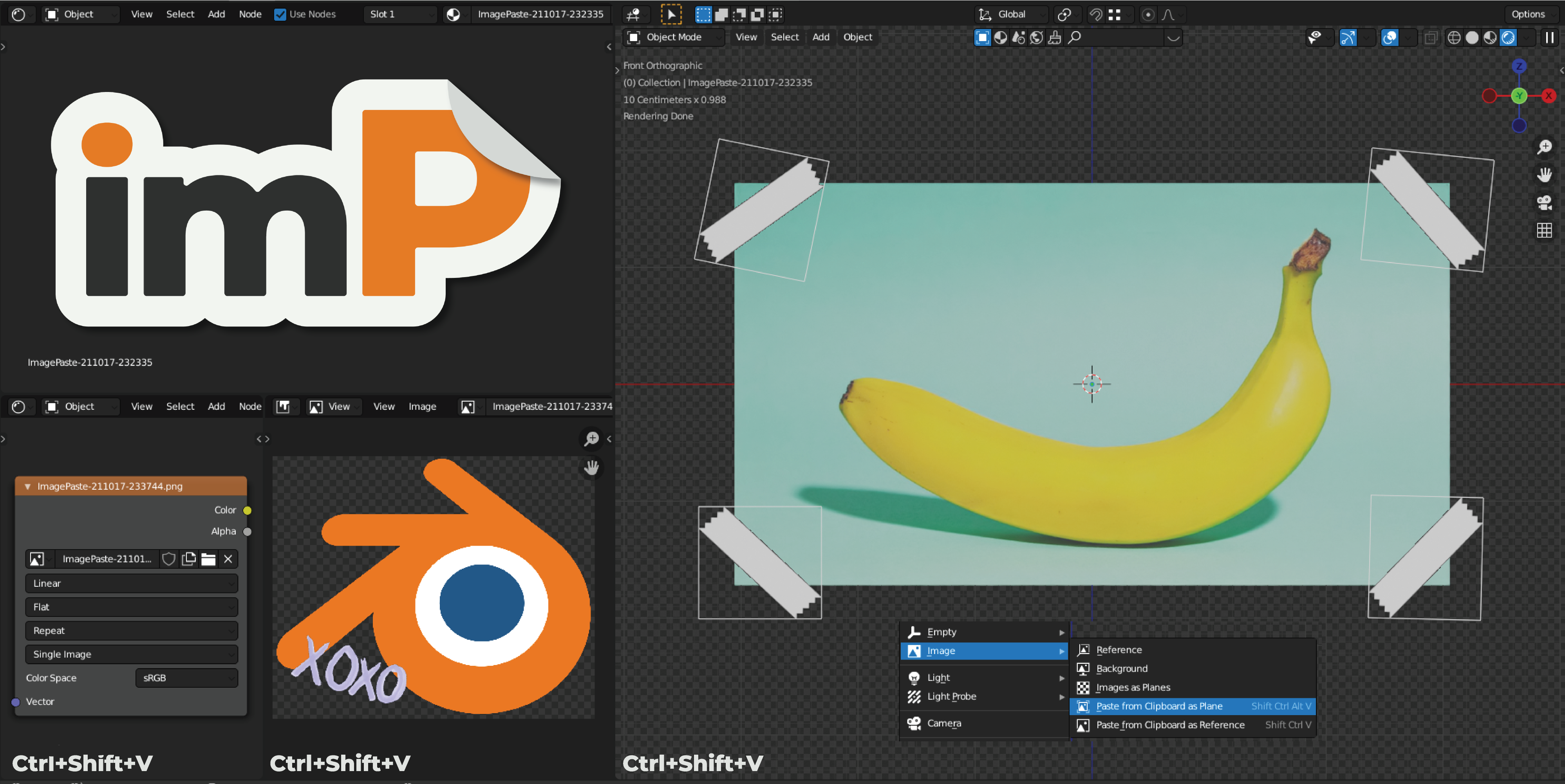
Imagepaste is a Blender add-on by YeetusBlenditus for moving images between the system clipboard and Blender; the seller says it is no longer actively updated and may or may not work. It can paste clipboard images into several editors and copy the active image from Blender back to the clipboard. The developer’s documentation describes its shortcuts, installation, and image storage settings.
Paste images into Blender editors
- 3D Viewport: In Object Mode, paste an image as a reference image with
Ctrl+Shift+V, or as a plane withCtrl+Shift+Alt+V. - Image Editor: Use
Ctrl+Shift+Vto paste an image, thenCtrl+Shift+Cto copy the active image to the clipboard. - Shader or Node Editor: Paste an image as an Image Texture node with
Ctrl+Shift+Vor the editor’s right-click menu. The documentation says a material must exist before using this feature. - Video Editor: Use
Ctrl+Shift+Alt+Vor the right-click menu to paste an image onto the timeline.
Install and manage pasted images
The documented installation steps are to download the add-on ZIP, open Edit > Preferences > Add-ons > Install, select the ZIP, and enable the add-on. The documentation lists Windows, macOS, and Linux (with an X11 server).
By default, pasted images go into a temporary folder that is deleted when Blender closes. After you save the .blend file, Imagepaste copies the images into an ImagePaste folder beside it. You can choose another save directory and customize filenames in the add-on preferences. Its save options let you move only images pasted with Imagepaste, all images in the .blend file, or no images.
Check compatibility before relying on it
The Superhive listing identifies the license as GPL and lists Blender versions 2.8 through 3.3. It also says the add-on is no longer actively updated, may or may not work, and should be tested with multiple versions before purchase. Treat the listed versions as the seller’s stated range, not confirmation of compatibility with later Blender releases.
The developer says Imagepaste is available free on Gumroad; the paid Superhive listing is presented as a way to donate. Check the linked documentation and product page for the current files and details before installing.