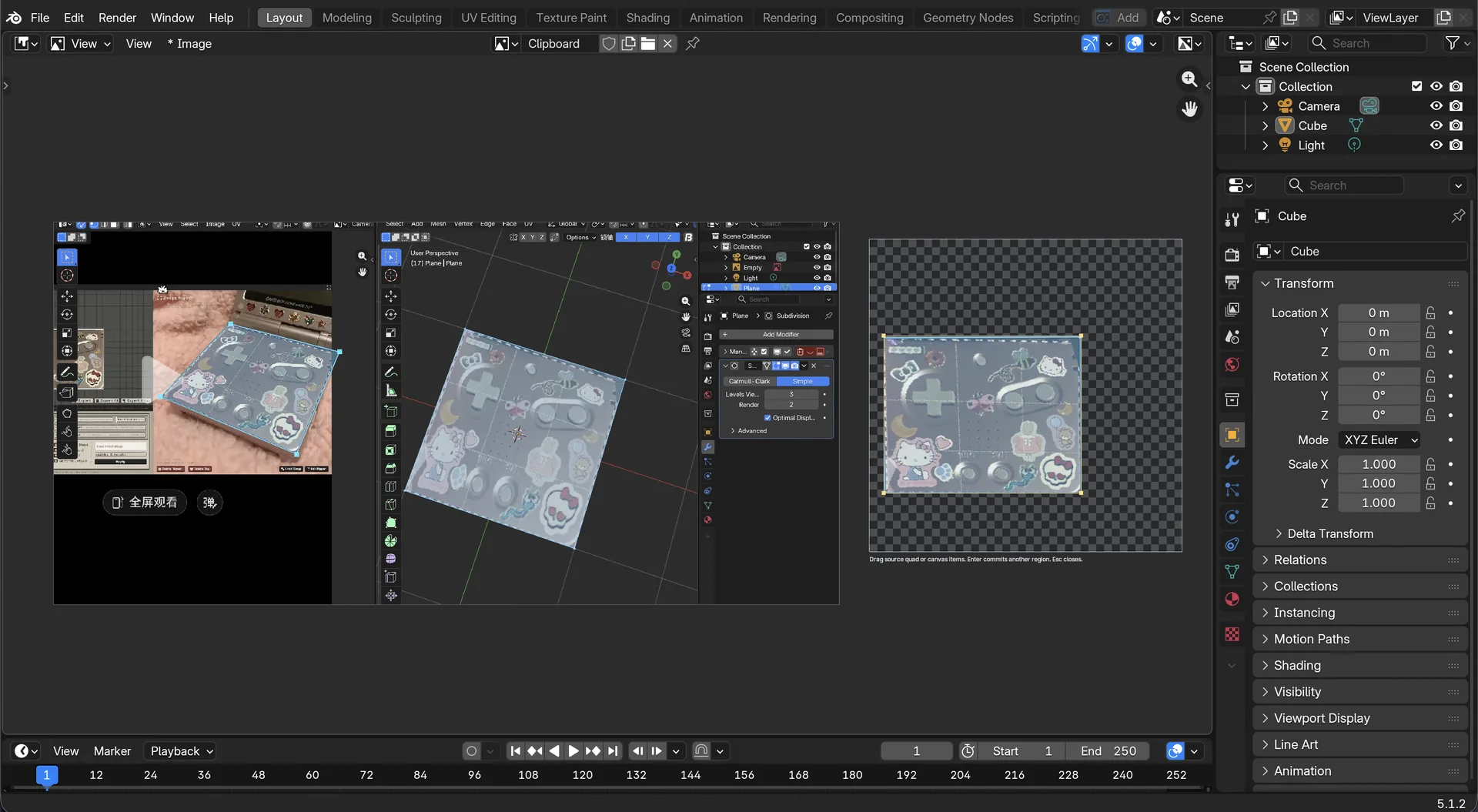
Image Packer is a Blender add-on that combines multiple images into one output image. Its controls appear in the Image Editor, where four packing layouts determine how source images are sized and arranged. See the official Blender Extensions listing for the current feature and compatibility details.
Choose a packing layout
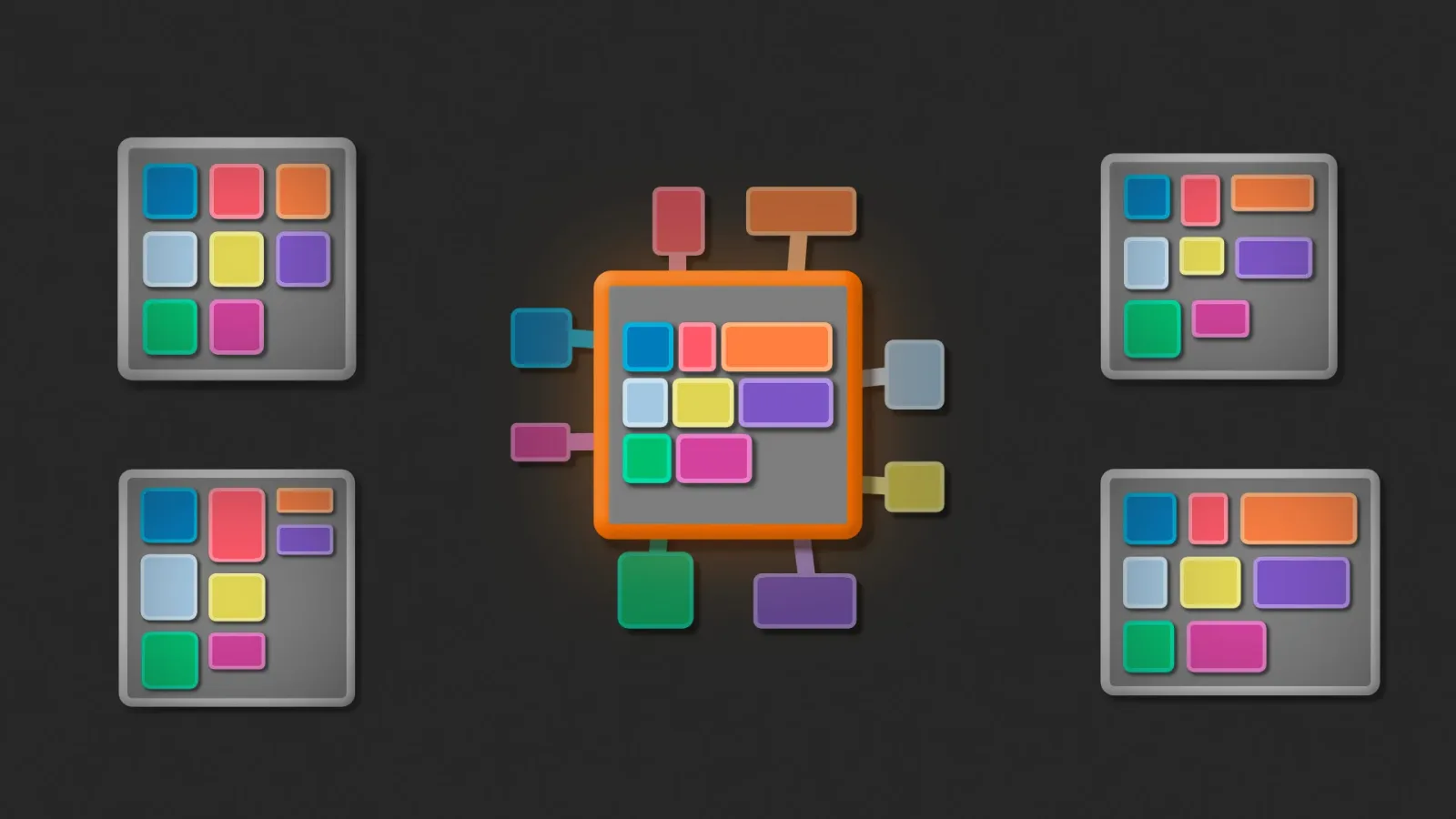
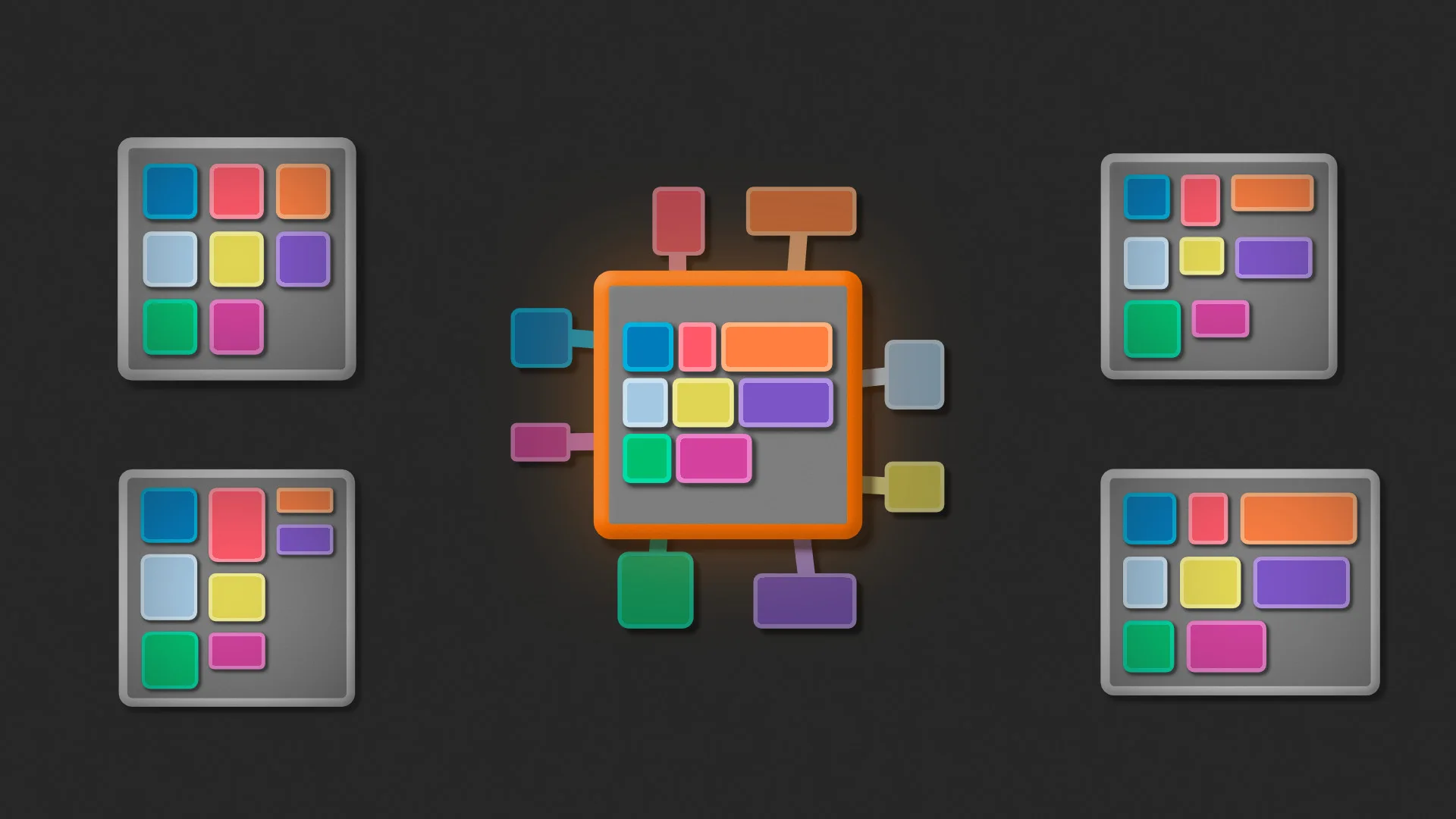
- Square Packing creates a 1:1 output. You can preserve each image's aspect ratio or stretch it. Sizing can be based on the average, median, minimum, or maximum side length, or a custom value.
- Row Packing scales images to the same height. Set that height using an average, median, minimum, maximum, or custom value. The output's aspect ratio is based on the median ratio of the images.
- Column Packing scales images to the same width, with the width set using an average, median, minimum, maximum, or custom value. Its output also uses the median image ratio.
- Next Fit Packing keeps the images at their original sizes. It can leave gaps between rows, and the output uses the median image ratio.
Choose Square when the combined image needs a 1:1 shape. Row and Column give the images a shared height or width, respectively. Next Fit is useful when retaining source dimensions matters; allow for possible gaps in the result.
Adjust the image set
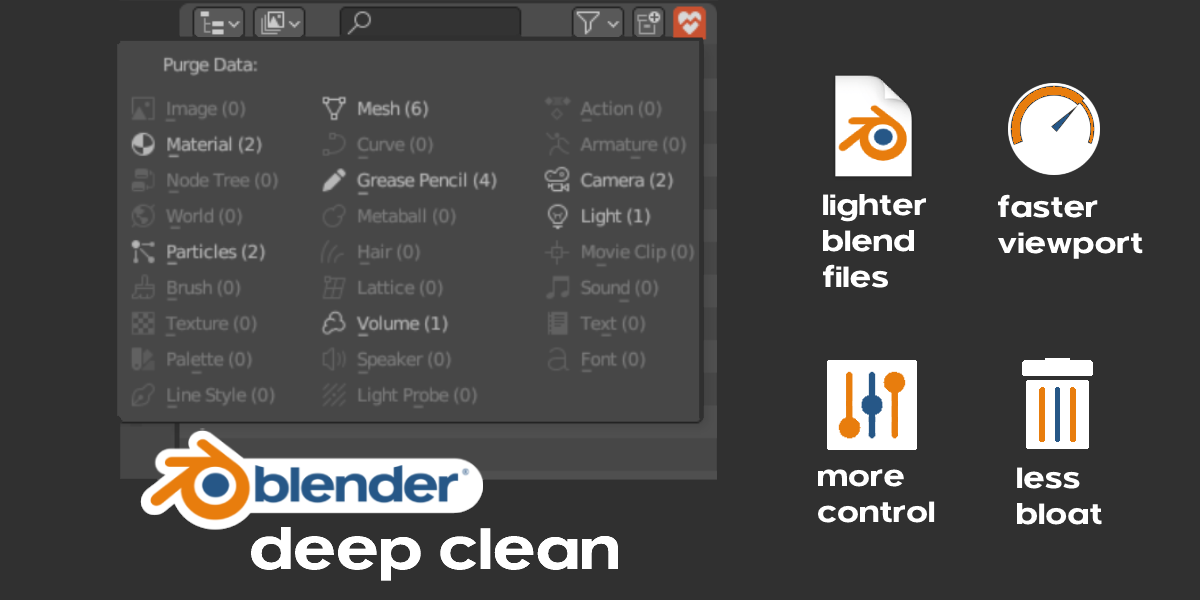
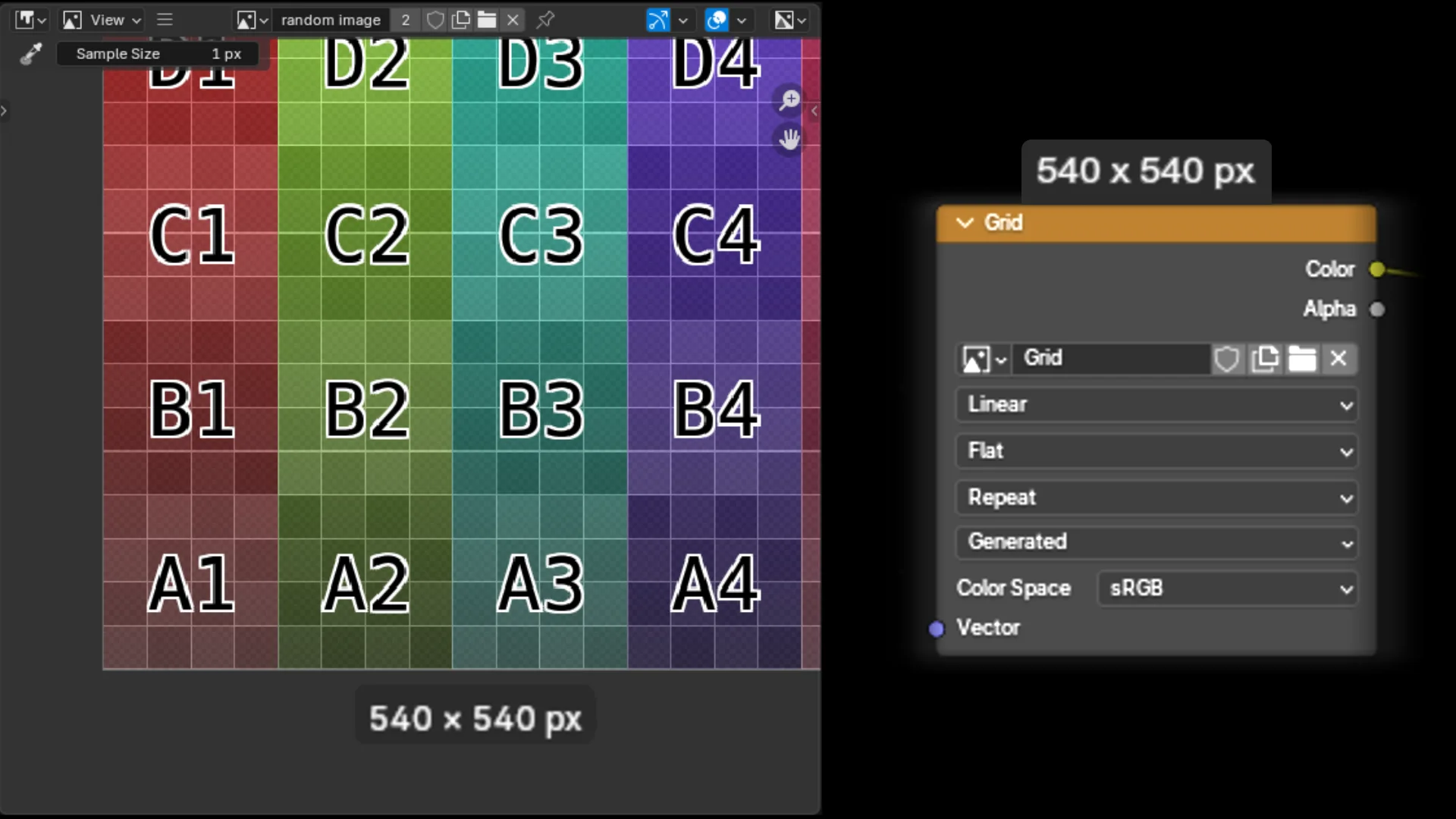
Image Packer can randomize image order, add padding, and change the background colour. You can add all images in the current blend file to the packing list, or use the button for adding files directly, introduced in version 1.0.7. The add-on also has an option to delete unused images from the blend file, so review the image list before using that cleanup control.
Check the workflow fit
Blender 4.2 LTS and newer are listed as compatible. Check the official listing for the current release and installation details.