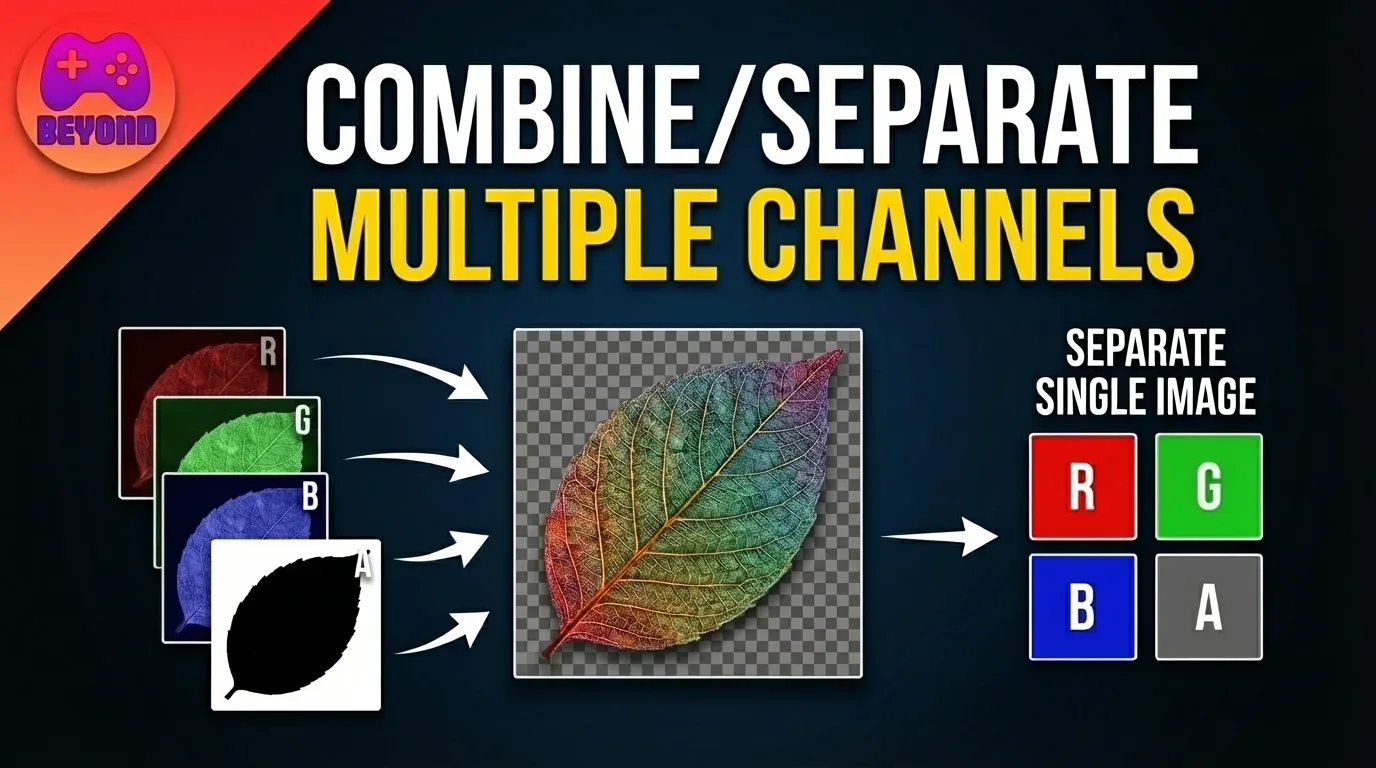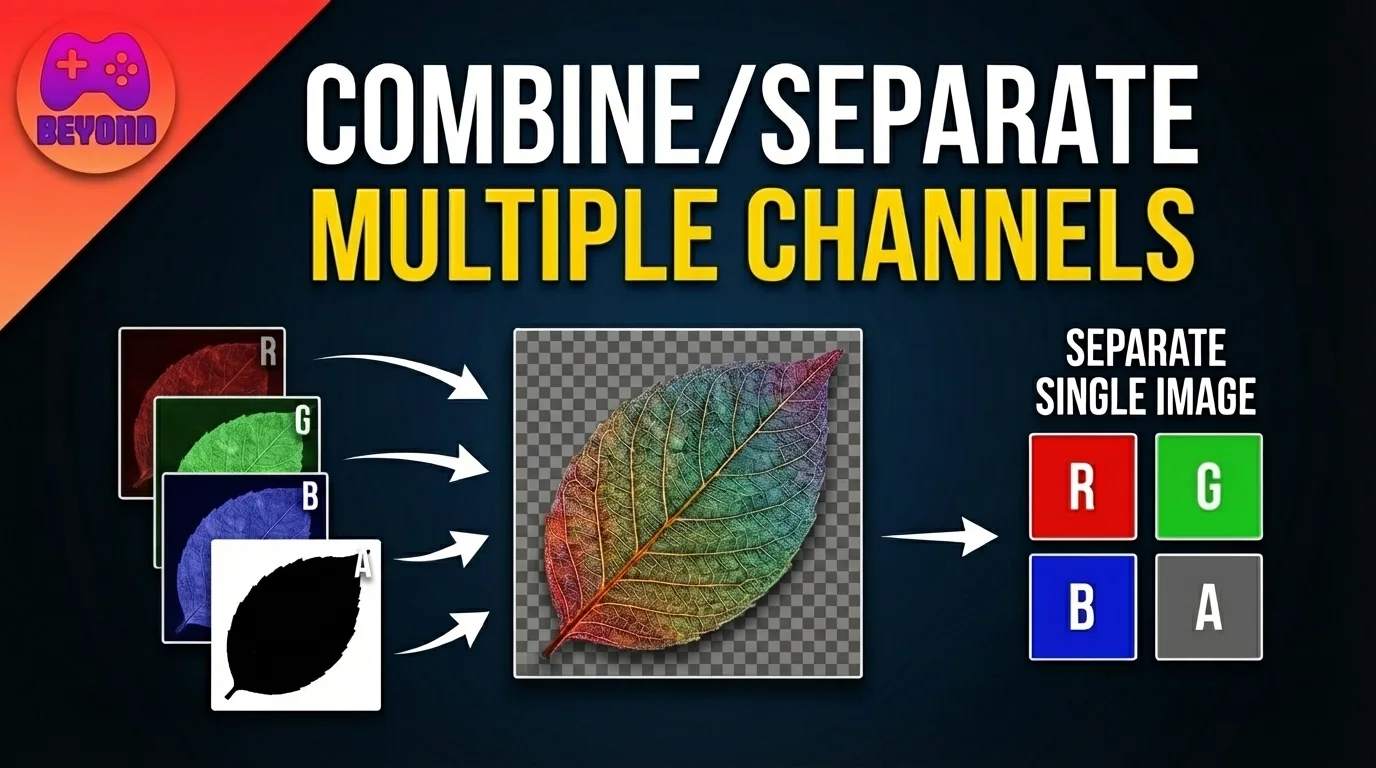
Beyond Channel Packer packs and splits image channels in Blender’s Image Editor. Its three modes combine an RGB image with an optional alpha mask, assemble an RGBA image from separate channel inputs, or split a 3- or 4-channel source into greyscale files.
The Blender Extensions listing identifies Blender 4.2 LTS and marks 5.9 and above as unsupported. The catalog API record lists bounds from Blender 4.2.0 through 5.9.999. These compatibility details differ, so check the current listing for your exact Blender version before installing.
Choose a channel workflow
- RGB + Alpha: Combine an RGB image with an optional alpha mask. The mask is flattened to one greyscale channel and used as the output alpha.
- 4-Channel (R+G+B+A): Build an RGBA image from any combination of Red, Green, Blue and Alpha images. Each input is treated as greyscale; for an RGBA input, the greyscale value comes from its best available channel. Missing color channels default to 0.0 (black), while missing alpha defaults to 1.0 (opaque).
- Split Channels: Separate a 3-channel RGB or 4-channel RGBA image into individual greyscale images saved as Non-Color files. Default filenames use the source name followed by the channel, such as
_redor_blue. The alpha name field appears when the source has an alpha channel.
Resize and tune channel output
In 4-Channel mode, the collapsed Advanced Options include Auto Scale to Largest for inputs with different sizes and similar aspect ratios. Aspect Tolerance controls the allowed difference between their aspect ratios. Gamma, Contrast and Brightness provide optional output tuning in this mode. The result is saved to the chosen Save To folder and shown in the Image Editor.
Open and install the add-on
In Blender, open the Image Editor, show the right-side N-panel, then select the Channel Packer tab and Beyond Channel Packer. The extension can be dragged into Blender or installed from a downloaded file using Blender’s Install from Disk instructions.
Version 1.0.2 added a batch tab. The extension is licensed under GNU GPL v3.0 or later and requires no special permissions. For bug reports or feature requests, use the developer’s issue tracker.