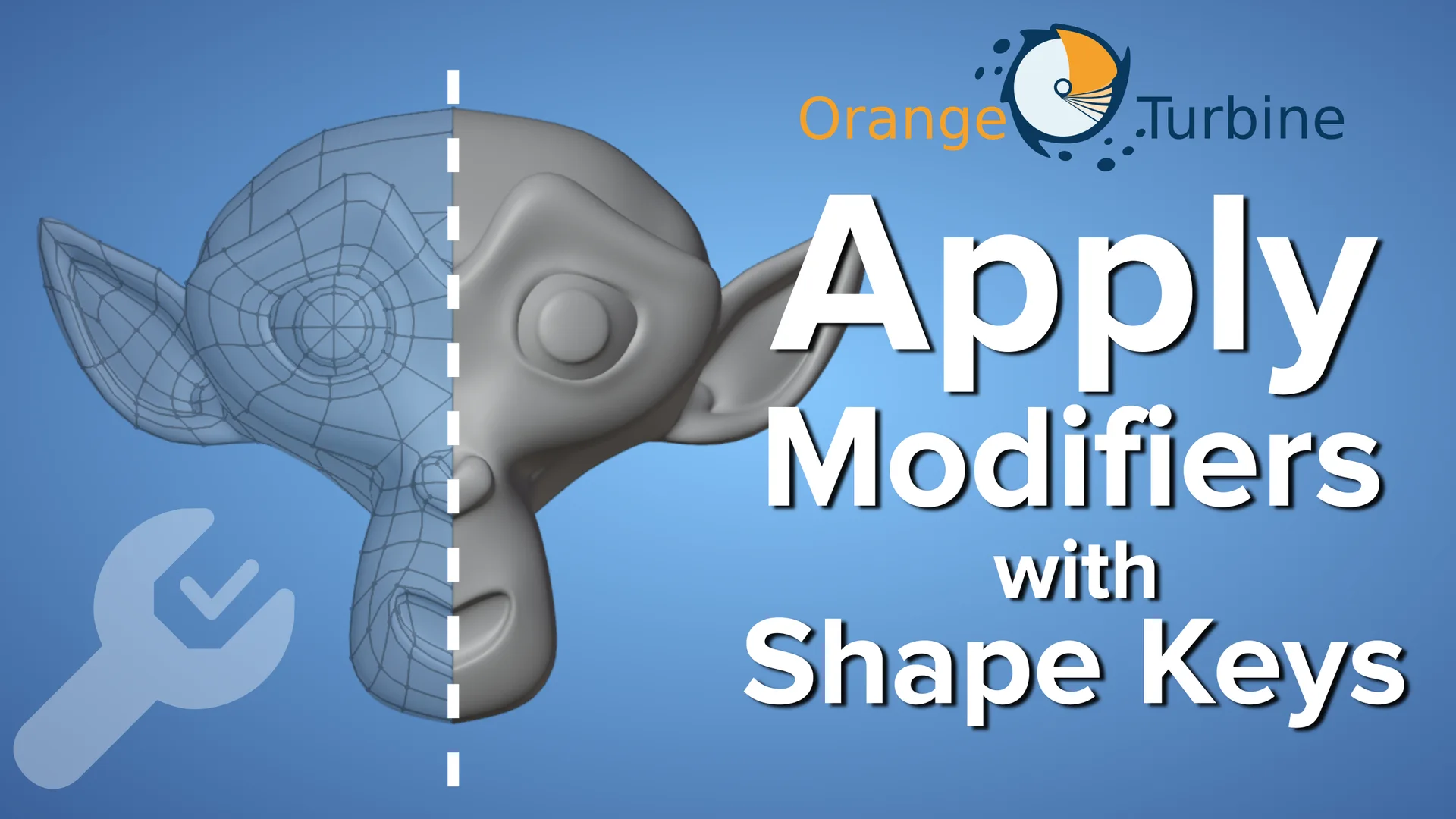
Apply modifier with shape keys is a Blender extension for applying selected modifiers to meshes that already have shape keys. Blender's standard apply operation can reject these meshes. This add-on uses a separate workflow to apply the chosen modifiers while rebuilding the shape key data. The Blender Extensions catalog lists version 1.0.4 for Blender 4.3.2 and later, maintained by Orange Turbine.
How it handles shape keys
The add-on duplicates the original mesh and removes its shape keys before applying the selected modifiers. It then processes each key separately: it duplicates the mesh, evaluates that shape key with the chosen modifiers active, and merges the result back as a shape key. Afterward, it restores the original shape key values, animation data, and drivers.
Processing one key at a time is intended to reduce memory use on dense meshes with many shape keys. This approach is useful when you need to bake modifiers across a mesh and its shape key poses while keeping the keys and their associated animation data.
Run it in Object Mode
Select a Mesh object in Object Mode. Open the Shape Key context menu, or press F3 in the 3D Viewport and search for Apply Modifiers with Shape Keys. A popup lets you choose which modifiers to apply with checkboxes. Confirm the selection to run the operation on the mesh.
The add-on is for mesh objects in Object Mode. Its selective list lets you choose which modifiers to bake; check the stack and selection before confirming so the operation matches the intended result.
Check topology compatibility
Shape keys need matching vertex counts to merge correctly. The product information warns that modifiers which change vertex counts can cause problems, including Subdivision Surface, Mirror with Bisect or Merge, and Geometry Nodes. Compatibility depends on the evaluated geometry, so a modifier's name alone does not determine whether it will work. Geometry Nodes output must be a mesh.
If the operation is incomplete or returns an error, undo it. Try changing modifier order or applying modifiers one at a time. If one shape key causes the problem, removing it may let the other keys succeed; you can rebuild it afterward.
Version and source
The catalog record for version 1.0.4 lists Blender 4.3.2 as the minimum version and GPL-3.0-or-later as the license. See the Blender Extensions listing for version and compatibility details, or visit the developer's repository for the source code. Blender's extension installation instructions cover installing from disk.