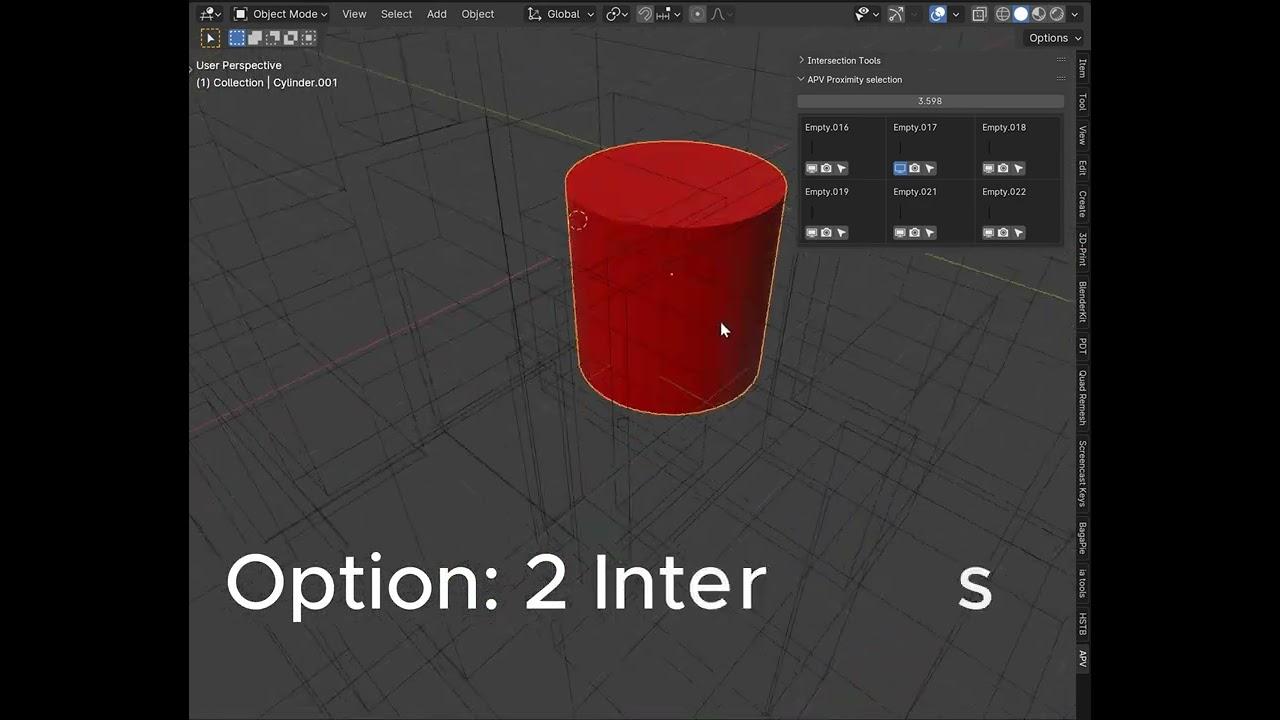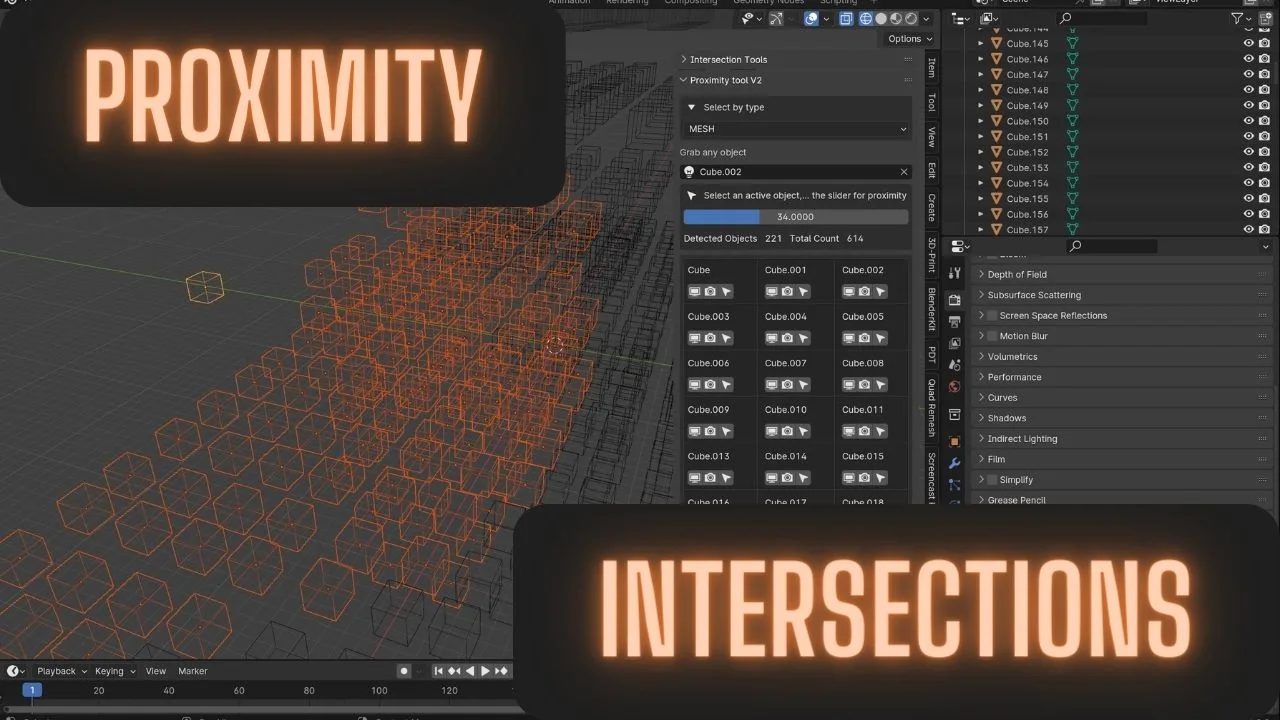
APV Selection Tool "Advanced Proximity Viewer" is a Blender add-on by Mr. Steve 3D for selecting scene objects by intersection or proximity to an active object. Choose the object to use as your reference, then run Check Intersections for intersecting edges on empties or adjust the proximity slider for mesh proximity selection. A live display reports selected-object and total counts as the selection changes.
Use the intersection check or proximity slider
For mesh objects, set a proximity threshold with the slider.
Which function fits empties and meshes?
The product documentation distinguishes the functions: intersecting-edge selection is designed for empties, while the proximity tool is designed for meshes. The documentation also advises doubling the threshold, based on mesh scale, when selecting nearby objects.
Blender versions and license
The Superhive product listing names Blender 4.1, 4.0, and 3.6, and lists a GPL license. The listing does not confirm compatibility with other Blender releases. Check the listing and documentation for details relevant to your Blender version before installing.
Who might use APV?
APV is for Blender users who need to select objects by intersection or proximity to an active object.