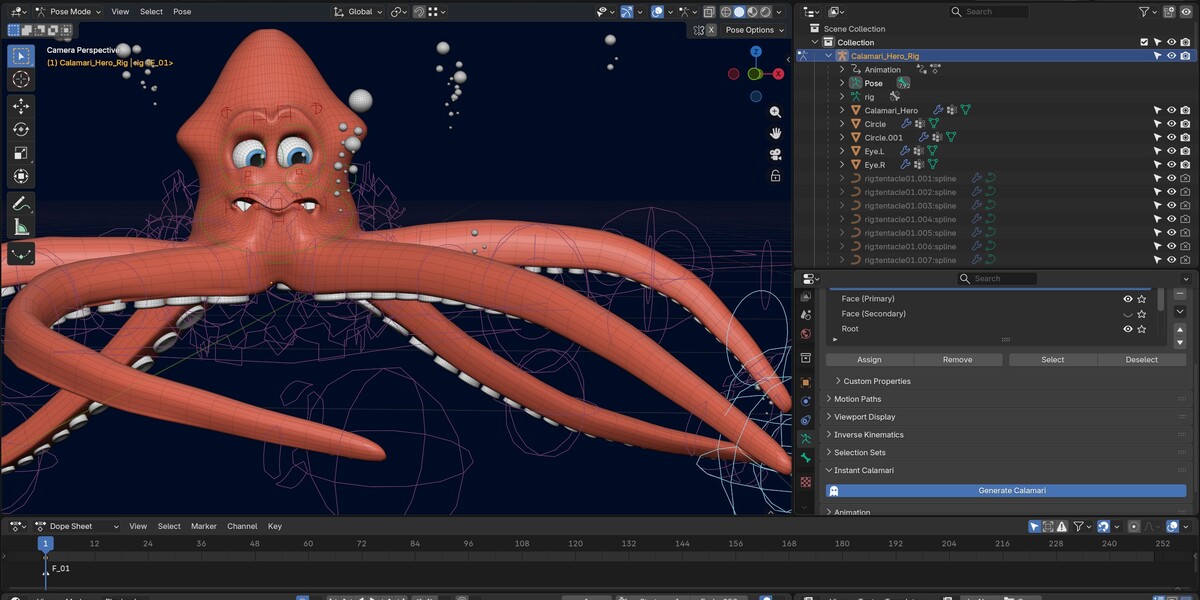
Armacurve is a Blender add-on for turning Bezier curves into armatures, mesh rigs, and helper-driven controls. It is suited to spline-based forms such as tentacles, cables, vines, tails, and stylized props, where setting up rig controls by hand can become repetitive.
Build an armature from a curve
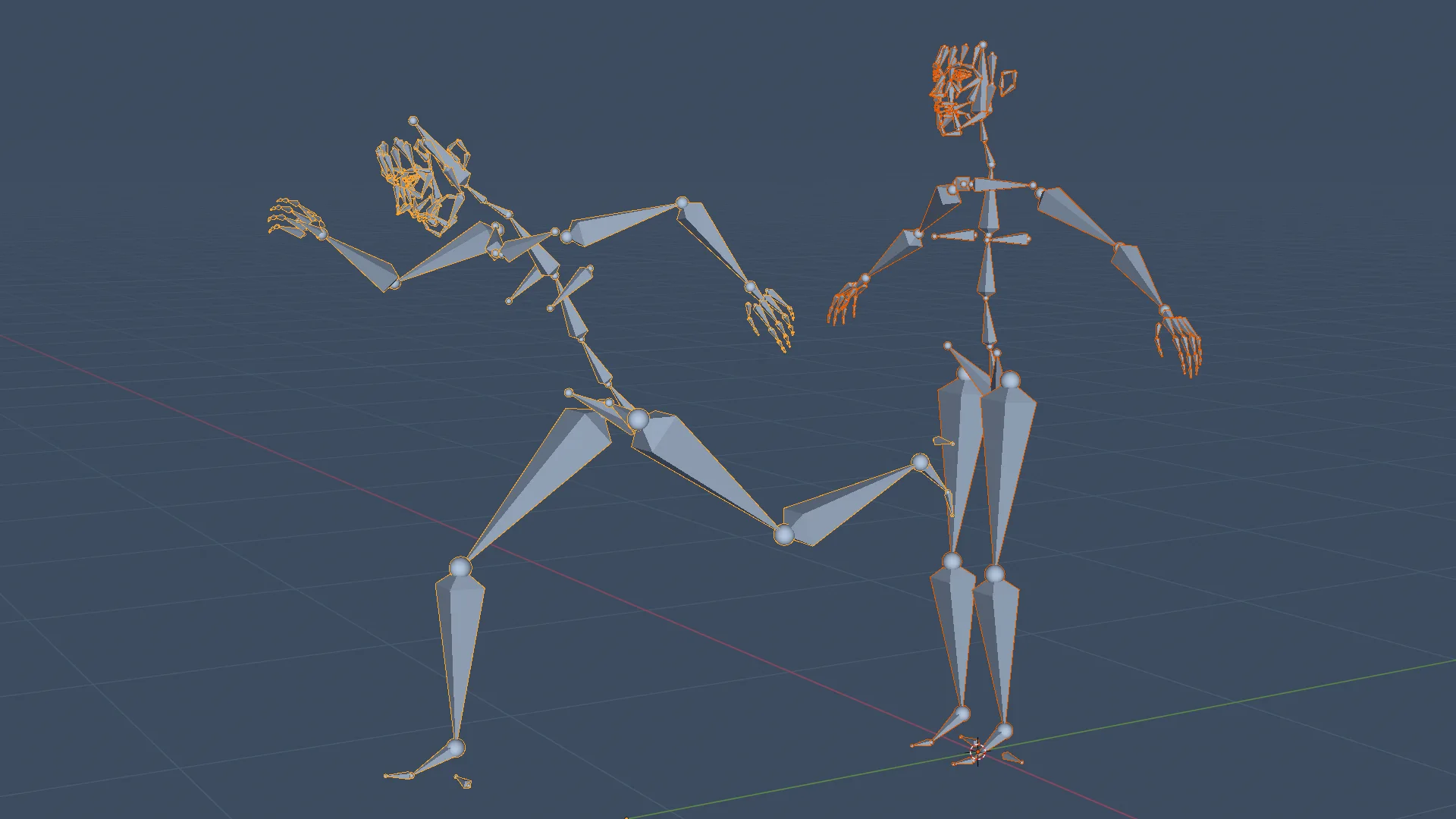
Select a Bezier curve to generate an armature. The operator lets you adjust bone division, B-Bone subdivisions, display type, and visual size. A realtime preview and B-Bone display options help you see how the generated armature follows the curve's depth and shape.
Mesh rigs and curve-point helpers
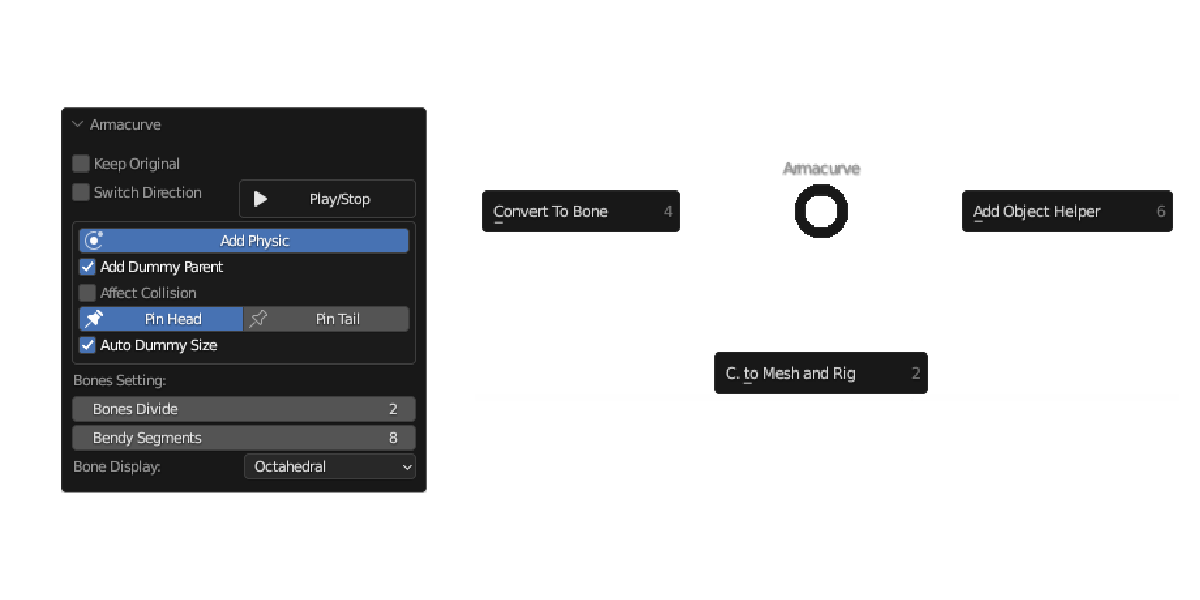
The curve-to-mesh workflow includes a selected-only option for a connected section of one spline in Curve Edit Mode. Head and tail pins, local XYZ offsets, and weight thresholds let you adjust how the generated mesh responds to the rig. Add Object Helper places Empty objects on curve points and hooks the curve to those controls. After generating a setup, use the Tweaker panel to adjust the armature and add or remove parent controls and physics helpers.
Armacurve works with a single non-cyclic Bezier spline. Separate multiple splines in one curve object before processing; batch operation on multiple curve objects is not currently supported.
Optional cloth motion and its limits
Generated setups can use cloth-based physics, with collision influence when target objects have Collision modifiers. The product listing recommends this workflow for simple curve rigs. Complex curves or too many generated bones can make Blender cloth behavior unstable, so physics is a secondary use rather than a reason to choose the add-on by itself.
Installation and compatibility
After confirming your Blender version with Orcavia, open Blender's Edit > Preferences > Add-ons, choose Install, select Armacurve.zip, then click Install Add-on from File. The add-on is available in the 3D View sidebar under Tool > Armacurve or from the default pie-menu shortcut Shift + Alt + C. Keep the mouse cursor over the 3D Viewport when running an operator. See the installation documentation and product listing for details. Superhive lists Blender 4.0–5.2. The AnyPlugins record says its facts were verified in July 2026; it lists Blender 4.2–4.5 and says Blender 5.0 support was not included then.