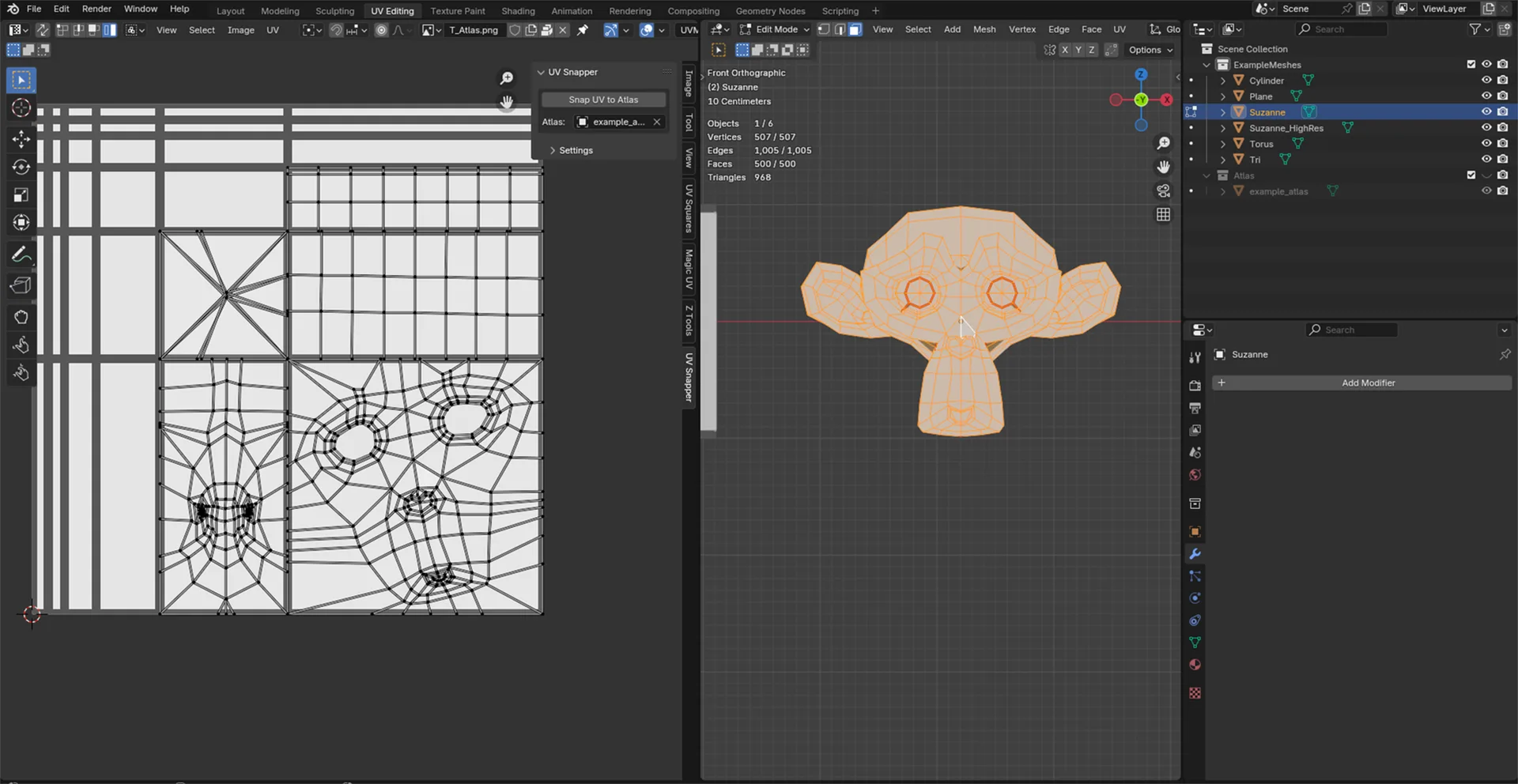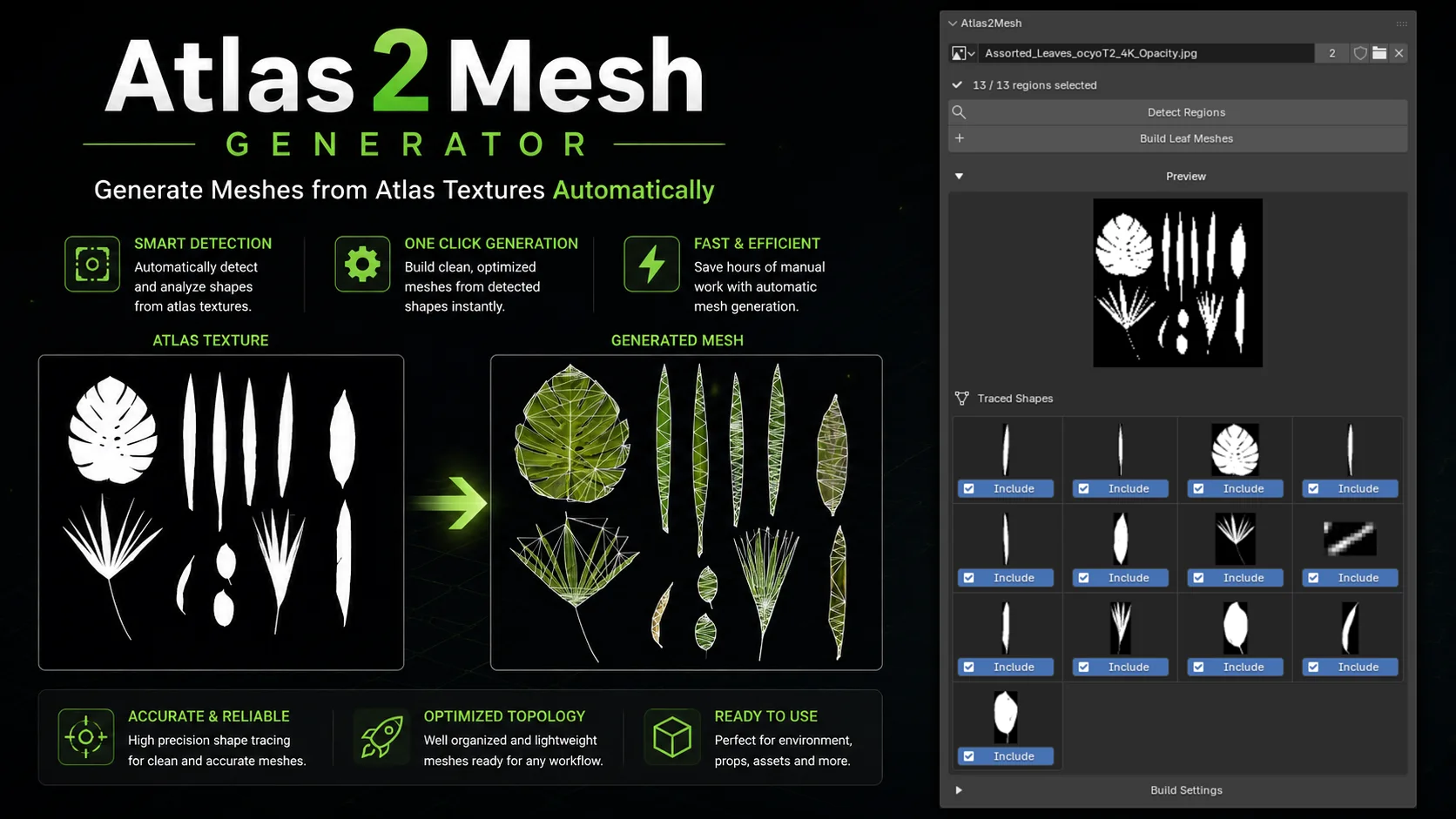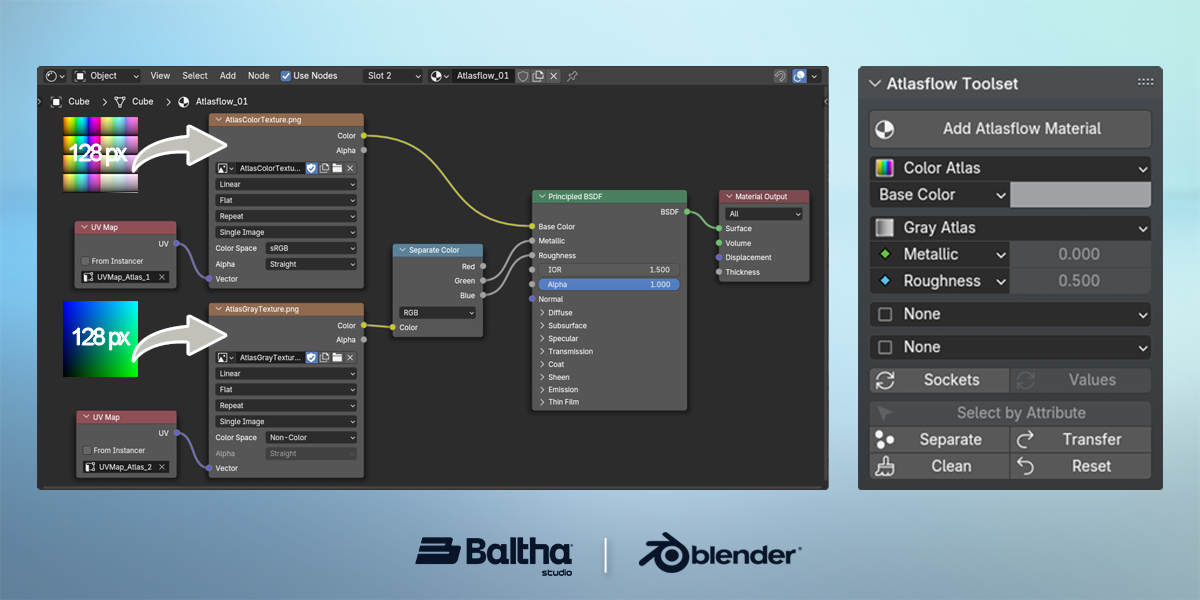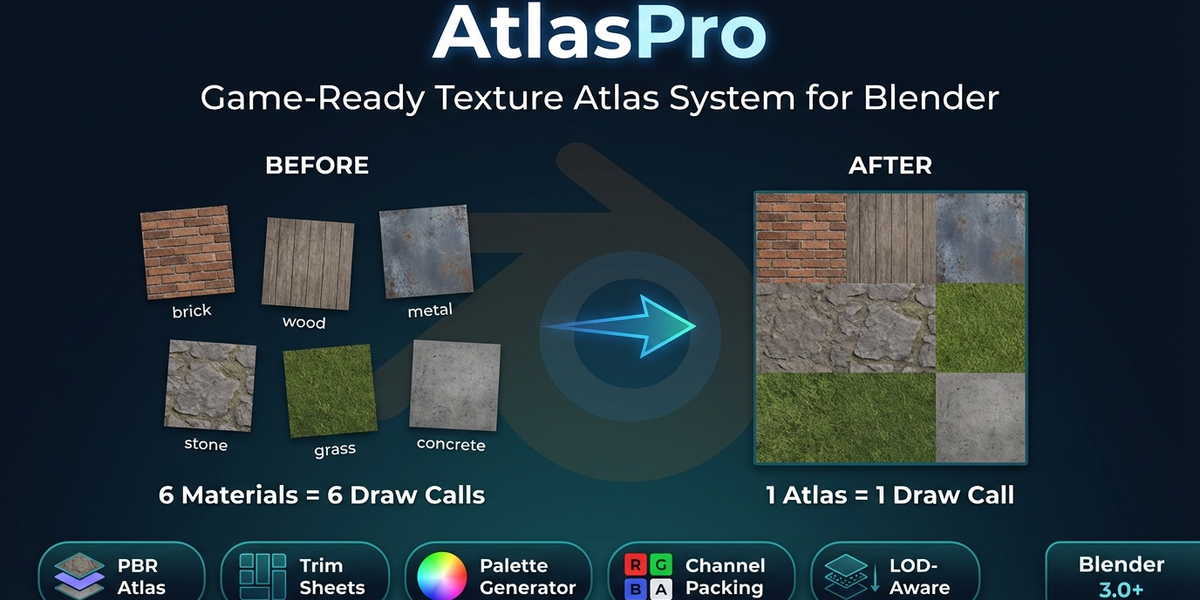
Atlas Pro is a Blender add-on by Skava for building texture atlases from selected meshes. It combines compatible material data into atlas tiles, remaps the faces’ UVs to those tiles and assigns an atlas material. This can simplify material setup for game assets, though the draw-call result depends on the scene and export pipeline. See the product page and its documentation for the current feature details.
Build an atlas from selected meshes
In Blender, select the mesh objects, open the AtlasPro tab in the 3D Viewport sidebar, then use the PBR Atlas panel. Choose an atlas resolution of 512, 1024, 2048 or 4096 pixels, select the maps to include, and click Create PBR Atlas. One object with several material slots can be processed alongside multiple selected objects.
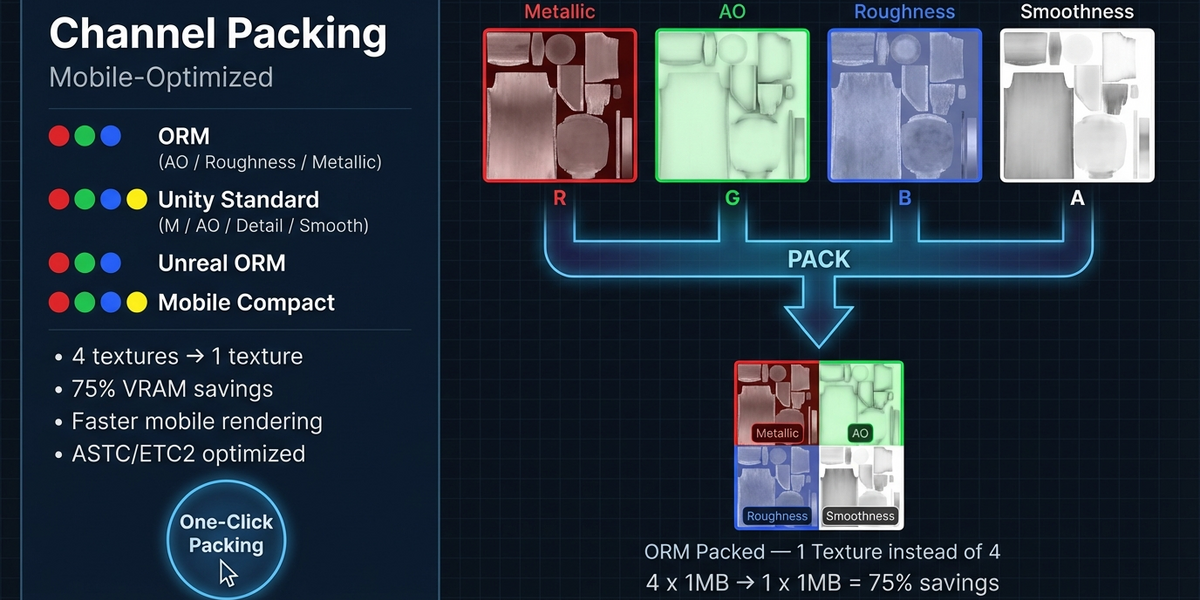
Atlas Pro reads supported Principled BSDF inputs and builds separate images for selected maps such as Albedo, Normal, ORM and Emission. The ORM layout uses red for ambient occlusion, green for roughness and blue for metallic. The documentation notes that the red channel is white when ambient occlusion is not part of the material’s shading inputs; an AO map mixed into Base Color is carried through that color.
Each material's tile is sized to its largest texture, or to 64 pixels if it has none. If all the tiles do not fit at the chosen resolution, Atlas Pro shrinks them by a common factor and reports that factor in Blender’s status bar. To save the resulting images as PNG files, set a destination folder. The filename pattern supports tokens such as {name}, {map} and {res}. With the folder left blank, the images are packed into the .blend file.
Material support and limits
By default, Atlas Pro processes every material slot on each selected object and merges identical materials shared across the selection. It rewrites the render UV map and replaces the included slots with the atlas material. Other UV maps, such as lightmap UVs, are left alone. Linked duplicates share a mesh, so remapping a selected duplicate can also affect copies outside the selection.
The add-on computes listed node chains, including Image Texture, Mix, Invert, Math, Separate and Combine Color, and tangent-space Normal Map nodes. When it cannot reproduce a material’s appearance, it leaves that material and its faces’ UVs unchanged and names the reason in Blender’s Info log. Examples include Bump, Mapping, Color Ramp and node-group setups, along with repeating textures and UDIM tiles. Atlas Pro does not bake materials; bake their maps to textures with a separate tool, connect the baked maps to a Principled BSDF, then run the atlas operation again.
With Backup original materials enabled, the add-on keeps the original materials, render UVs, slots and face assignments so Restore Originals can put them back, including after saving and reopening. Restoration is refused if the mesh's face or corner count changed or an original material was deleted; materials added after atlasing are dropped during restoration.
Other tools in the add-on
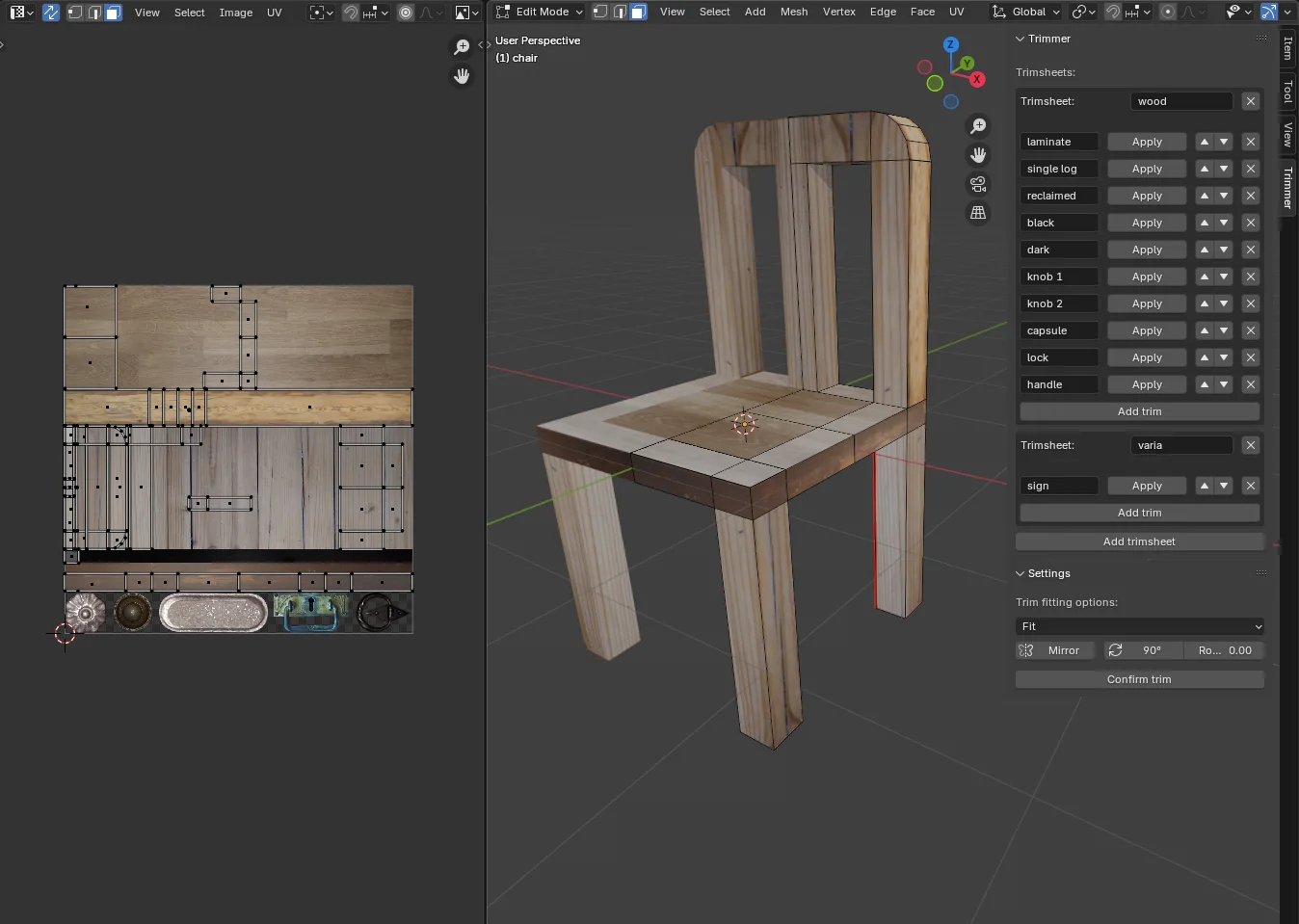
Atlas Pro also builds trim sheets from selected materials, palette textures with 4, 8, 16 or 32 colors, and LOD atlases for objects named by LOD level. Its Channel Pack tool creates packed RGBA images using ORM, Unity Standard, Unreal ORM or Mobile Compact presets. Palette textures reduce each material to a color swatch rather than retaining full surface detail; roughness and metallic are carried when the materials agree.
The v1.2.1 product documentation lists Blender 4.2 LTS and later, with checks on Blender 4.2.9 and versions 5.1 through 5.2.2. Marketplace metadata on the product page separately lists Blender 3.2–5.1. These sources do not resolve which range applies to a specific Blender release.