UV Snapper is a Blender add-on for fitting selected UVs to a custom atlas. Blender’s Extensions catalog lists version 1.1.1, Blender 4.2.0 as the minimum version, Duncan-Readle as maintainer, and GPL-3.0-or-later as its license. See the official UV Snapper listing for the release details.
How UV Snapper fits UVs to an atlas
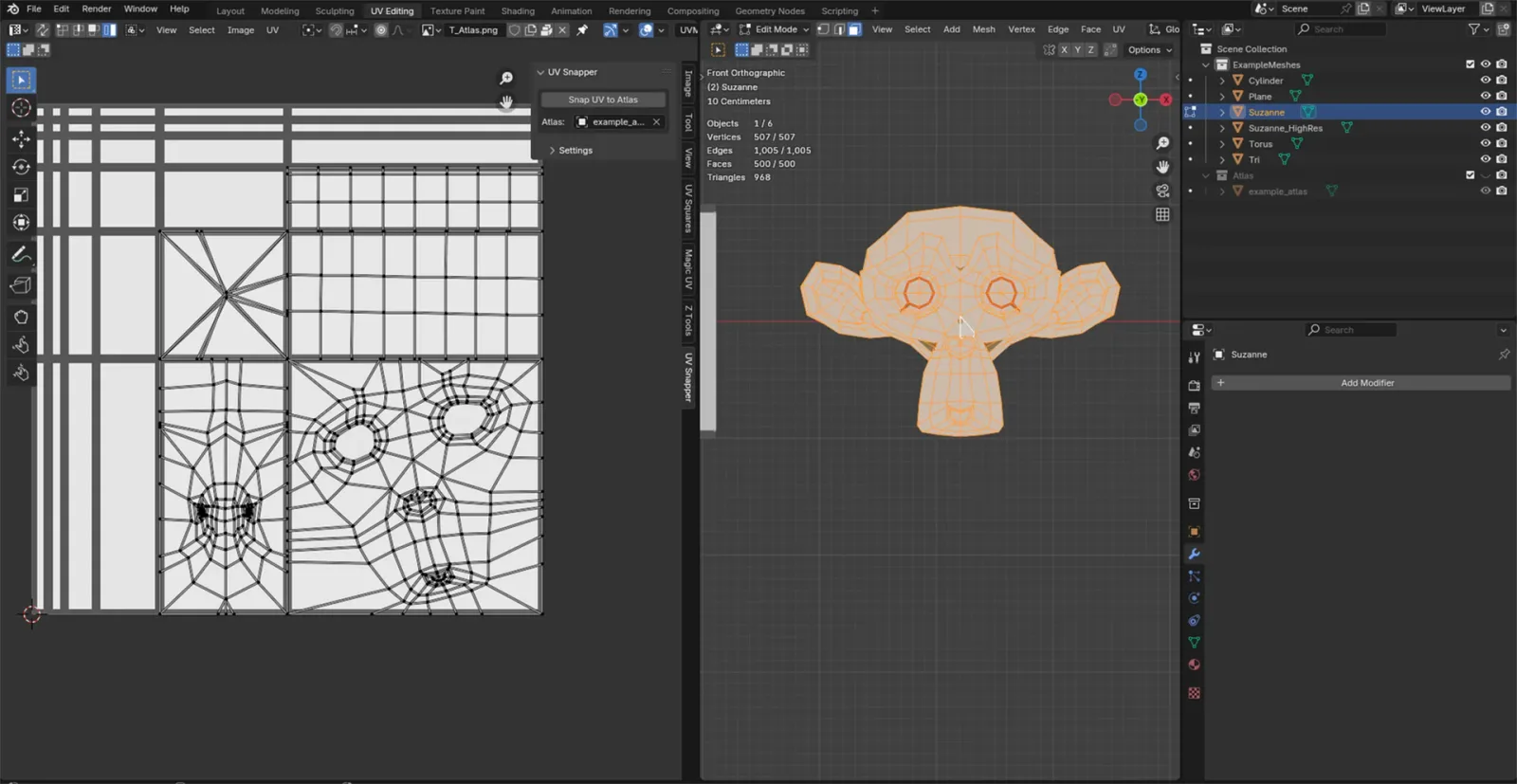
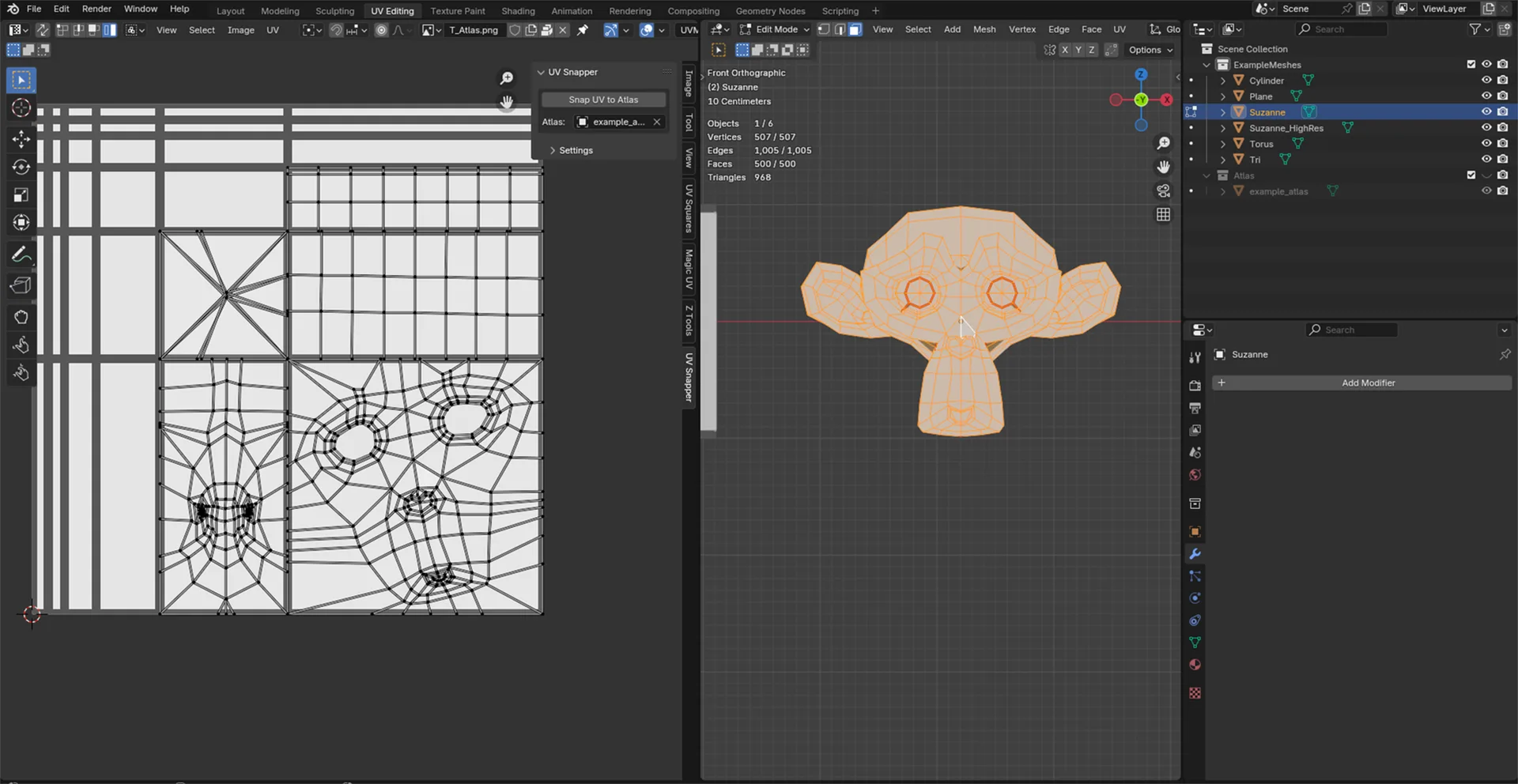
In the UV Editor, open the UV Snapper panel and create an example atlas or select your own. Select a mesh with UVs and enter Edit Mode. Select all UVs of one or more faces, then click Snap UV to Atlas. The add-on reads the atlas object's UVs to locate grid lines; the plane mesh subdivisions should match the texture grid, and the atlas UV edges must match the texture. A tweakable soft-select setting smooths the snapped result, and Create Example Atlas adds a sample mesh atlas with a matching texture.
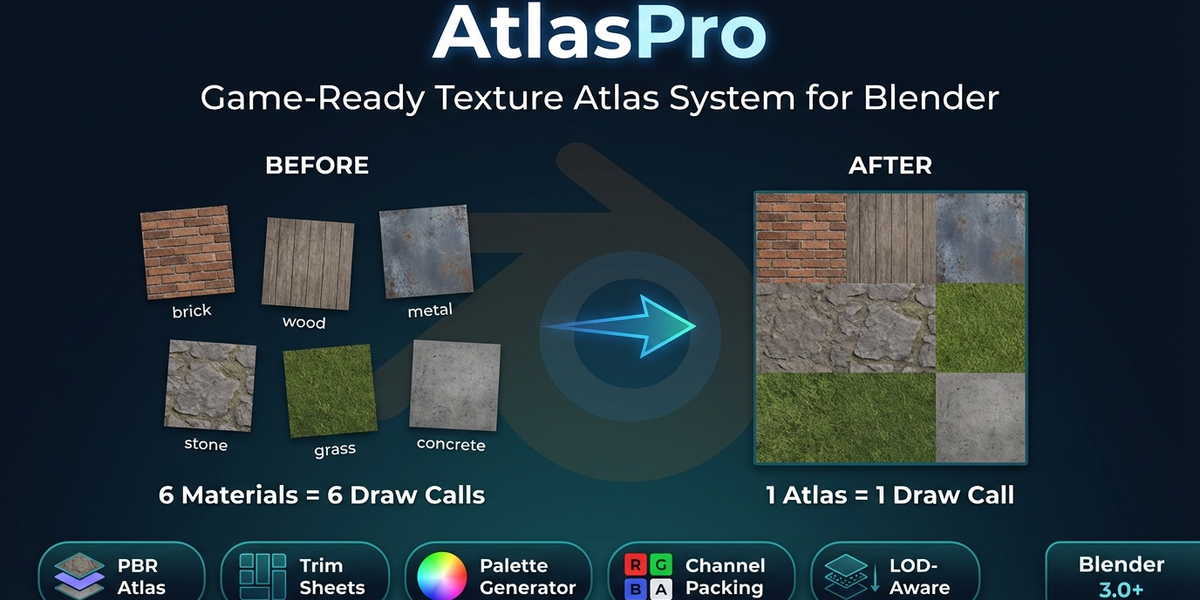
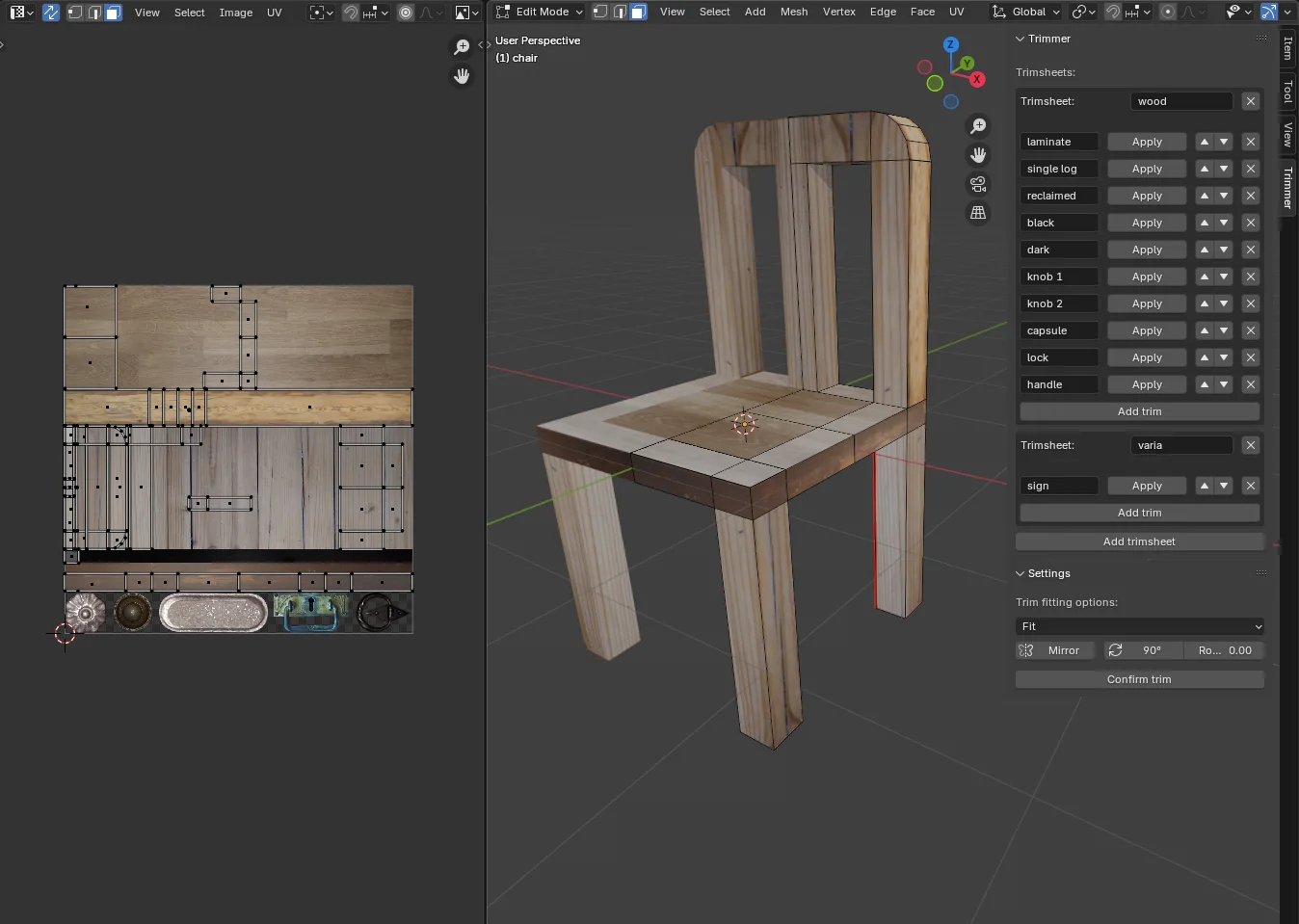
This workflow suits texture atlases and trim sheets where UV shell edges need to align with grid cells.
Selection behavior and atlas limits
UV Snapper supports all UV selection methods, including UV Sync mode. Before snapping, it separates the selected UVs into a new shell; faces with partial UV selections are skipped.
The listing describes supported atlases as square, axis-aligned, and contained within the 0–1 UV space. Diagonal grid edges and atlas UVs outside that space are listed as unsupported. Check the atlas layout before snapping a larger selection.
Release and source code
The catalog lists UV Snapper 1.1.1 for Blender 4.2.0 and newer. Review the Blender Extensions page for current release information; the page also links to the developer’s source repository for the project code.