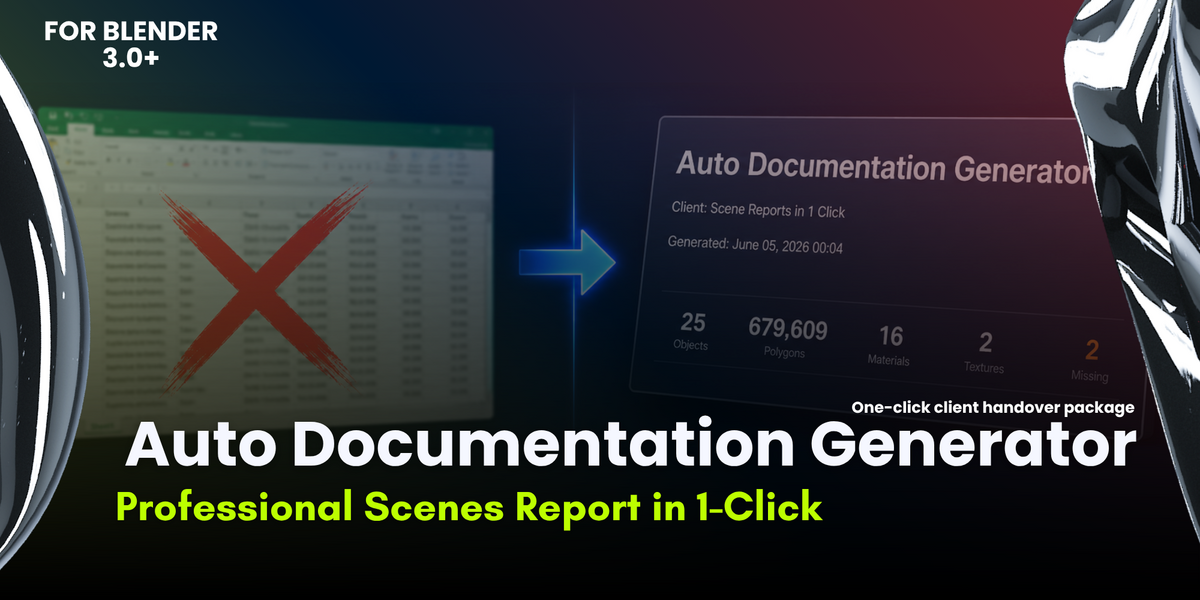
Auto Documentation Generator scans a Blender scene and creates a PDF report with its object inventory, materials, textures, and render settings. It can also package the report and an asset list for a client or outsourcing handover. The Superhive product listing describes it as a Blender add-on by Rana Abdullah.
What the scene report contains
The overview records object, polygon, triangle, material, and texture counts. File details include the render engine, resolution, frame range, and file size. The object inventory lists polygon, vertex, and triangle counts for each object, along with visibility and modifier flags.
Separate inventories cover materials and their texture names, plus textures with file sizes and resolutions. Missing texture warnings are highlighted in red, and the report includes a project notes section.
Package a client handover
The handover ZIP contains the PDF report, a machine-readable CSV asset list, and a ReadMe.txt with a scene summary. That gives a recipient both a readable overview and a separate list they can process as data. It can suit freelancers delivering Blender projects, studios passing scenes to outsourcing teams, ArchViz artists documenting assets, or game developers checking polygon budgets.
Customize the report
Choose one of five built-in colour schemes: Navy, Dark or Charcoal, Forest Green, Corporate Red, or Purple Studio. You can also set custom colours, add a studio logo to the cover, and put a company name, website, and email in the footer. Sections can be toggled for each export, and the cover page is optional.
Workflow and requirements
- Before first use, make sure the add-on has internet access to install the ReportLab PDF library. Open the Doc Generator tab in Blender's N sidebar.
- Enter a project name and, if needed, a client name.
- Click Scan Scene.
- Export a PDF report or the handover ZIP.
The product listing specifies Blender versions 3.0 through 5.2 and Windows, macOS, and Linux support; the product FAQ says Blender 3.0 and above, tested up to Blender 5.1. The product FAQ says the add-on works offline after the initial setup.