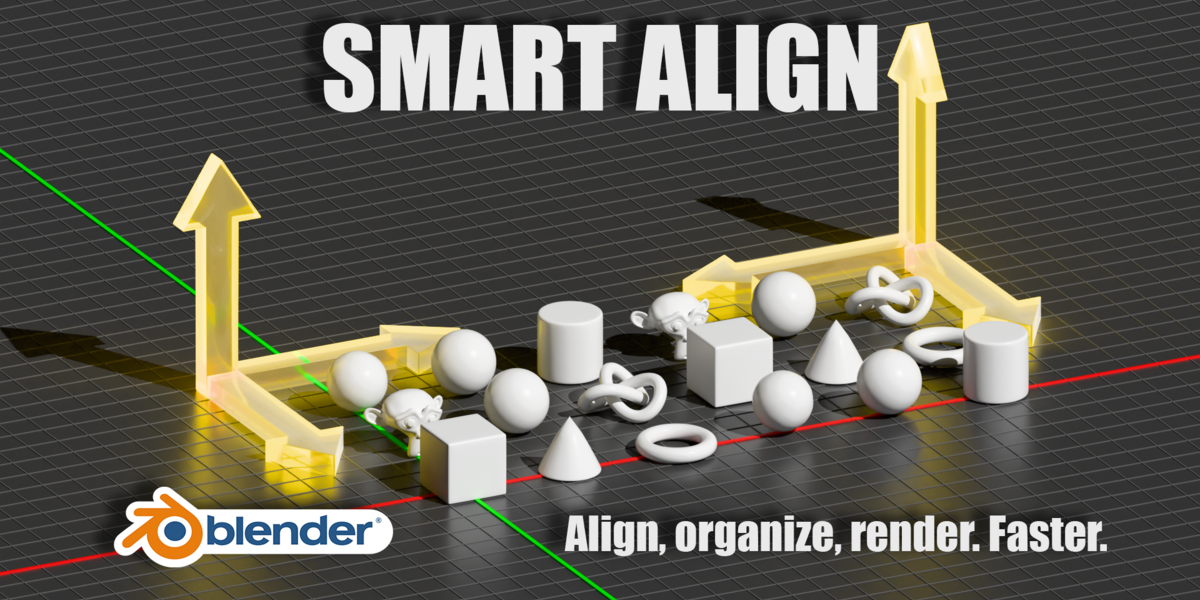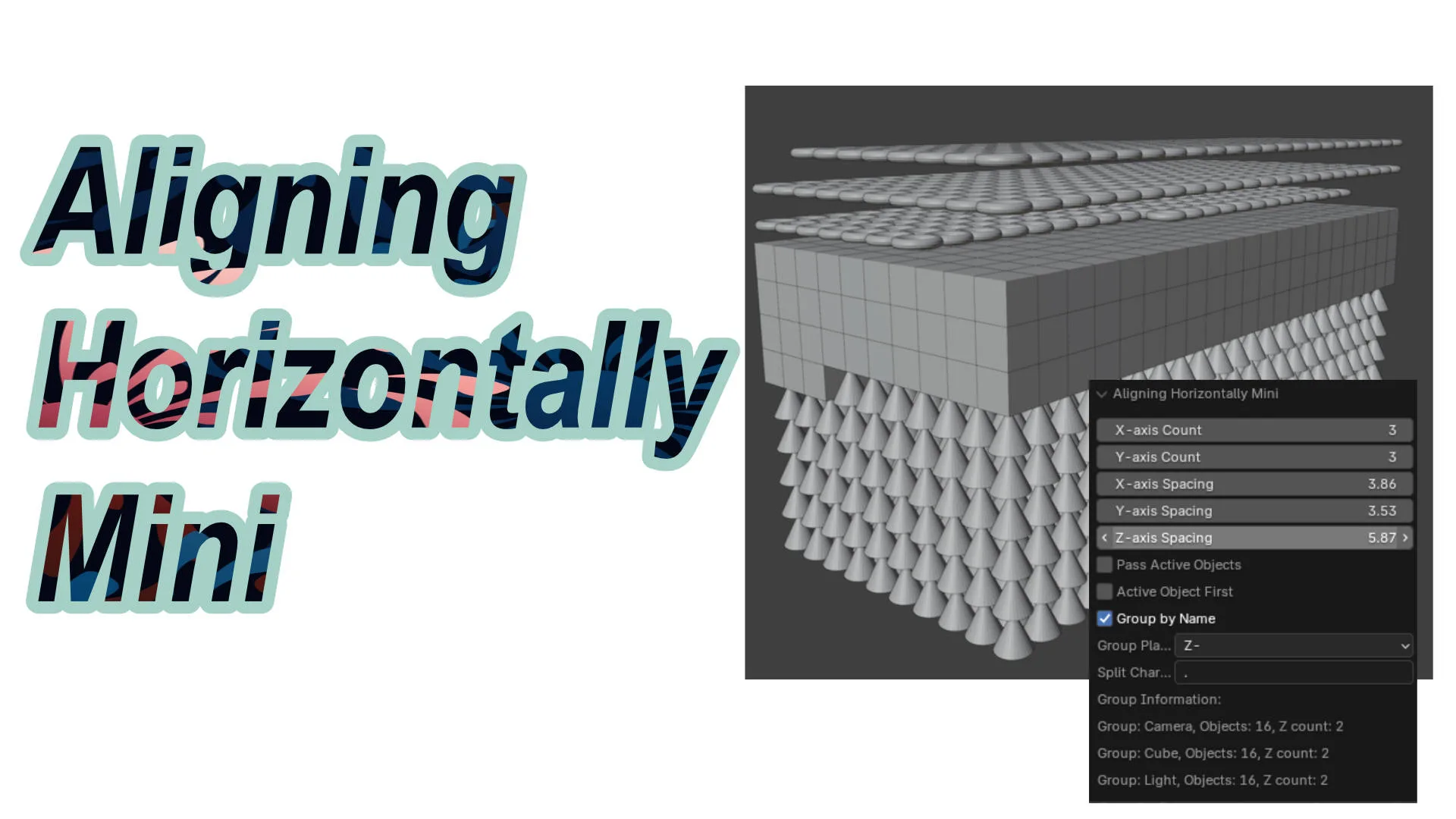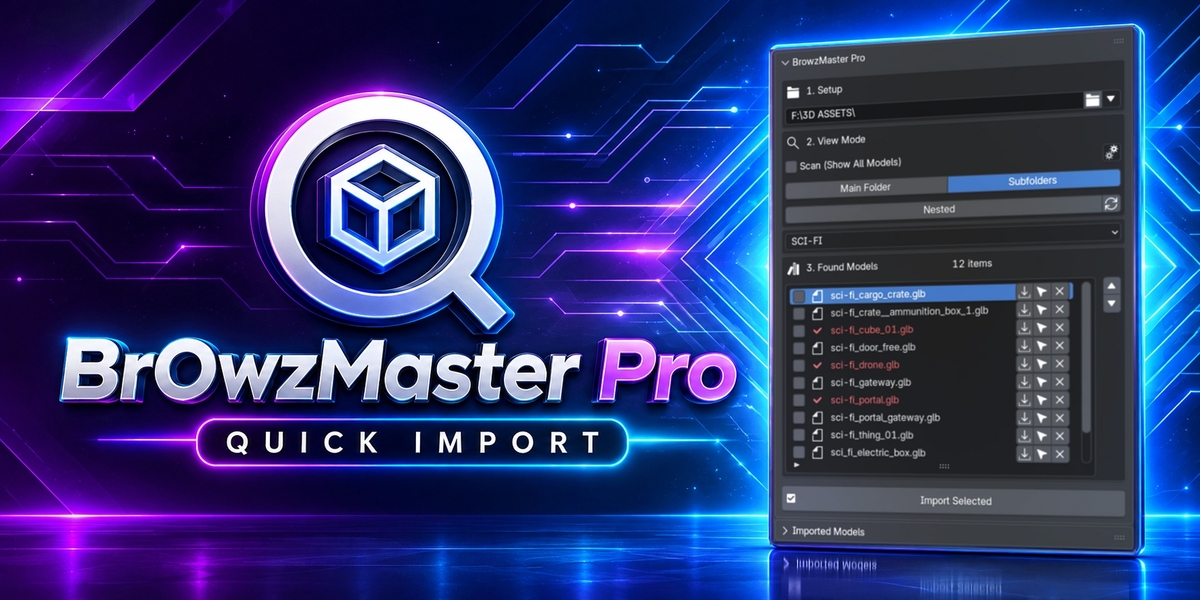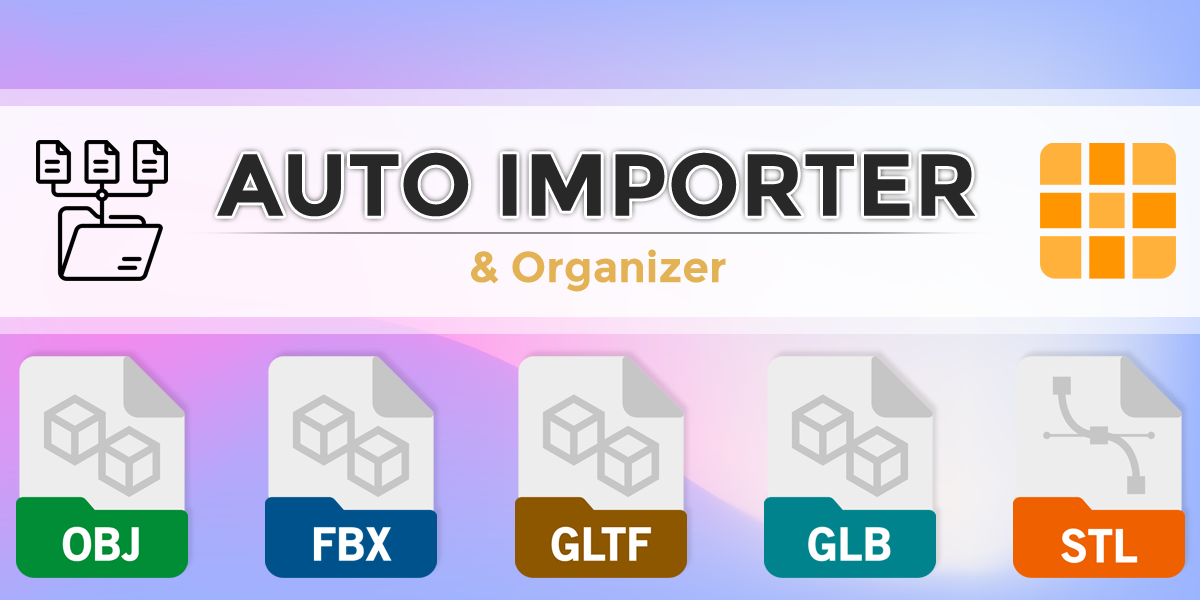
Auto Importer & Organizer is a Blender add-on for bringing existing 3D assets into a scene and arranging them in grids. It can scan a folder, optionally include subfolders, and place imported models using settings for grid direction, columns, spacing, and object placement.
Import and arrange asset folders
The add-on supports OBJ, FBX, GLTF/GLB, and STL files. After selecting a folder and choosing Import Assets, it imports supported files and lays them out in the scene. Material unification can help prevent duplicate materials during a batch import.
Placement can use each object’s origin or the bottom of its mesh at Z=0. The mesh-bottom option does not change object origins. Horizontal or vertical grid orientation, column count, and spacing are configurable.
Organize objects already in the scene
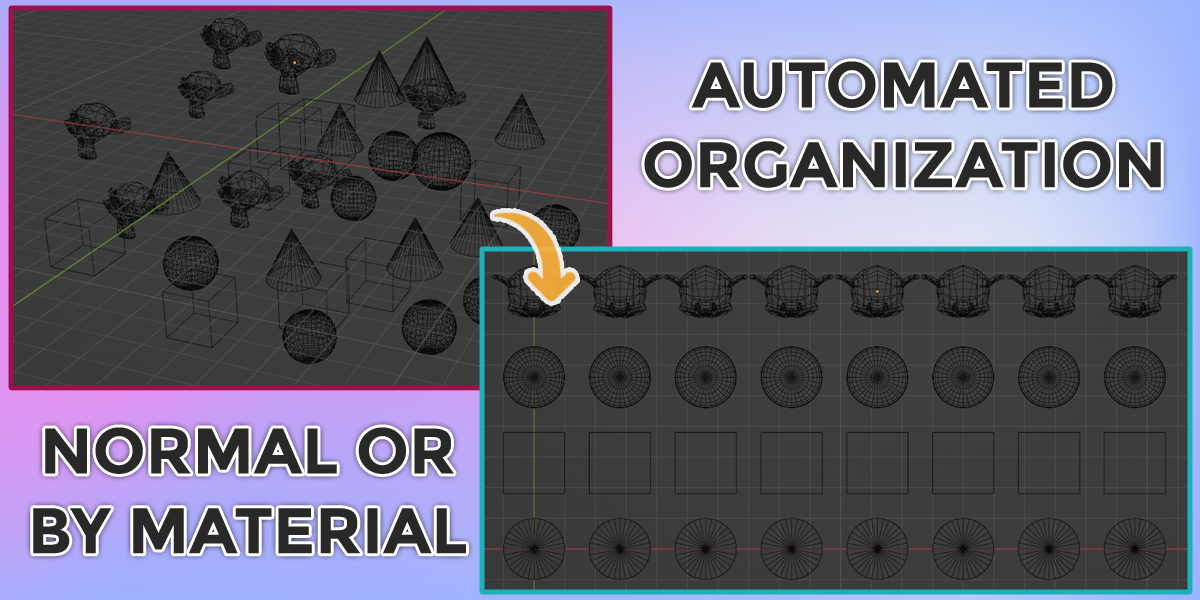
Grid Auto rearranges selected scene objects without importing them again. For material-based organization, Grid Auto (Material) groups selected objects by their assigned materials, creates a collection for each group, and lays out each group in its own grid. The groups can be separated by a configurable distance.
Grid placement moves objects in the scene. It does not automatically change mesh geometry or object origins, and material grouping organizes objects and collections without merging meshes.
Use scale tools selectively
Normalize Height (Z) scales selected objects to a shared target height. It can help make similarly proportioned assets easier to compare in a preview scene, but the listing advises care with mixed asset types. Apply Transforms (Scale) commits current scale values so the visual size becomes the object’s scale. Both are optional tools; the grid workflow does not require them.
Who it suits and what it does not do
This add-on is aimed at artists and asset-pack creators who need to inspect, arrange, or prepare many existing models in Blender. It can help create a consistent scene layout for reviewing a library or presenting a pack. It does not generate 3D assets, and its organizing features do not replace modeling or mesh-editing tools.
The product description says Blender 4.0 or newer, while the listing’s version details show 4.0–5.0. Check the current product listing for compatibility with your Blender release before installing.