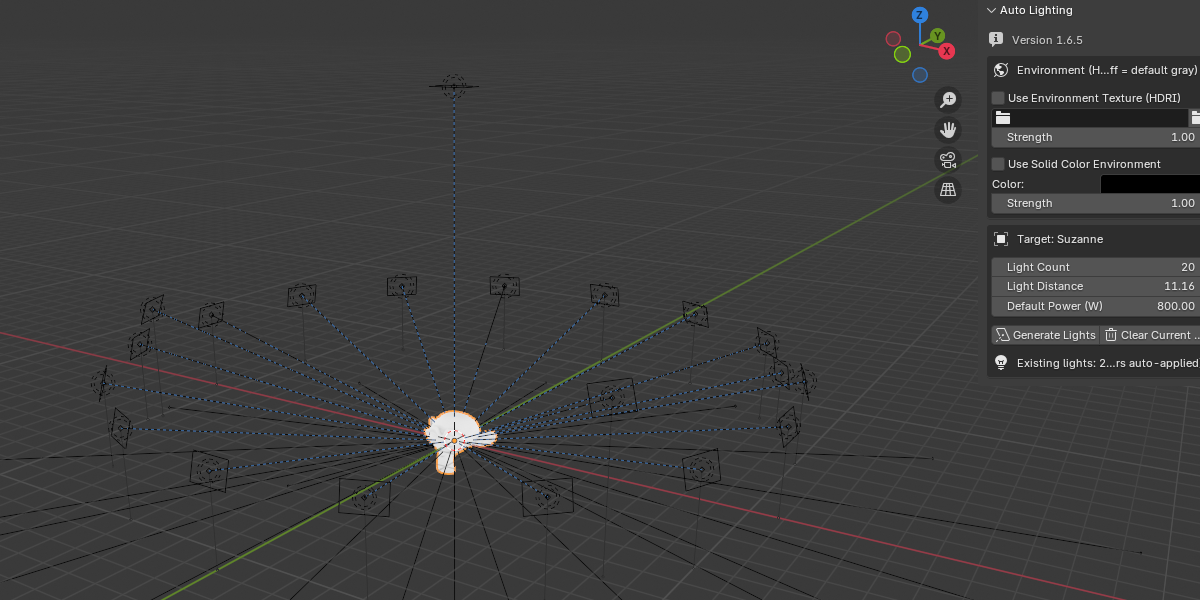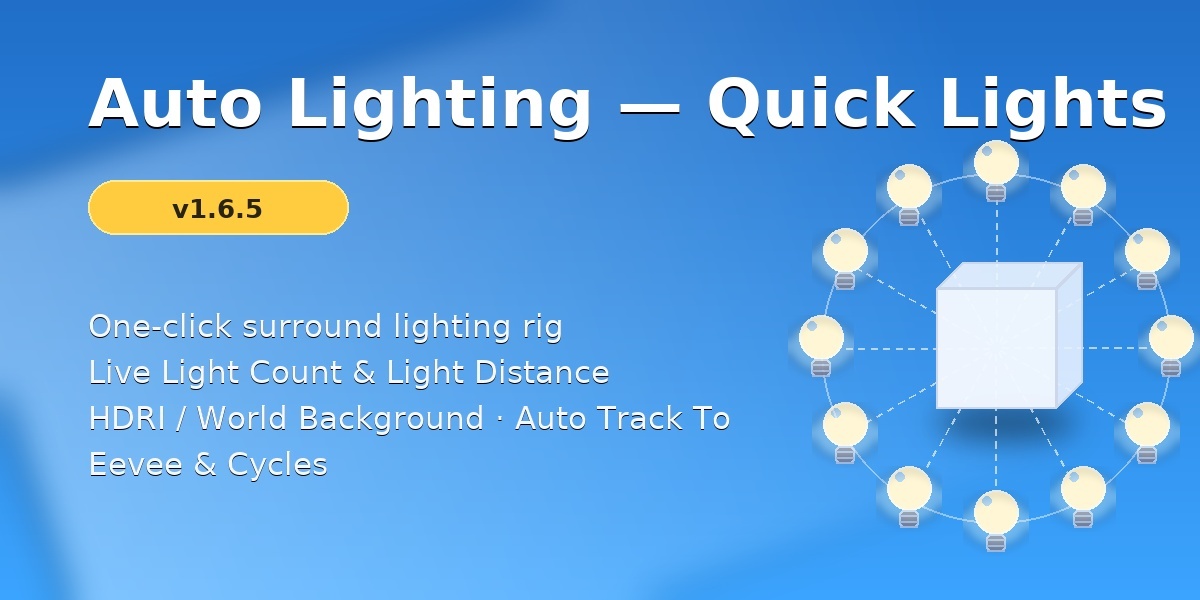
Auto Lighting - Quick Lights is a Blender add-on for creating a surround lighting rig around a selected object. It gives you live controls for the number of lights and their distance from the target, then lets you adjust individual lights and the scene background. The listing describes it for product lighting, characters and look development.
What the add-on creates
Choose a non-light object as the target and create a rig from the Auto Lighting panel in the 3D View sidebar. The generated lights use Track To toward the active target. Light Count and Light Distance update in real time, so you can change the ring size or number of lights without rebuilding the setup.
The documentation says the rig uses standard Blender lights and constraints, which you can edit or animate after creation. A Clear control removes the Quick Lights rig without changing the model.
Adjust the lighting
Select a light to access its individual controls, including energy, size or shape, shadows and spot cone settings. World lighting can switch between an HDRI environment and a solid background, with adjustable strength. The add-on works with both Eevee and Cycles.
The product documentation suggests 6 to 16 lights as a useful range for many product shots. It also suggests starting with a light distance around one to two times the model's bounding-box size, then adjusting for the scene. Fewer lights can give stronger contrast, while more can create softer, more even lighting. These are starting points from the documentation, not fixed requirements.
Installation and compatibility
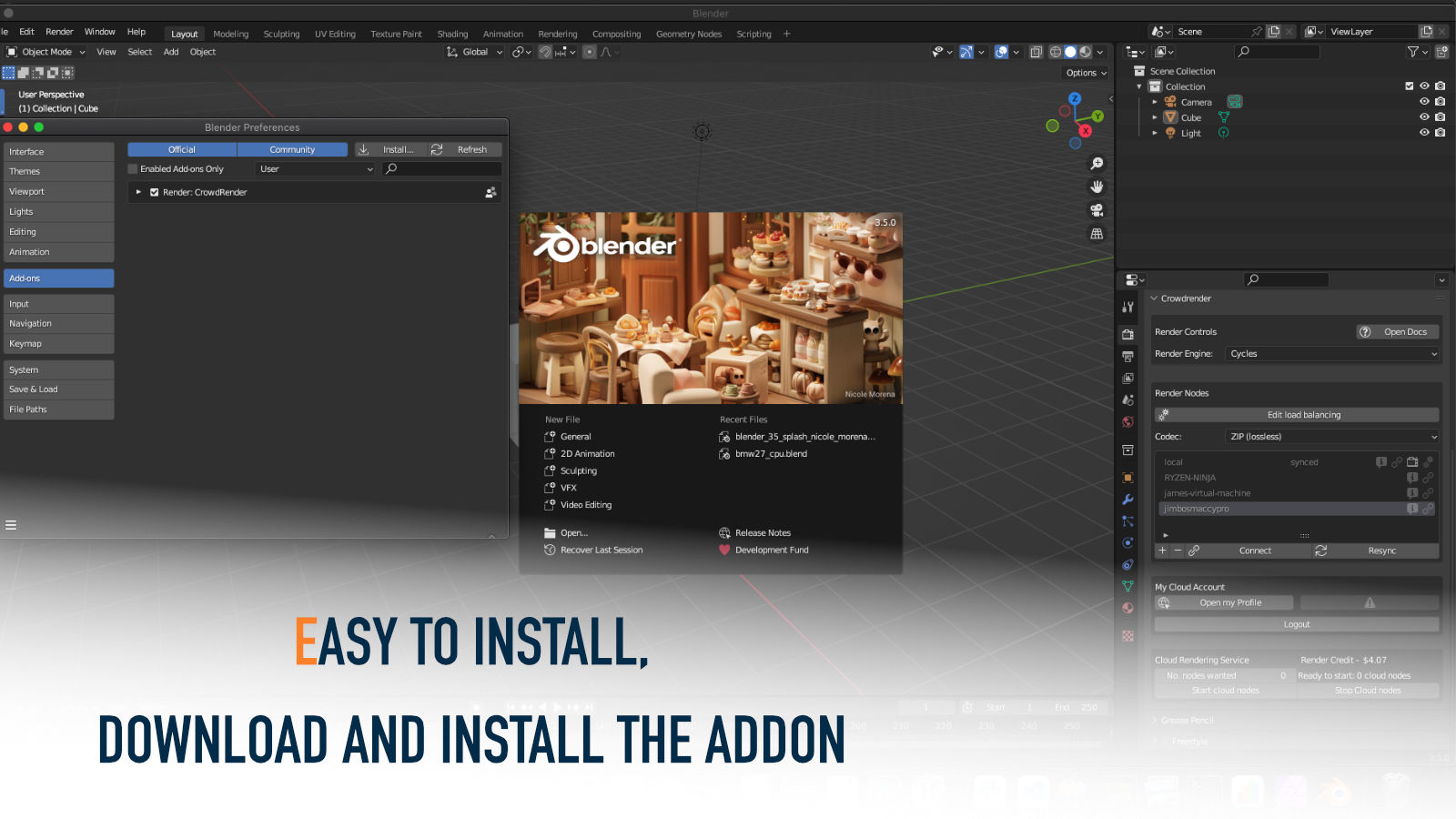
The product is designed for Blender 4.0 through 4.5. The documentation directs users to install the ZIP from Edit > Preferences > Add-ons > Install, enable Auto Lighting - Quick Lights, then open the Auto Lighting panel from the 3D View sidebar. Select the object to light before creating the rig.
The listed version is 1.6.5. The package listing includes the add-on ZIP, a README with installation and usage details, a CHANGELOG and a GPL-2.0-or-later license. A demo video is also available from the product listing.
See the Superhive product listing and its Quick Lights documentation for the product details and setup instructions.