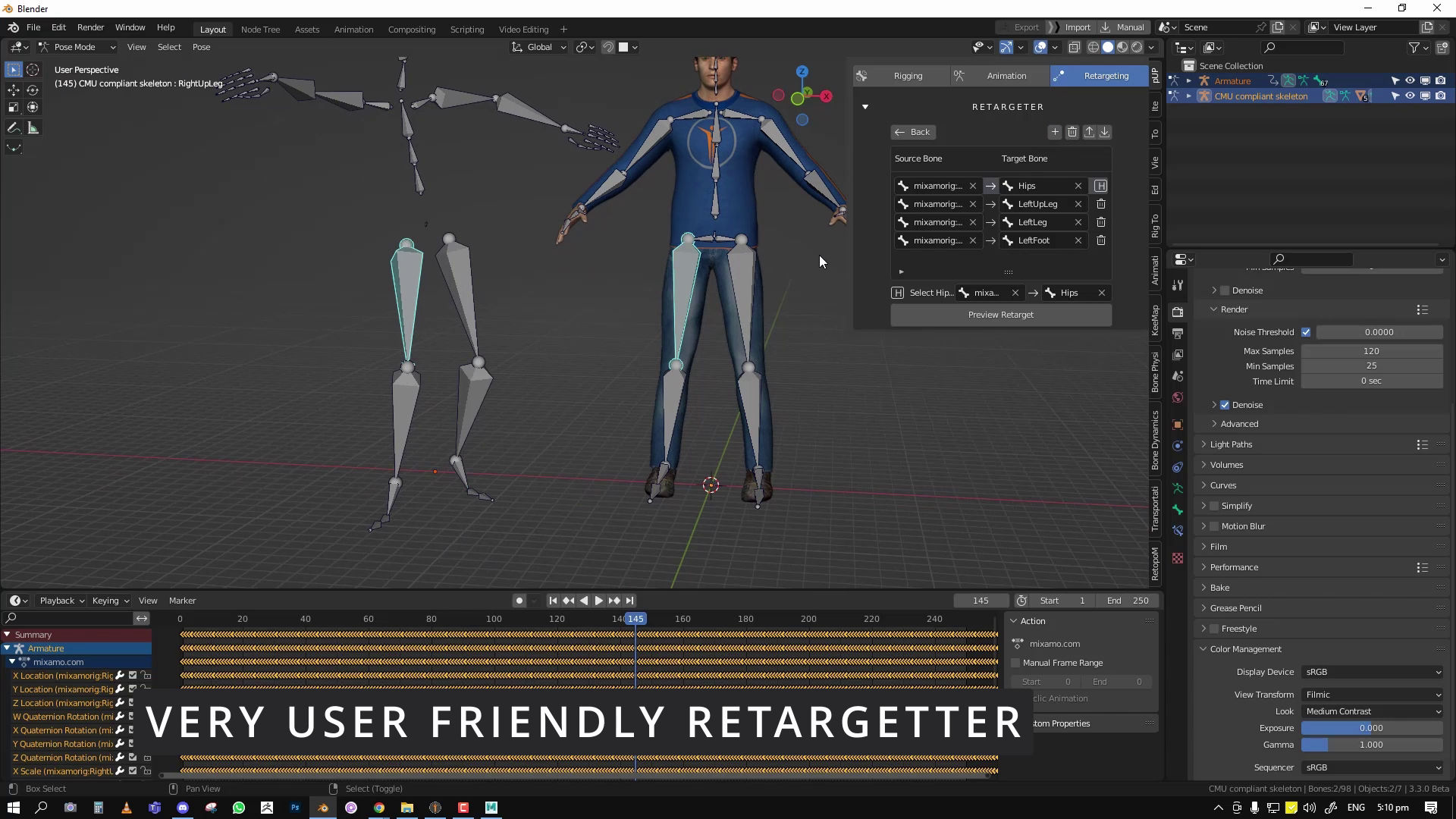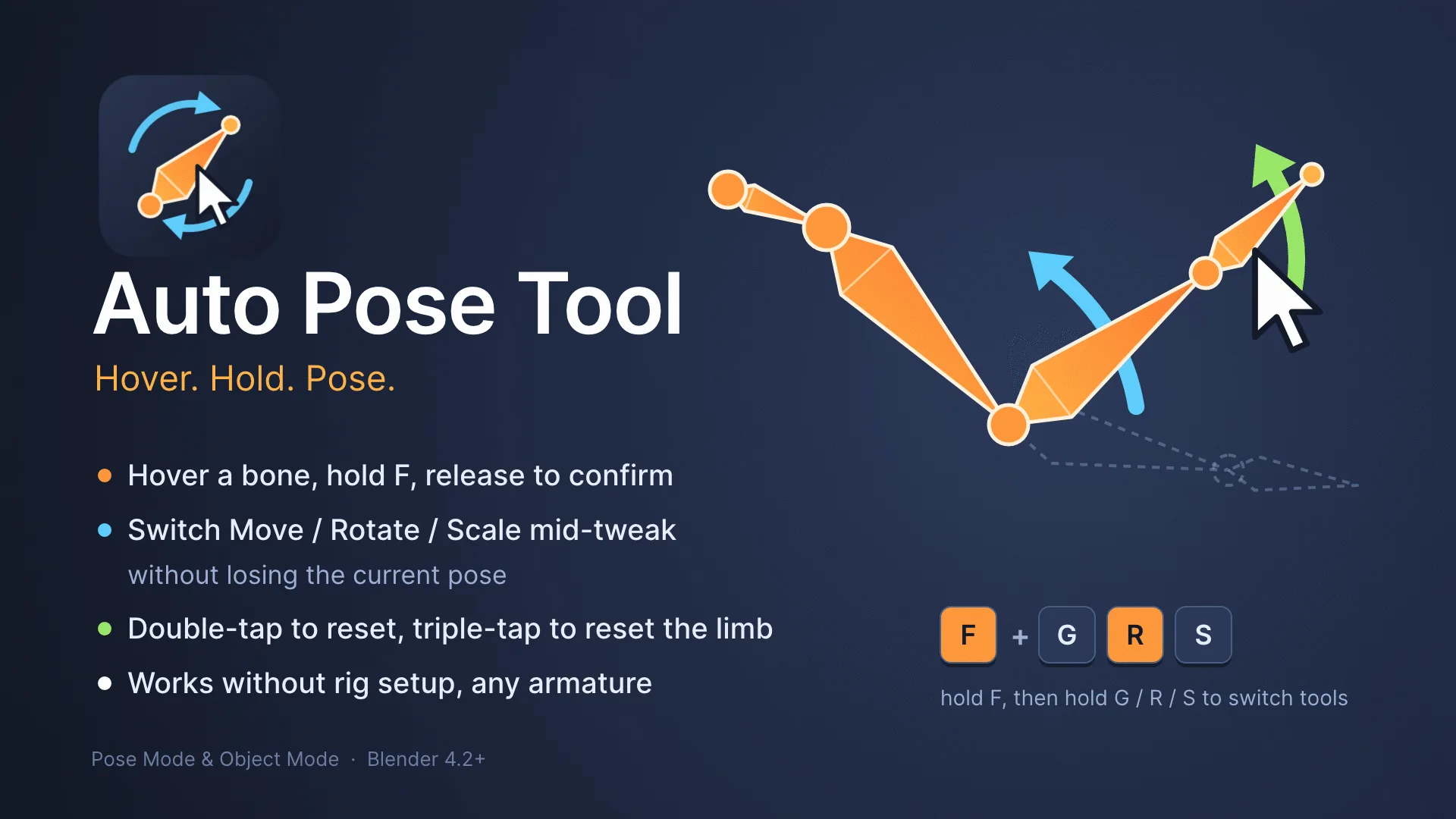
Auto Pose Tool lets Blender animators move, rotate, or scale a bone or object by hovering over its control, holding F, and dragging. In Pose Mode, FK controls rotate, IK controls and roots move, and squash controls scale. The same interaction works in Object Mode with props, cameras, and controls. See the Auto Pose Tool listing on Blender Extensions.
Pose with the bone overlay hidden
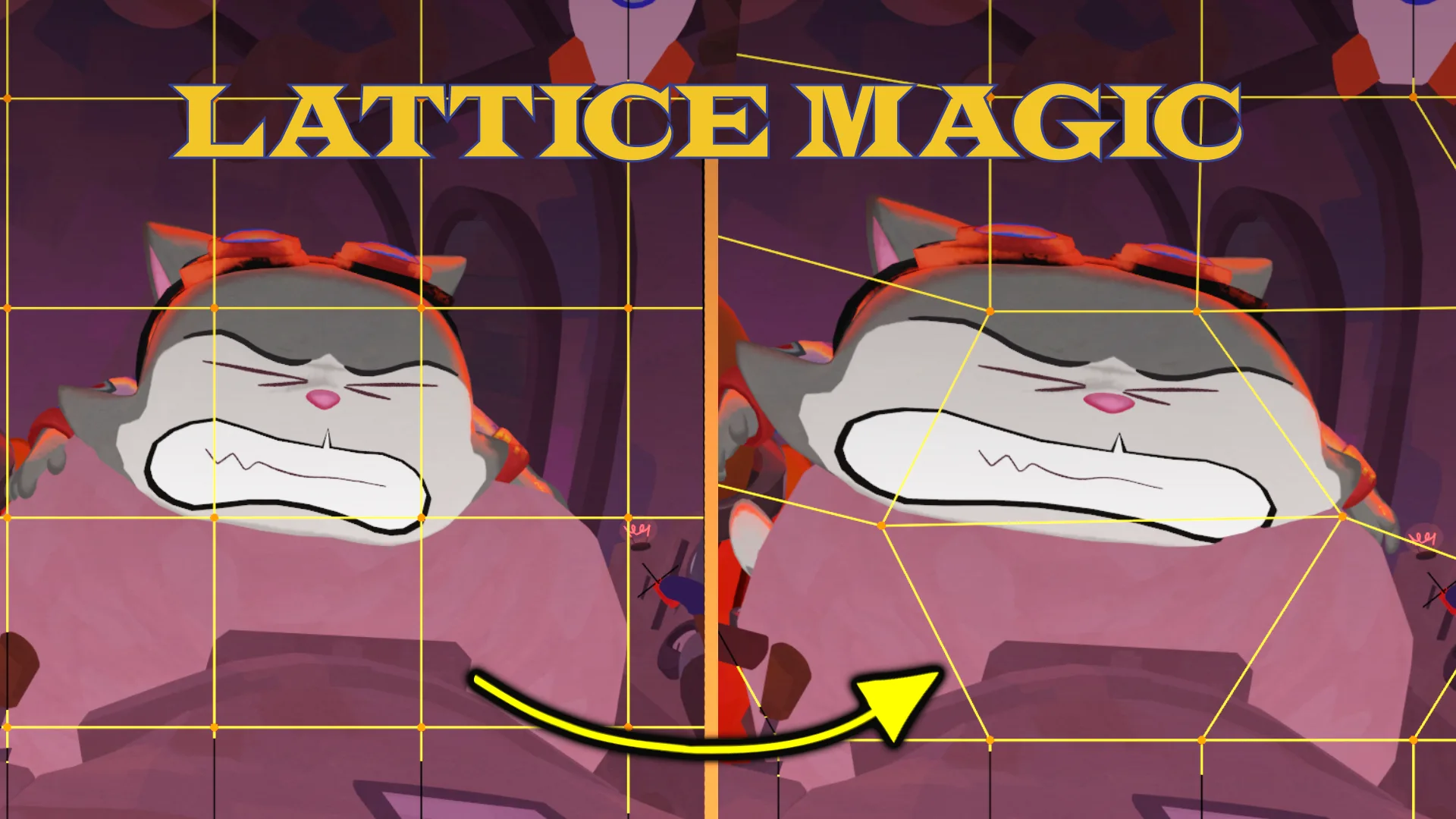
Turn off the bone overlay and keep posing. Auto Pose Tool can find controls by their actual shape, including meshes, curves, and empties, or by the part of the mesh beneath the cursor. This is useful for facial rigs: you can adjust brows, eyelids, lips, and cheeks while seeing the face and its expression. Hover over a control, hold F, and drag without a separate click-select-press sequence.
Switch transform tools during a drag
While holding F and dragging, hold Space to switch between Move and Rotate. Scale controls switch to Move. Release Space to return to the first tool; each switch continues from the current pose. Double-tap Space and keep holding it for free trackball rotation. If you prefer separate keys, G, R, and S work for the three transform tools.
The add-on uses Blender's Move, Rotate, and Scale transforms. Axis locks on X, Y, and Z, Shift for precision, auto-keying, and undo work as usual. Right-click or Esc cancels. In Move, right-drag up or down to change a bone's depth while keeping it under the cursor. On Rotate controls, right-drag for free rotation.
Pick controls and set their behavior
Smart picking can select the nearest bone when the cursor is slightly off, measuring distance to the control's shape rather than its origin. Point at a mesh part to pick the bone that moves it. If nothing is under the cursor, the tool uses the last-used bone. You can assign a transform tool to each bone or object; without those assignments, Auto Pose Tool guesses from the bone name and locked channels.
Reset a bone or curl a chain
Double-tap F to reset a bone. Triple-tap F to reset a limb, all the fingers of a hand, or a bone and its children. Shift+F curls a chain, such as a tail, spine, tentacle, or FK arm. Each bone below the selected one turns around its own pivot.
Auto Pose Tool supports Blender 4.2 and newer in Pose Mode and Object Mode. The Blender Manual explains how to install an extension from disk. For issues, use the developer's Auto Pose Tool issue tracker.