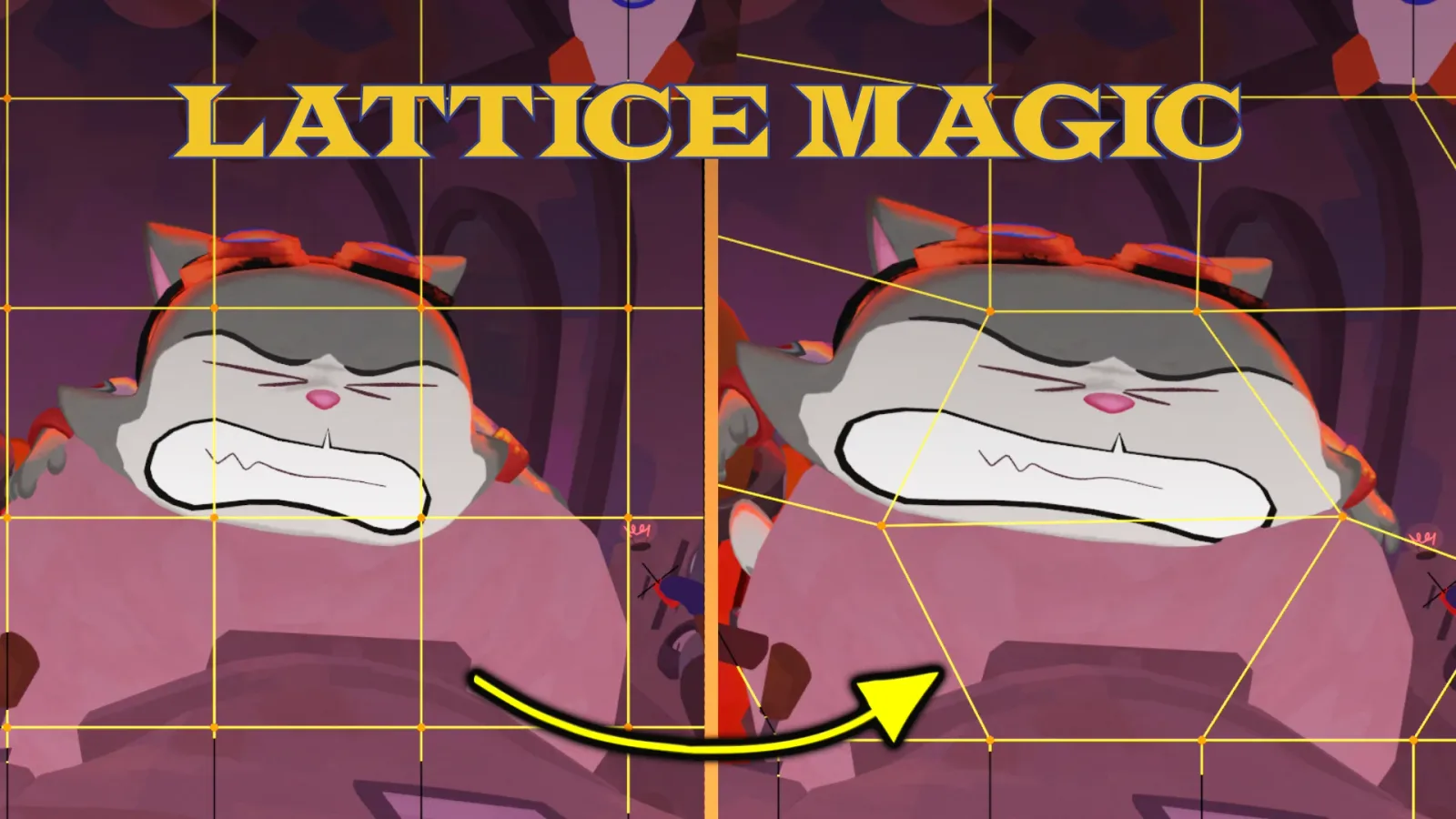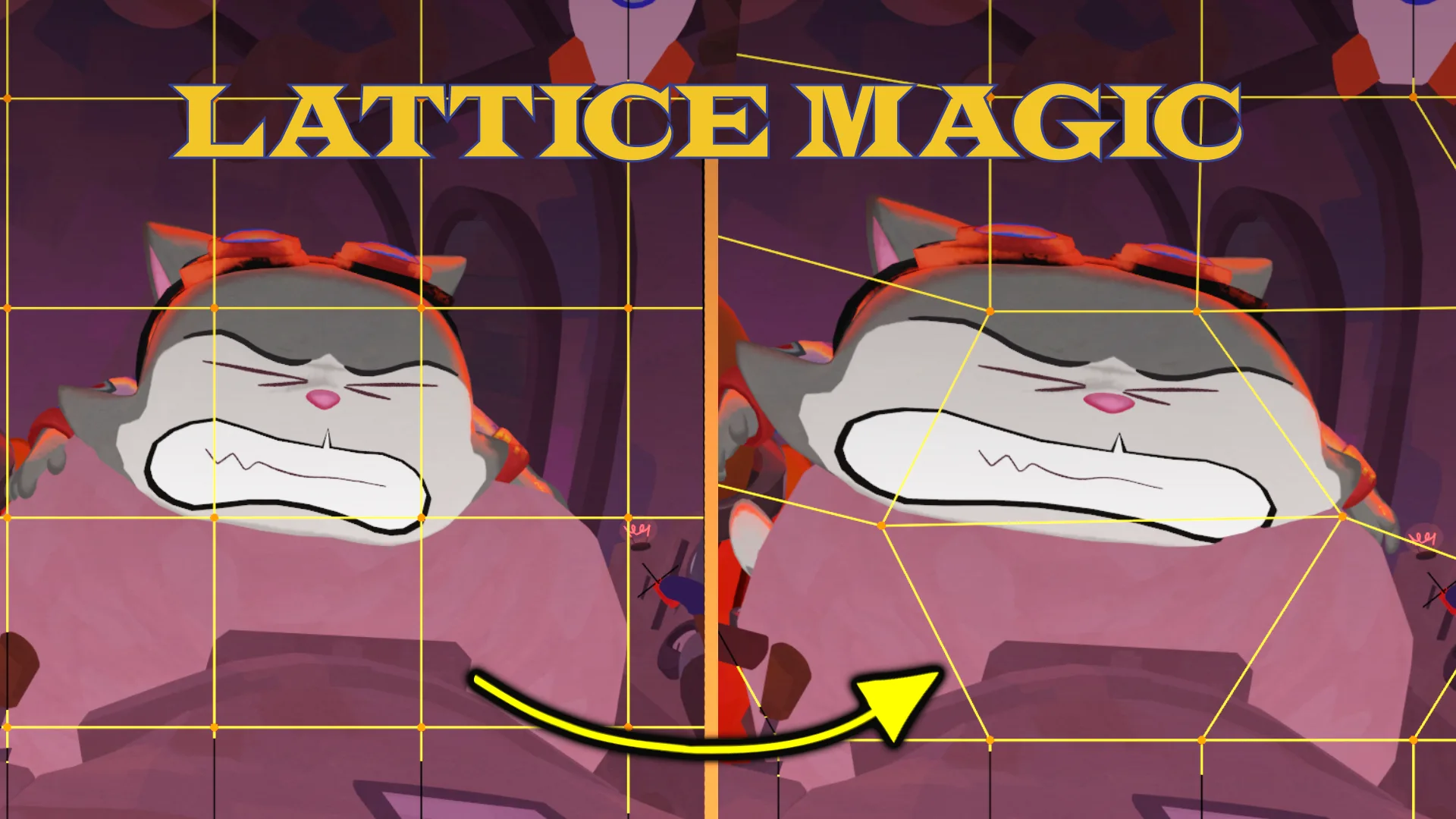
Lattice Magic is a Blender add-on by Mets for lattice-based character animation tweaks. Its Tweak Lattice tool deforms mesh objects with a lattice in 3D space, while Camera Lattice handles deformation from a camera view and uses shape keys and keyframes for animation. Both tools support linked and overridden animated characters.
Choose between Tweak Lattice and Camera Lattice
Tweak Lattice deforms a set of mesh objects in a way similar to Proportional Editing, with the deformation driven by an object in 3D space. That lattice can be parented to a character, follow armature deformation and be animated. It suits adjustments that need to move with an animated character.
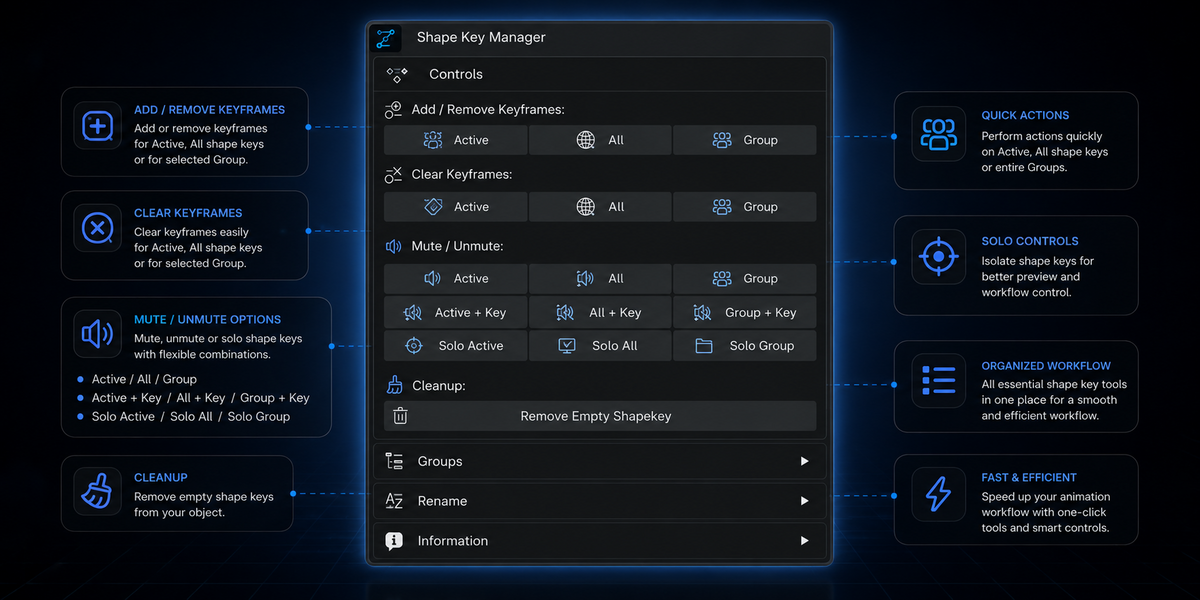
Camera Lattice deforms a collection of objects from a particular camera perspective. It changes mesh vertices rather than pixels. Its lattice points cannot be animated directly, so the add-on provides a workflow for managing shape keys and their keyframes. Choose this approach when the camera-based deformation needs to change over an animation.
Both tools were built for character animation work in production, including scenes with linked and library-overridden animated characters.
Parenting and falloff controls
In version 1.0.1, automatic parenting is the default. It parents the lattice to the bones deforming the mesh vertex nearest the 3D cursor. You can also choose an object or bone manually. Its choice depends on armature deformation; shape keys and other modifiers do not affect it. If no bones deform the mesh, the automatic option raises an error.
Version 1.0.1 also added preset falloff shapes, including Linear, Smooth, Root and Sphere. Poll messages explain in the interface when an operator is unavailable.
Compatibility and documentation
The Blender Extensions catalogue lists Lattice Magic version 1.0.1 for Blender 4.2.0 and newer, under the GPL-3.0-or-later license. Check the Lattice Magic documentation for workflow details and the Blender Extensions listing for release and compatibility information.