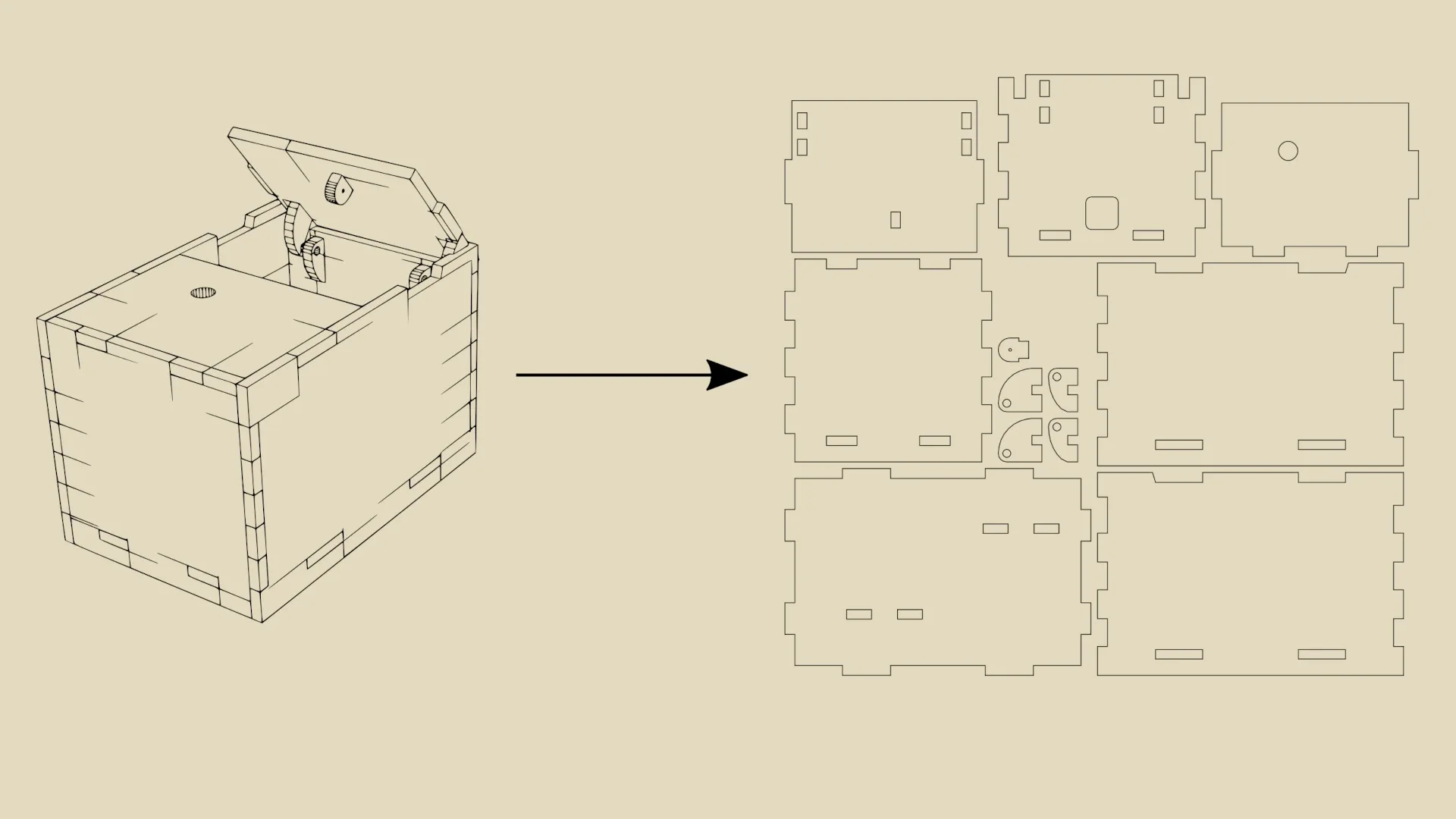
Save As SVG exports Autodesk Fusion sketches as SVG files for laser cutting, CNC milling, and other applications that use vector graphics, according to the Autodesk Marketplace listing.
Export a sketch from Fusion
Finish the sketch, find its name in Fusion's browser tree, and right-click it. Choose "Save to SVG" from the context menu.
Adjust line appearance and fills
You can set line weight and color for different sketch profile types. Available colors are yellow, green, cyan, blue, magenta, white, gray, and black. The Fill Faces option fills enclosing faces using the selected color settings for the perimeter, cutouts, or inset.
Choose an export scale
The default export uses 96 DPI, which the listing says matches Fusion, modern applications, and browsers. A Scale option provides alternate DPI settings for compatibility with older applications such as Adobe Illustrator and Vectric VCarve Pro.
Include the entire sketch
For sketches without closed loop profiles, the Entire Sketch option includes all line vectors in the SVG, regardless of the sketch's geometric complexity.
Check the platform release
The marketplace listing identifies this as the Mac OS release. It directs Windows users to choose Win64 near the top of the page, under the product logo.