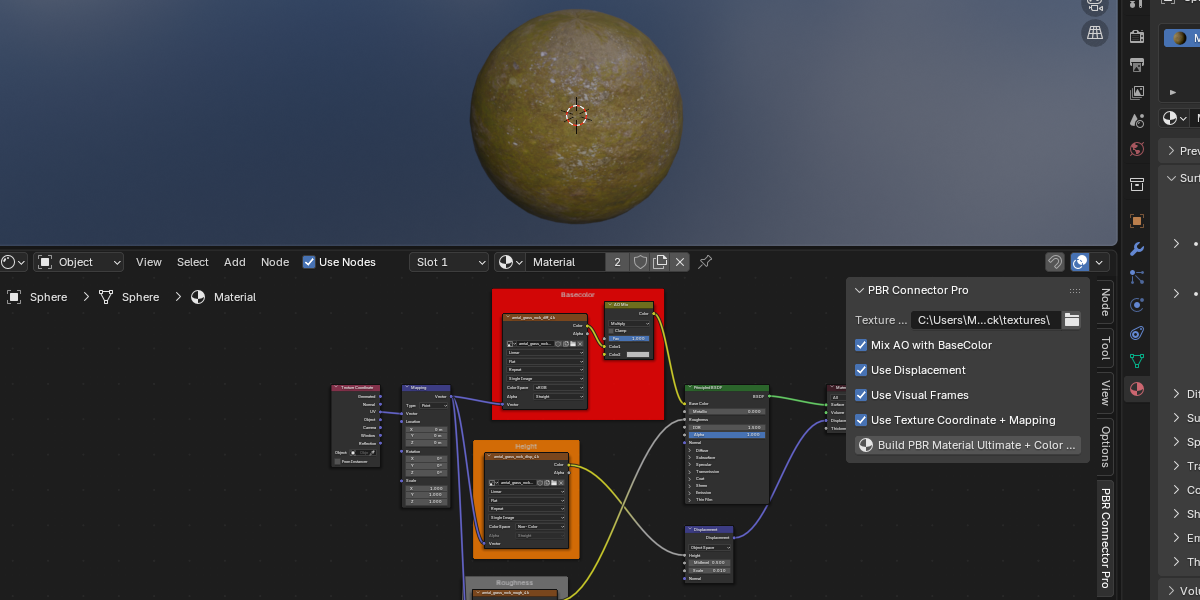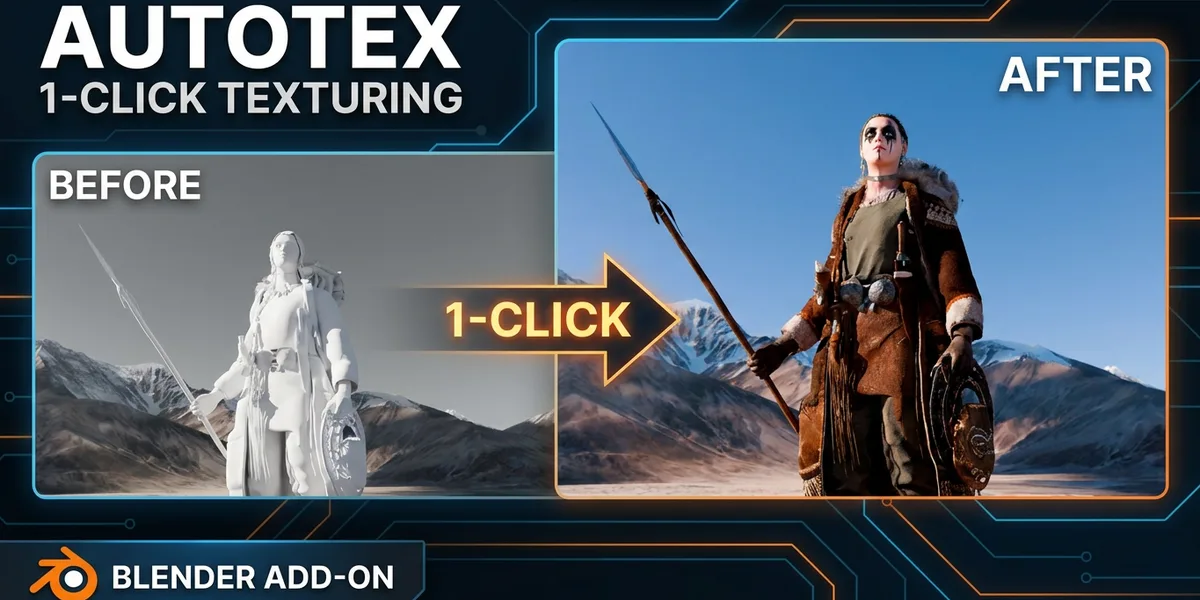
Autotex Matcher is a Blender add-on that detects PBR maps in texture folders, matches texture sets to object or material names, and builds connected materials. In its automatic-assignment workflow, it can import one or several models, scan the model folder and valid subfolders for textures, then set up the shader nodes. Its product documentation describes separate import, automatic assignment, and manual material-management workflows.
Match texture sets to materials
The add-on recognizes common naming variations and gives meaningful material names priority. Object names can act as a fallback for generic materials, and CamelCase names such as BaseColor are supported. When equally plausible texture sets compete, it avoids choosing arbitrarily. If it finds multiple valid texture folders, you can choose the folder to use.
Detection covers color maps such as albedo, base color, diffuse, and emission; surface maps including roughness, gloss, metallic, and specular; and normal, bump, displacement, height, ambient occlusion, alpha, and opacity maps. Transmission and subsurface maps are also included in the documented detection list.
Build or update material nodes
Autotex Matcher builds a Principled BSDF setup with automatic color-space choices, ambient-occlusion mixing, gloss-to-roughness inversion, normal and bump connections, displacement, alpha, and emission. Optional per-shader mapping is available. The documentation also describes routing for OpenGL and DirectX normal maps.
For a new setup, the rebuild workflow clears the existing texture node tree and creates a clean network. To retain custom shader logic, use Material Manager's Update Existing option: it updates recognized image links and connects missing slots while preserving unrelated nodes. In Auto Assign Folder mode, Preview Before Apply lets you review detected maps, resolve image conflicts, choose overwrite actions, and select a target Principled BSDF before applying changes.
Work with asset folders and tiled textures
Batch import can process multiple models in one operation, and a failed file does not have to stop the whole batch. Supported model formats include FBX, OBJ, glTF, GLB, USD, STL, and others; some formats require Blender's matching importer or Import-Export extension. For naming conventions the add-on does not recognize, add custom texture keywords in its preferences or assign maps manually through Material Manager.
Resolution options include detected sizes and Auto Best Guess. UDIM handling can load tiled sets numbered 1001, 1002, and higher. The documented use cases include downloaded assets, game-ready models, scanned objects, and large PBR texture libraries. See the product listing for its current details.