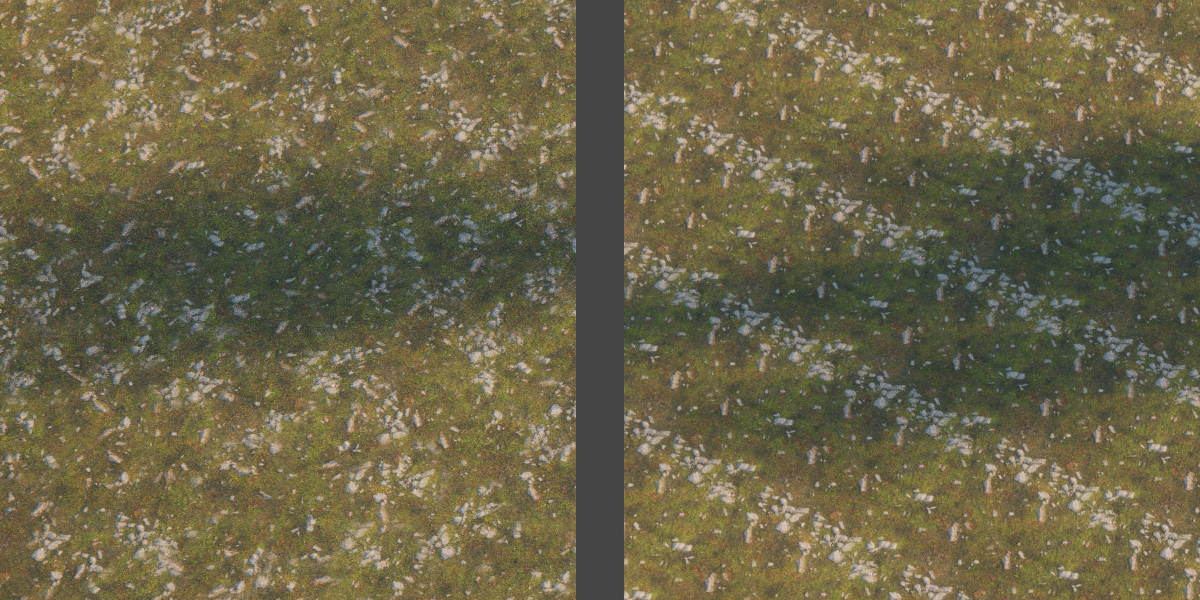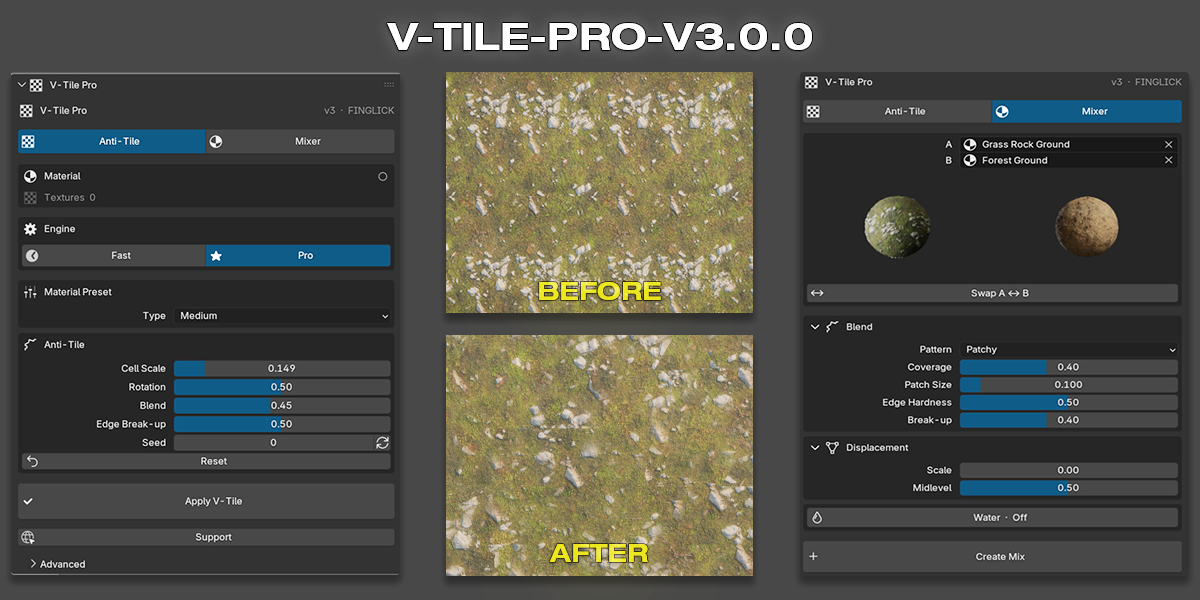
V-Tile Pro is a Blender add-on with three surface tools: Anti-Tile varies repeating textures, Material Mixer blends two materials, and the version 3.0 Water System simulates puddles on any surface in real time. Its controls set water level, puddle size, wetness, gloss, and tint; the water effect also works with geometry displacement. All three features update in the viewport as you adjust their controls. FingShop’s Superhive listing describes the features and supported render engines.
Reduce visible texture repetition
Anti-Tile applies a preset to a material to break up a regular repeating pattern. The listing describes 18 presets for surfaces such as fabric, wood, stone, metal, architecture, and organic forms. Cell Scale changes the size of the variation zones; Rotation turns the patches; Blend softens their transitions; and Edge Break-up makes the boundaries less uniform. These controls let you adjust the result to suit the texture and the surface.
Blend two materials
Material Mixer combines Material A and Material B. Coverage controls how much of Material B spreads across the surface, while Patch Size sets the scale of the blended areas. Edge Hardness adjusts the transition from a soft gradient to a crisp boundary, and Break-up makes that boundary irregular. The available pattern styles are Smooth, Patchy, and Cellular. Height-aware blending uses surface height to distribute the materials, and finished mixes can be saved to Blender’s Asset Library.
Keep existing node setups
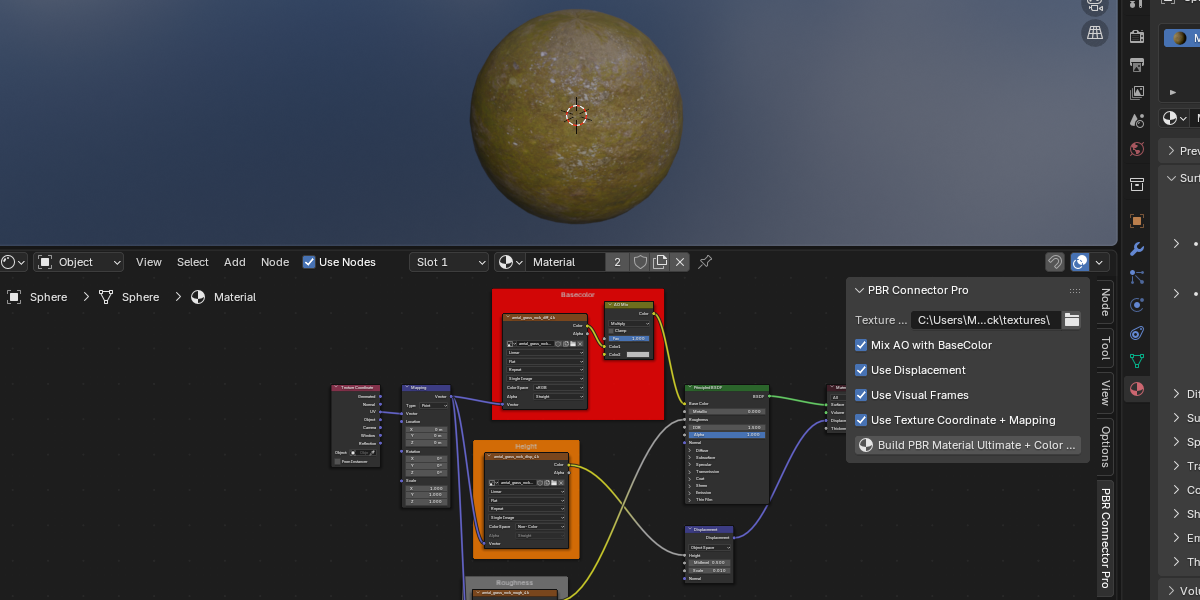
V-Tile reads the existing material node tree and wraps its effects around it. FingShop says it supports complex setups, including nested groups and multi-texture stacks. The original material remains unchanged, and removing V-Tile restores it. The listing names both Eevee and Cycles as supported render engines.
Check Blender version compatibility
The available listings give different Blender version ranges. Superhive’s product details say 4.2 to 5.2, while its overview says 4.2 to 5.3; the AnyPlugins listing says 4.0 to 5.2. Check FingShop’s current release details for the version you use before installing.
Who may find it useful
The listed use cases include environment art, architectural visualization, game assets, and product design. V-Tile Pro may suit Blender projects where visible texture repetition needs variation or where two materials need a controlled transition, such as dirt across terrain or different finishes across a surface.