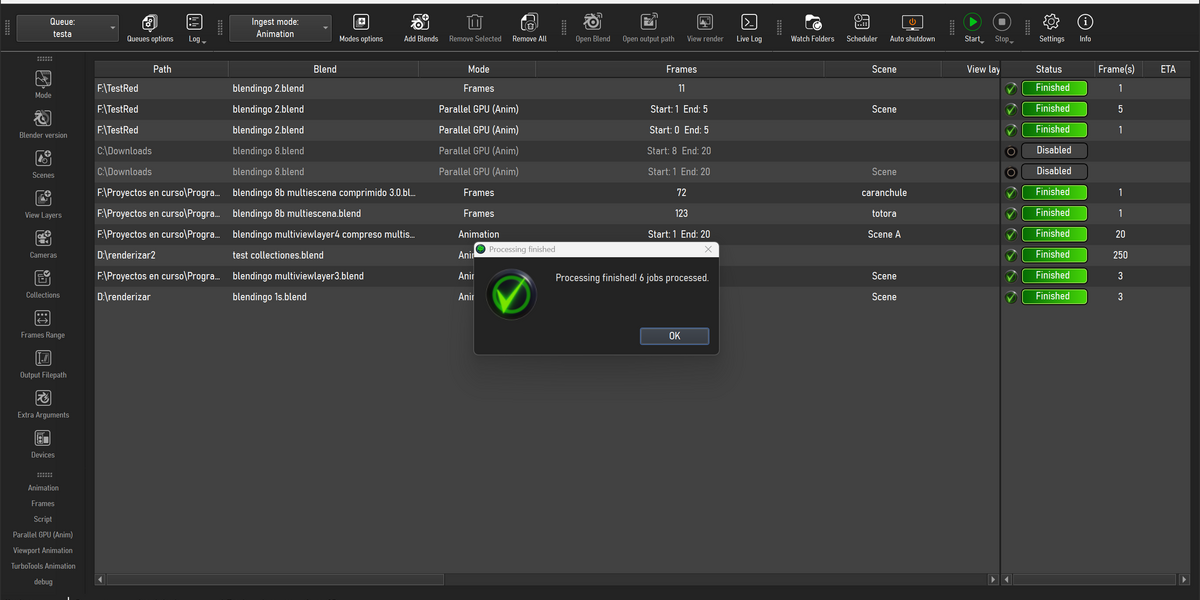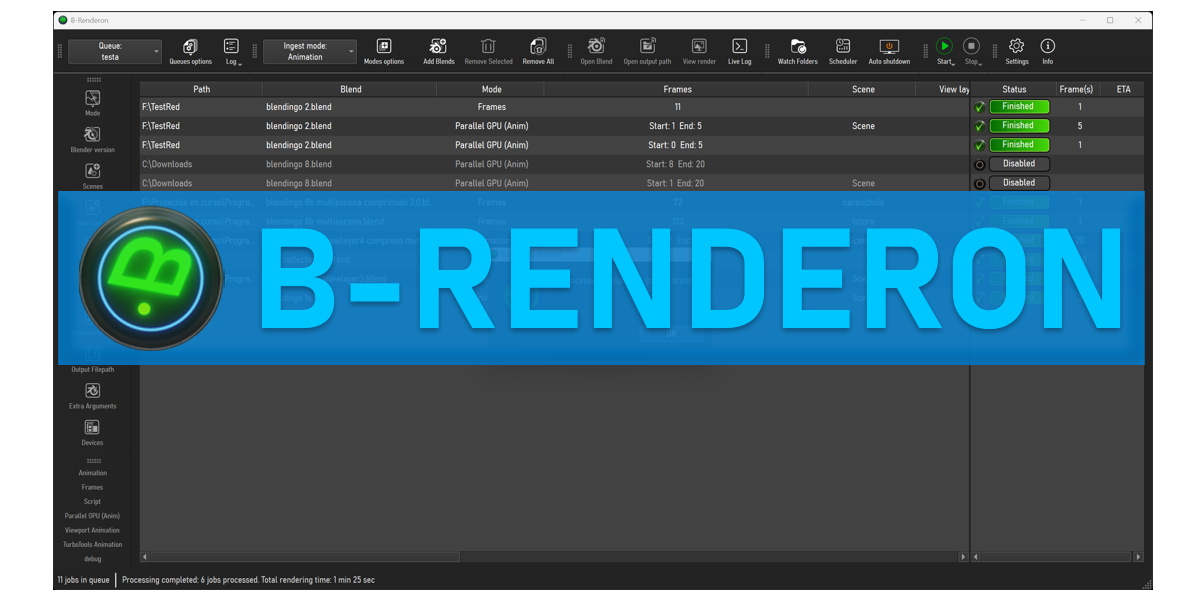
B-Renderon is a standalone Blender render manager with a graphical interface for setting up and running jobs from the command line. It can queue blend files, scenes, view layers, and cameras, then launch background Blender instances with the settings you choose. Blender still does the rendering, so you need a compatible Blender installation on your computer.
Developer BlenderGilads says the tool grew out of studio and personal work where command-line render scripts were useful for jobs left running overnight, but tedious and easy to mistype. B-Renderon puts those settings and jobs in a visual queue.
Manage files and render jobs in queues
Set up jobs for different blend files, choose scenes, cameras, view layers, or collections, and assign Blender versions to individual jobs. Named queues let you keep separate sets of work and switch between them. Each queue has a persistent log with render start and end times, average time per frame, total processing time, scene names, and frame counts. The live Blender log is also available for each job.
For jobs that need extra setup, you can add command-line arguments, such as options for the render engine, resolution, or a Python command, and assign an external Blender rendering script. Custom modes can apply a chosen set of properties to newly added jobs. You can also reorder or hide queue columns and toolbars, and create themes.
Schedule, pause, and recover renders
Set automatic start and end times for a queue, pause a render, and resume from the frame after the last saved one. The Stop menu can end processing after the current job or after the current frame is saved. An optional setting detects failed renders, including crashes or GPU memory errors, and tries to resume them.
Output paths and filenames can use token patterns, with presets for repeat use. These patterns work across Blender versions and can be combined with Blender's built-in file path pattern feature in Blender 4.5 and later. Where the system supports it, B-Renderon can run different jobs in parallel on different rendering devices. Cycles devices can also be selected per file.
Check platform and Blender compatibility
The developer currently lists 64-bit builds for Windows and Ubuntu. Blender installations from the Microsoft Store are incompatible; the developer recommends the official Blender.org version, a portable build, or the Steam version. The Superhive listing reports compatibility with Blender versions 2.8 to 5.2. If you use another platform or Linux distribution, check with the developer before relying on it. On some Linux systems, B-Renderon may need elevated privileges to shut down the computer after a queue finishes.
B-Renderon is suited to Blender artists who regularly manage multiple files or long render queues and want to set up jobs without writing command-line scripts by hand. Check the developer's Superhive listing for current compatibility details.