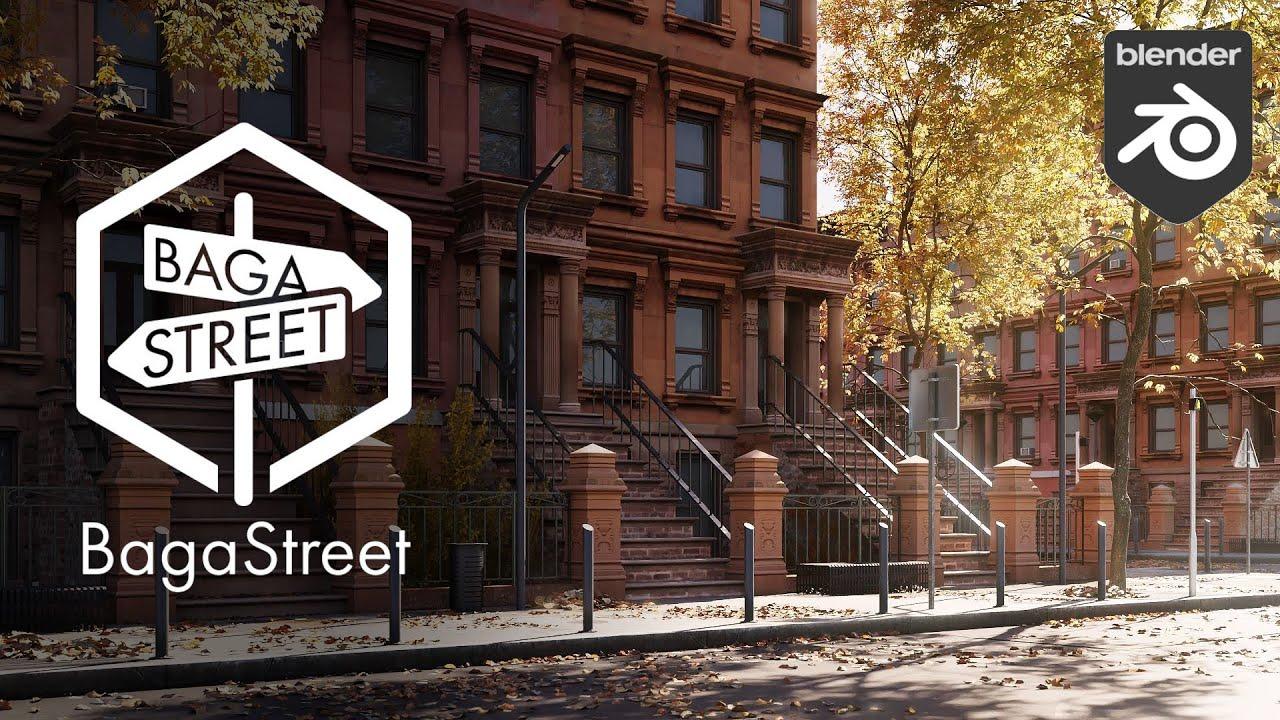
Baga Street is a Blender GeoPack for architectural visualization. It puts assets in Blender’s Asset Browser and provides tools for arranging connected elements in a scene. The product listing describes grid, circle and line arrays, along with placement along mesh borders.
Placement and array tools
Select assets from the Asset Browser and use the pie menu to place them. The product listing describes an entry at V > BagaStreet. It also lists a V > GeoPack route for applying a Geometry Nodes modifier to selected assets.
- Arrange connected elements in grid, circle or line patterns.
- Array assets along mesh borders.
- Use arrays with or without deformation, with a separate array deformation option.
- Keep spacing between assets constant across the arrangement.
Install through BagaPie
Baga Street installs as a pack inside BagaPie, which must be installed first. The listing specifies BagaPie 10.3.1 as the minimum version and Blender 3.6 through 5.2 as the supported range.
- In Blender, open Preferences > Add-ons > Installation, select the BagaPie ZIP file and enable BagaPie.
- Open BagaPie preferences, go to GeoPack > Install Pack, and install Baga Street.
- Find the pack’s assets in the Asset Browser and open its tools from the pie menu.
Materials and intended use
The models include PBR materials and baked textures up to 4K. The asset library and placement tools are designed for architectural visualization, including populating city and architecture scenes. The product listing identifies the license as GPL.