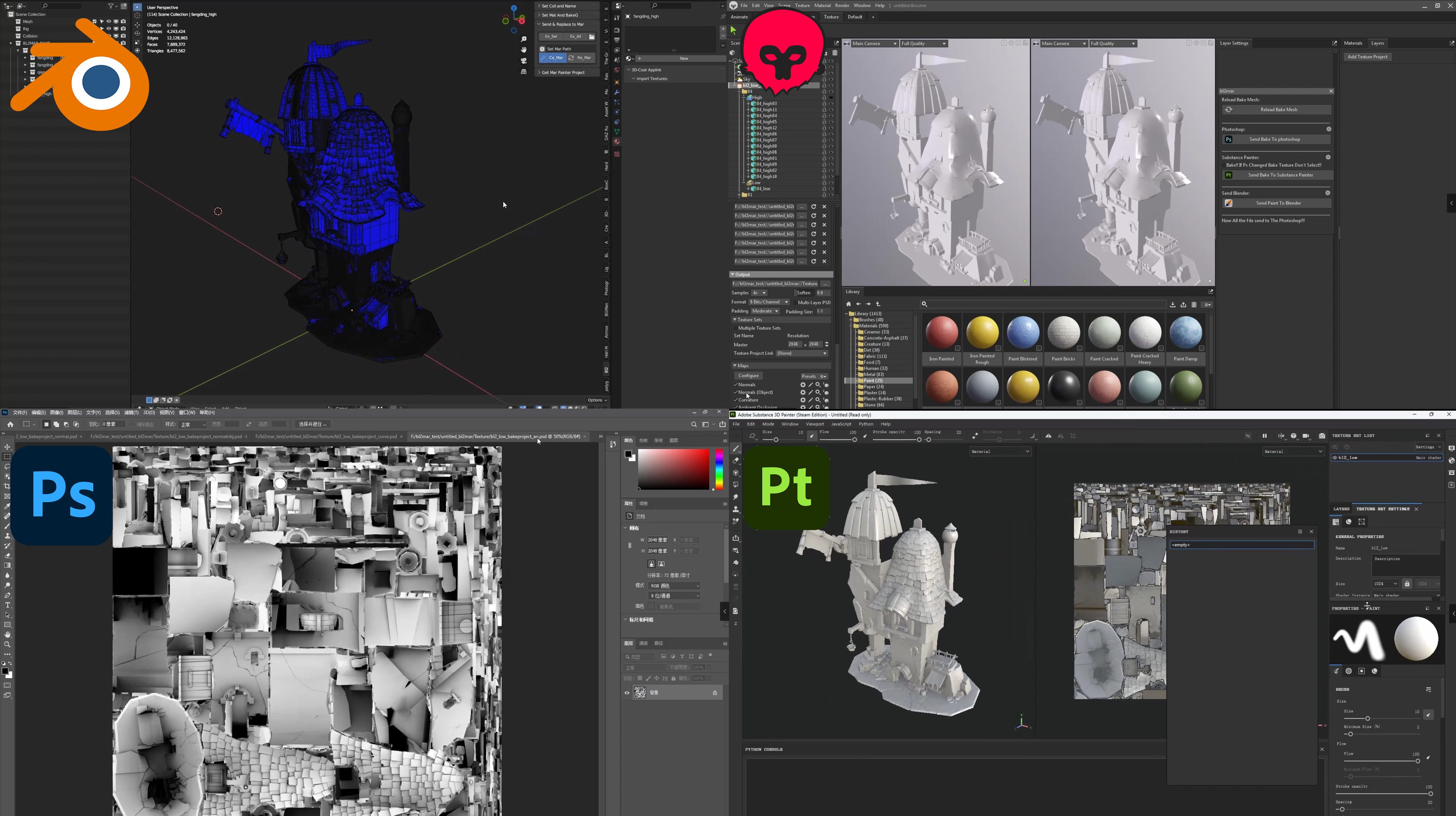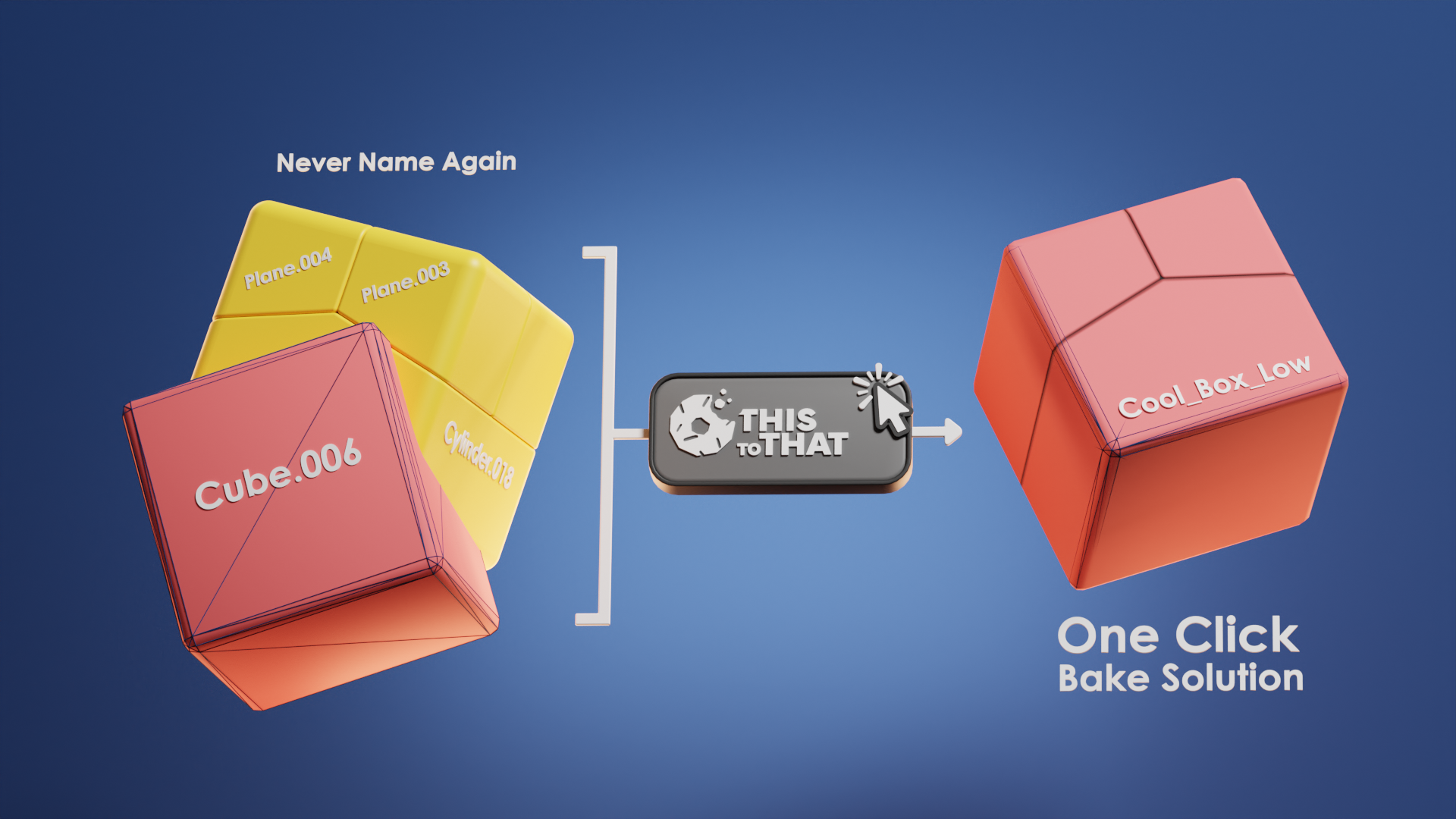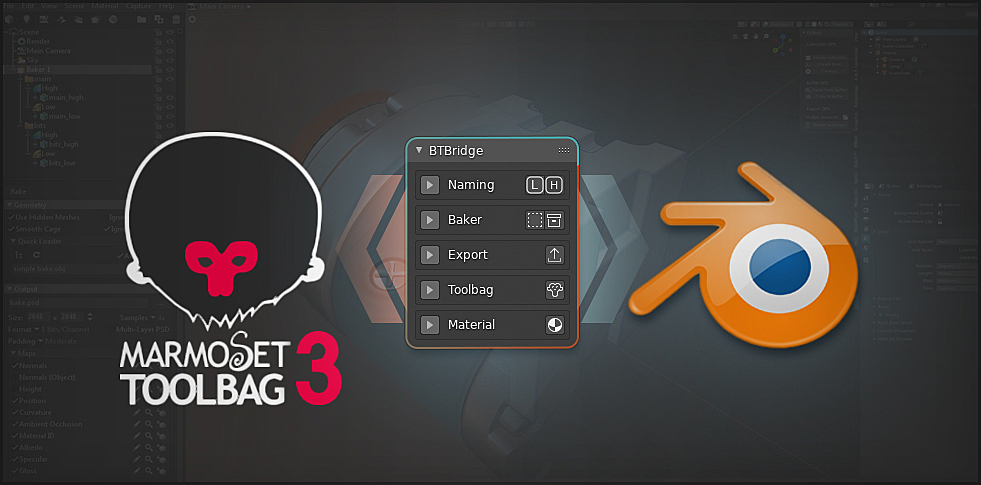
Bake Manager is a Blender add-on for organizing baking setups for characters, props, and environment assets. It is optimized for Marmoset Toolbag workflows with Quick Loader and Substance Painter workflows using Match by Name.
Create roots and high and low pairs
Root Generators create the main roots for a project. Character artists can organize meshes into Body, Clothes, and Props roots. For props and environment assets, Named Prop creates a root with a custom name. Each root generates corresponding High and Low collections, with Pair separators to organize objects by occlusion group. Add buttons create more pairs as needed.
Manage visibility and hierarchy
Show and Hide controls change visibility for all roots or for an individual root. The expandable Hierarchy Viewer displays the baking structure and lets you move objects between High and Low collections with one click.
Keep mesh names organized
Suffix Utilities apply or remove High and Low naming conventions. Add Low and Add High add the corresponding suffix to selected meshes. Dup Low to High corrects a duplicated name such as _low.001 to use the _high suffix; Dup High to Low does the reverse. Swap High / Low switches the suffixes, and Clear Suffix removes them.
Auto Match High from Low renames multiple High objects using the active object name as its reference. Match Collection Name to Object names objects after their collections, which lets you control which objects share occlusion. Obj Name to Mesh and Mesh Name to Obj transfer names between an object and its mesh data when you need to keep separate naming systems. The Add Low and Add High controls apply the matching suffix to selected meshes.
Check the workflow fit
Bake Manager organizes meshes and names inside Blender. It does not export meshes or connect Blender directly to Marmoset Toolbag or Substance Painter; use Blender's export system or a batch export tool for file handoff. The listing specifies Blender 5.1, identifies the package as a Blender Extension-compatible add-on, and lists the GPL license. Check the product listing for current compatibility and license details.