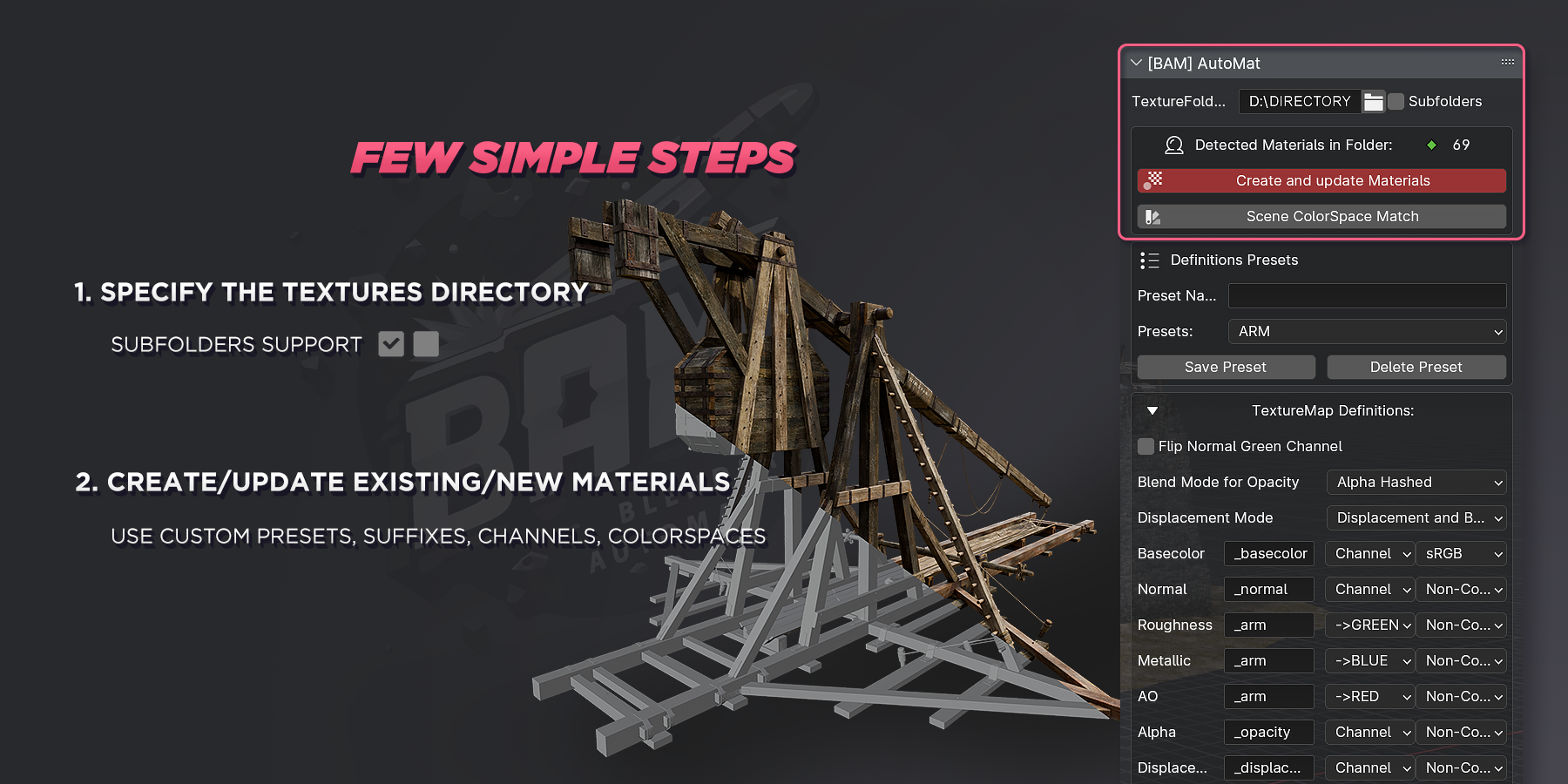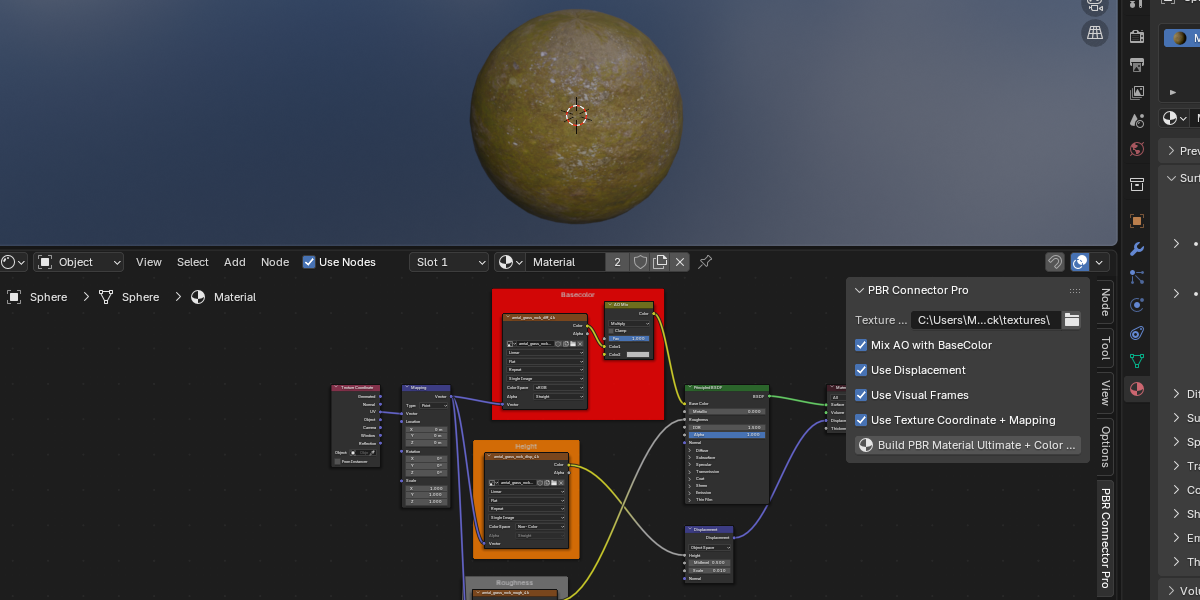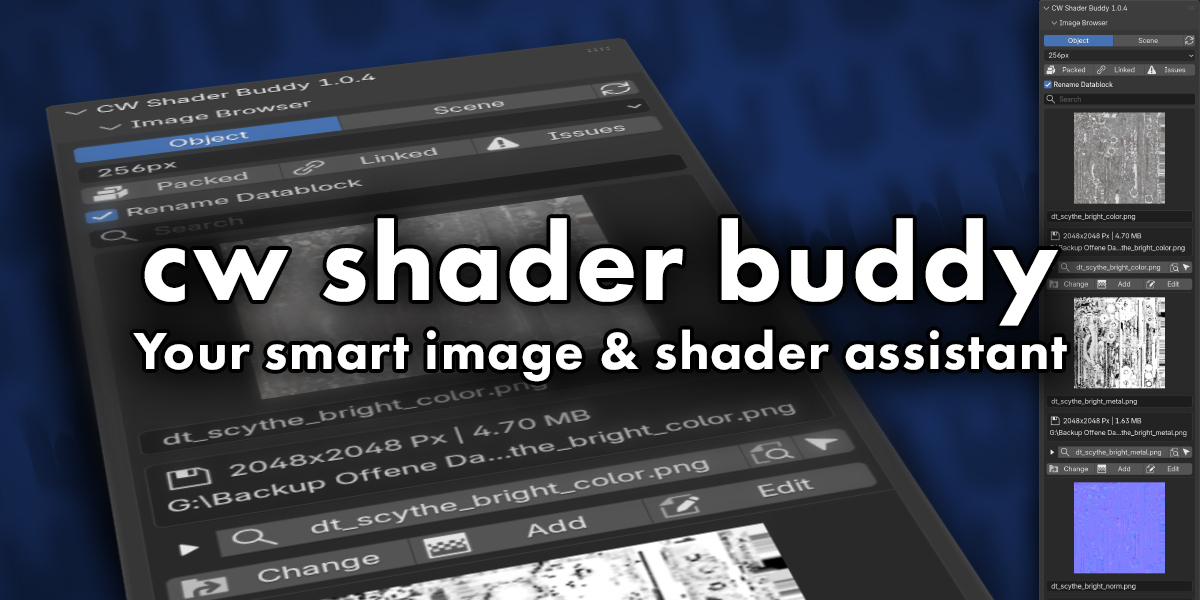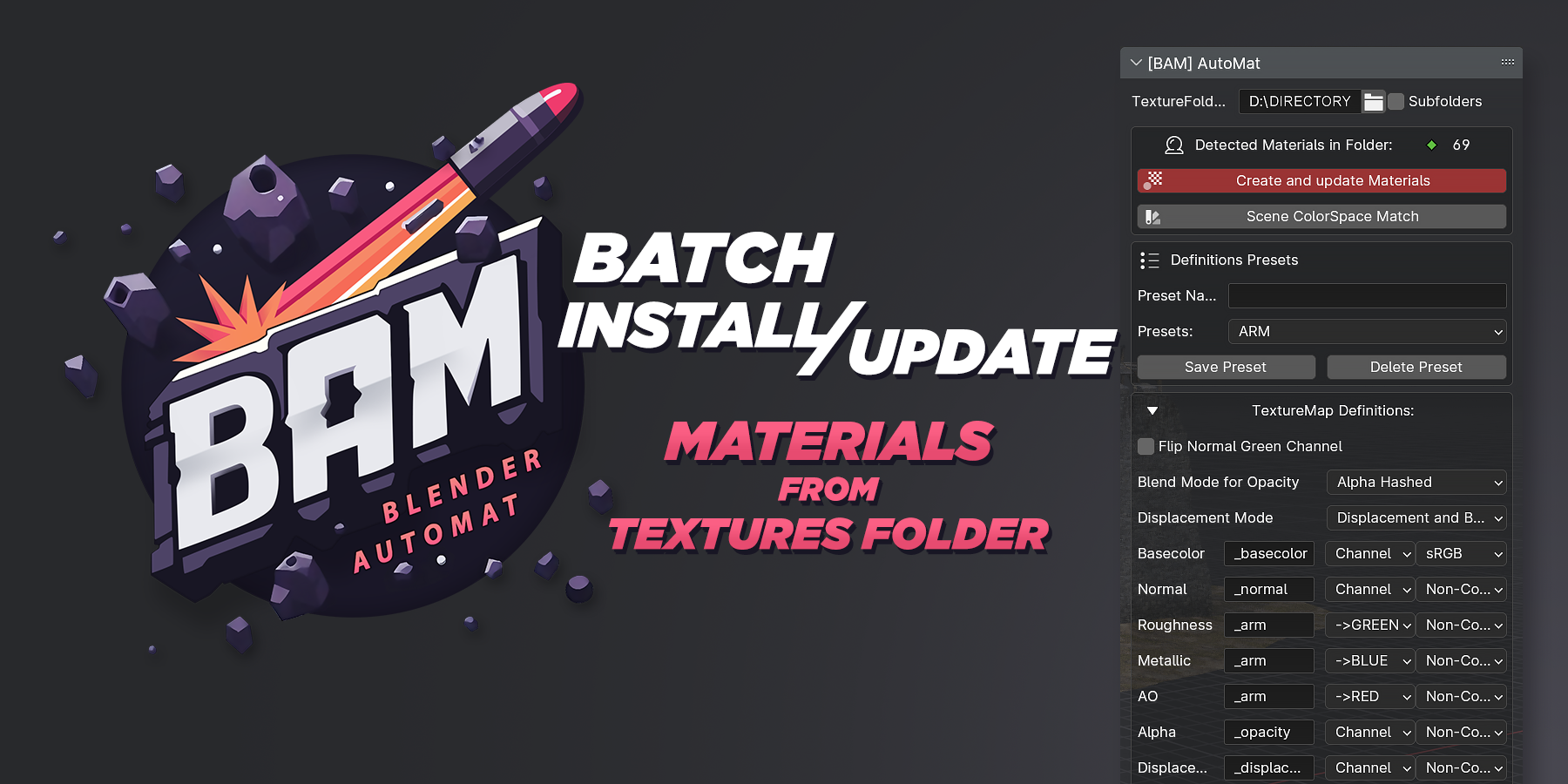
Bam Blender Automat (BAM) is a Blender add-on for creating and updating materials in batches from texture folders. It supports subfolders, custom filename suffixes, color-space settings, presets, OpenGL and DirectX normal maps, and channel selection for packed textures. BAM identifies materials by their BaseColor texture and reuses existing texture data-blocks to avoid creating repeated copies of the same texture data.
Set up materials from texture folders
Choose a texture folder, configure its suffixes, channels and color spaces, then use BAM's filter to select the materials to process. The add-on recognizes suffixes in upper or lower case and supports multiple suffixes, such as _basecolor and _albedo. You can also set a color space for each suffix and apply those settings across texture files in the scene.
For packed maps such as ARM, custom presets let you assign a color channel to each texture. BAM can create missing materials or update ones already in the scene. Its selection controls include Check All, Uncheck All and Invert, so you can limit a batch to the materials you need.
Manage materials in the scene
The Material Manager can create, delete, replace and assign materials. It can select objects or faces by material, replace one material across objects and faces, and indicate which materials are present on a selection. Cleanup tools remove unused material slots or materials from unhidden objects. BAM can also fix duplicate materials and reassign their users.
For texture changes, update materials on selected objects or enable texture synchronization. The synchronization settings include a check interval, which controls how often BAM checks the texture folder and Blender scene for changes.
Plan for large material batches
The creator recommends Cycles when creating or updating hundreds of materials. The product FAQ explains that EEVEE may spend time rendering thumbnails for new materials or compiling shaders in the viewport, which can make Blender appear frozen during larger jobs. BAM has a setting to switch the scene to Cycles; the viewport must also be switched manually. The documentation says this speeds shader processing and material thumbnail rendering.
Who BAM is for
BAM may suit Blender artists managing a large material library, many objects, or texture folders produced in Substance Designer. In the product story, Alexey HRDesign says he developed the add-on to bring a bulk material workflow from Maya into Blender while handling large material sets in his work as a Lead Technical Material Artist at Kitbash3D.
License and Blender compatibility
The Superhive listing describes BAM as free and open-source under GPL-3.0. It shows a symbolic $1 price and says proceeds go to the Blender Development Fund, with no income going to the author from that listing. The listing reports Blender compatibility from versions 3.6 through 5.0; check its current details before installing.
See the BAM product listing for product and license details; see the documentation for setup; use the FAQ for troubleshooting.