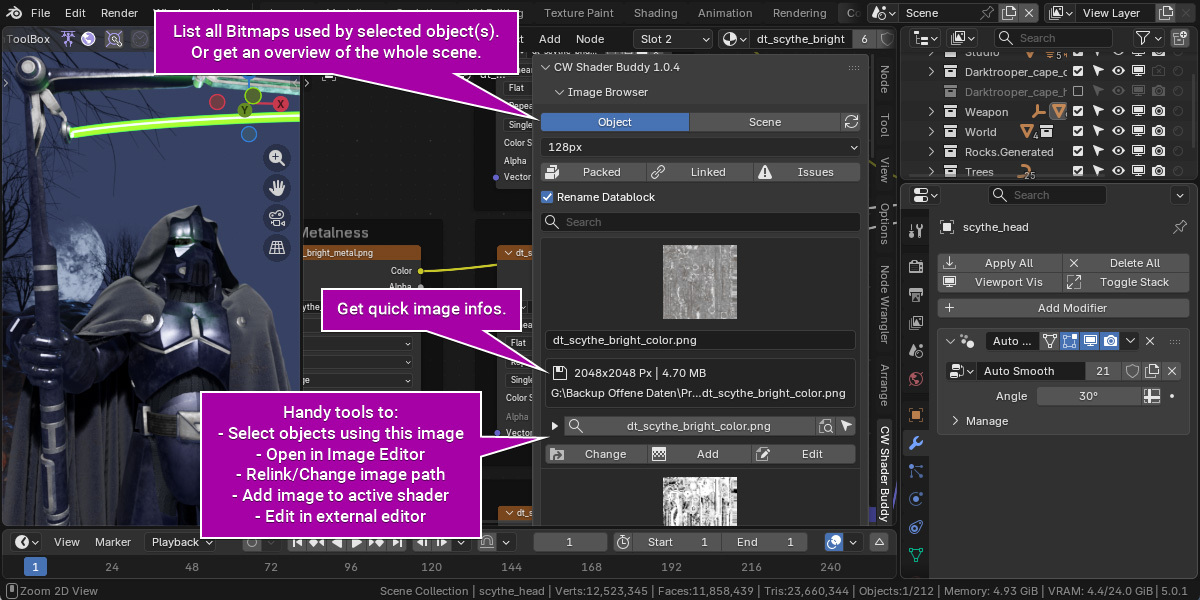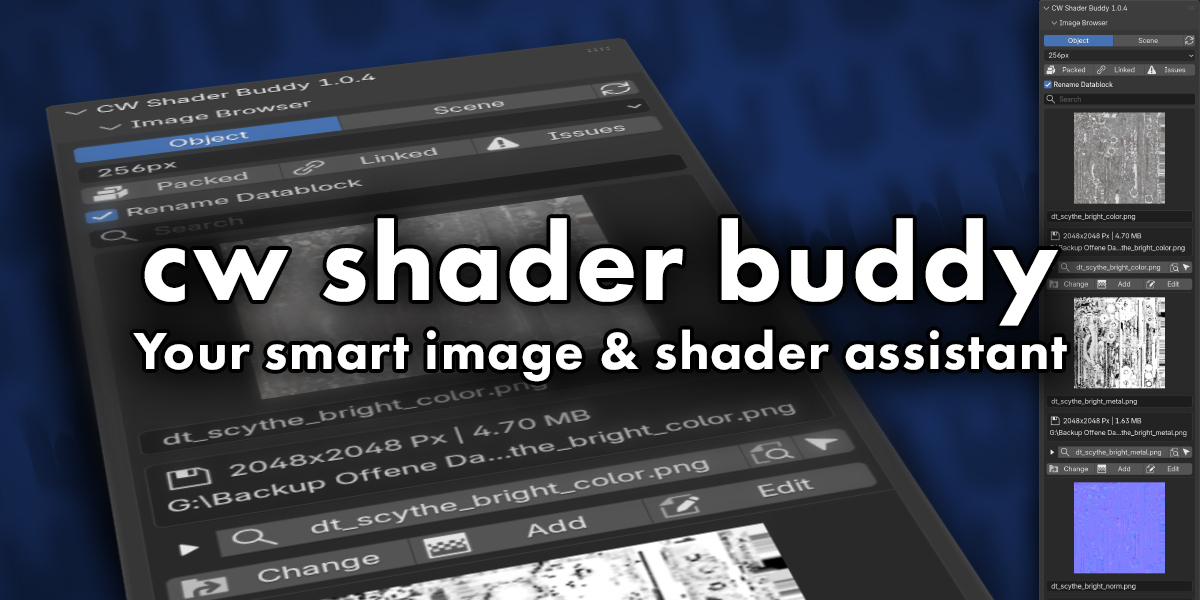
Cw Shader Buddy is a Blender add-on for reviewing and managing the images and materials in a scene from a sidebar panel. Its image browser shows where textures are used, while issue markers help locate missing files, unused images, and other items that need attention. The Superhive product listing describes its image and material tools, supported editors, and Blender compatibility.
Browse scene images and their uses
Choose Object view to inspect images used by the selection, or Scene view to see images across the file. Thumbnails can be set from 32 to 256 pixels or turned off. Each image can show its resolution, file size, full path, and, for video, frame count. A usage list connects an image to materials, objects, the world, Grease Pencil, line styles, the compositor, camera backgrounds, image empties, modifiers, or brushes. Click an object name in that list to select it and activate the matching node.
Search accepts several terms and can match image names, file extensions, or brush names. You can replace an image wherever it is used, open it in Blender's Image Editor, or edit it in an external image editor; after you save there, the image reloads. For image sequences, the panel lets you step through frames, edit an individual frame, and see when frames are missing.
Review materials and scene issues
The material browser lists materials alongside the objects that use them. It can assign a material to the selection, replace it throughout the file, and remove materials that nothing uses. When it finds copies such as numbered versions, it can merge them only when their settings are identical. It also flags same-name materials with different nodes and warns before removing an empty material slot if faces still use it.
Turn on Issues to focus the list on items that need review. It can show missing files with a Find button, unused images, unsaved painting data Blender would discard on quit, numbered image copies, names that differ from their files on disk, and node labels left over after a texture swap. Each issue type has its own preference checkbox, and the red marker remains visible when the panel is collapsed. Procedural textures used by modifiers and brushes have their own sections, including unused ones; brush textures also show a warning when painted texture data has not been saved.
Rename images and materials in batches
Batch Rename applies find-and-replace across images or materials, with optional regular expressions, prefixes, suffixes, case changes, or character removal. It can also rename image files on disk, including image sequences, and previews each proposed file name before the rename. Node labels update with the new names.
Open the panel in Blender
The sidebar panel is available in the Shader Editor, Image Editor, UV Editor, Compositor, and 3D Viewport. Press N to open the sidebar. A preference adds a View button that can turn a free editor area into the needed editor without changing the viewport you are using. The listing identifies Blender 4.5–5.2 as the compatibility range and labels the add-on GPL-licensed. Check the product page for current compatibility details before installing.
For scenes with many assets, thumbnails load in the background and long lists are paged. The add-on also supports packed, linked, video, and sequence images.