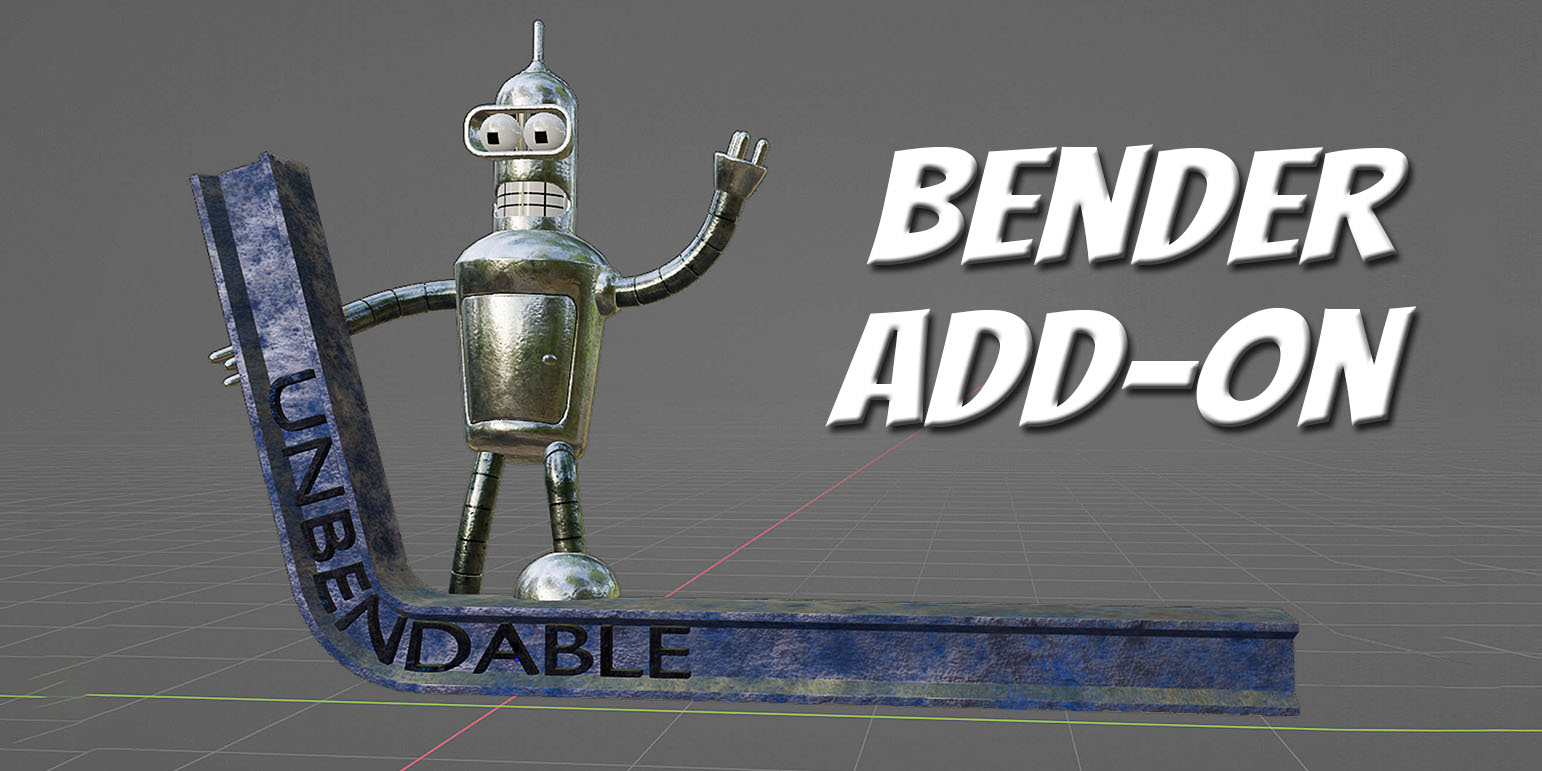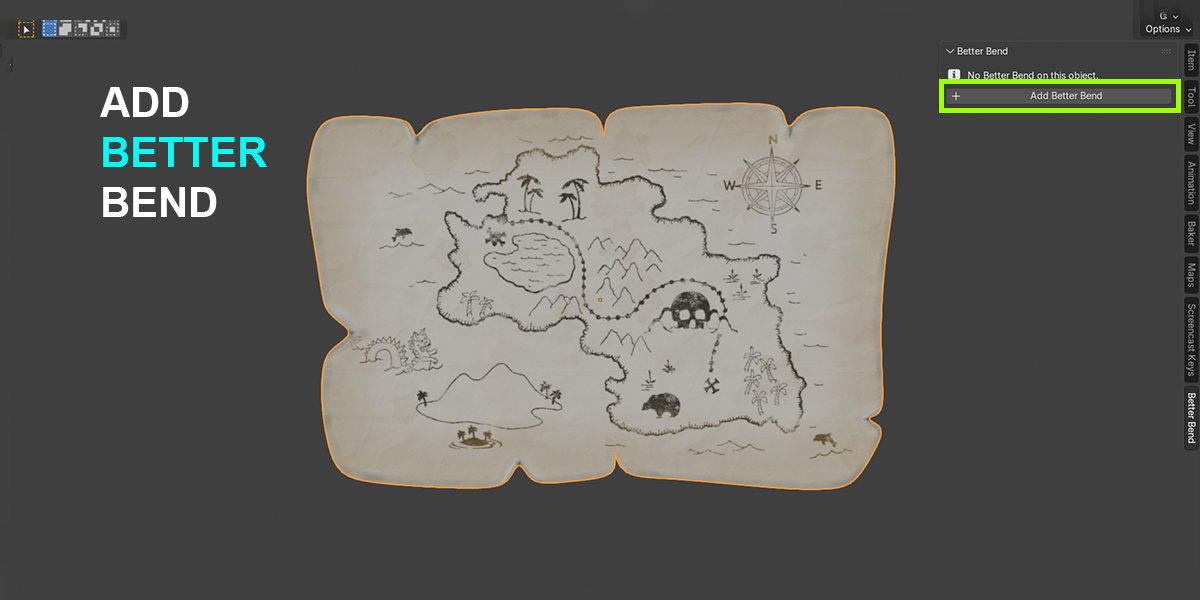
Better Bend is a Geometry Nodes bend modifier for Blender. Choose the axis along which your geometry extends, then set the bend amount. The modifier maps that axis to Blender's internal orientation automatically, so you can adjust the bend without first rotating the object or changing its transforms.
Control the bend and pivot
Choose Both Sides, Plus Side or Minus Side for the bend style. Start and End limits adjust automatically when you change styles, and you can enter manual limits in Blender distance units. The Pivot and Rotation controls move the bend center in object-local space without changing the object's origin.
Handle coils and repeated setups
For coils, springs and helices, enter a Bend Amount greater than 360 degrees. On heavier meshes, switch off Live Update and use the manual Update button to control when the deformation refreshes. Apply Settings to Selected copies one setup across the selected objects.
Keep it in Blender's modifier stack
Better Bend remains non-destructive until you apply it, and UV coordinates are preserved through deformation. It can sit alongside native modifiers: for example, add Subdivision before it for denser geometry, place Mirror after it for symmetric pieces, or use an Array for repeated curved segments.
Inspect the Geometry Nodes setup
The node group is open for inspection, and the product is licensed under GPL-3.0. Superhive lists compatibility with Blender 3.0–5.2 and Blender Extensions. Check the Superhive product listing for current compatibility and product details.
Its controls suit Blender artists who regularly bend pipes, cables, architectural profiles, product-rendering forms or game props and want to revise the deformation while keeping the scene hierarchy intact.