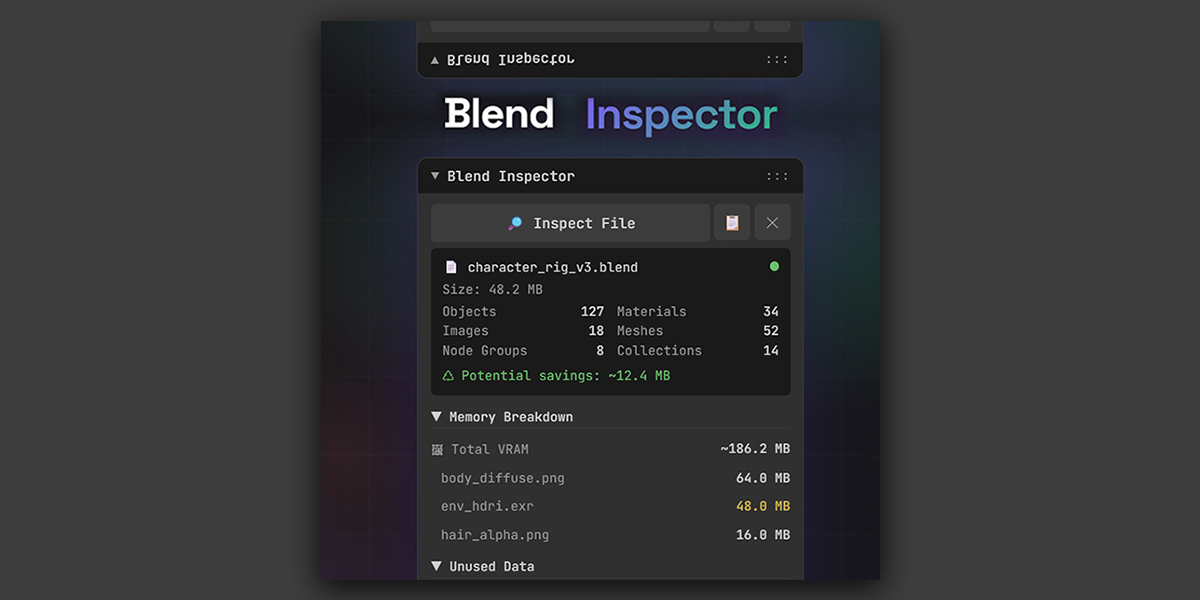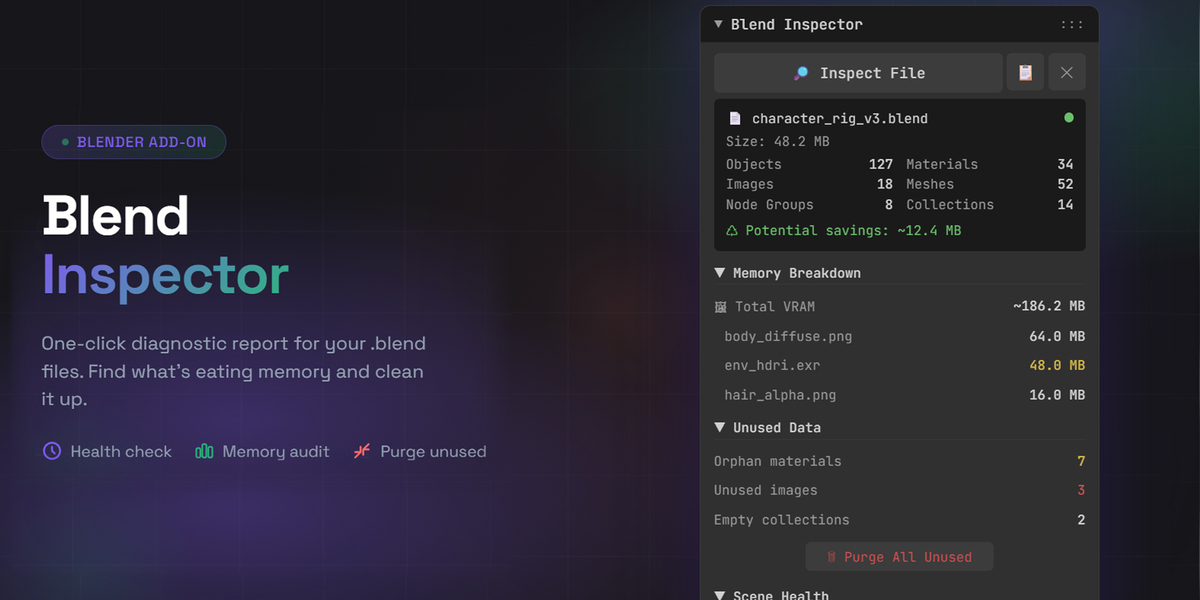
Blend Inspector is a Blender add-on that audits a .blend file and gathers file size, image VRAM, texture and scene-health findings into one report. Click Inspect File to review potential space savings, image VRAM estimates and issues that may need attention.
What the report checks
File Overview shows the file size with a color-coded health indicator, object counts and an estimate of potential savings.
Memory Breakdown estimates image VRAM by bit depth, lists the ten heaviest meshes with base and evaluated vertex counts, and reports material complexity.
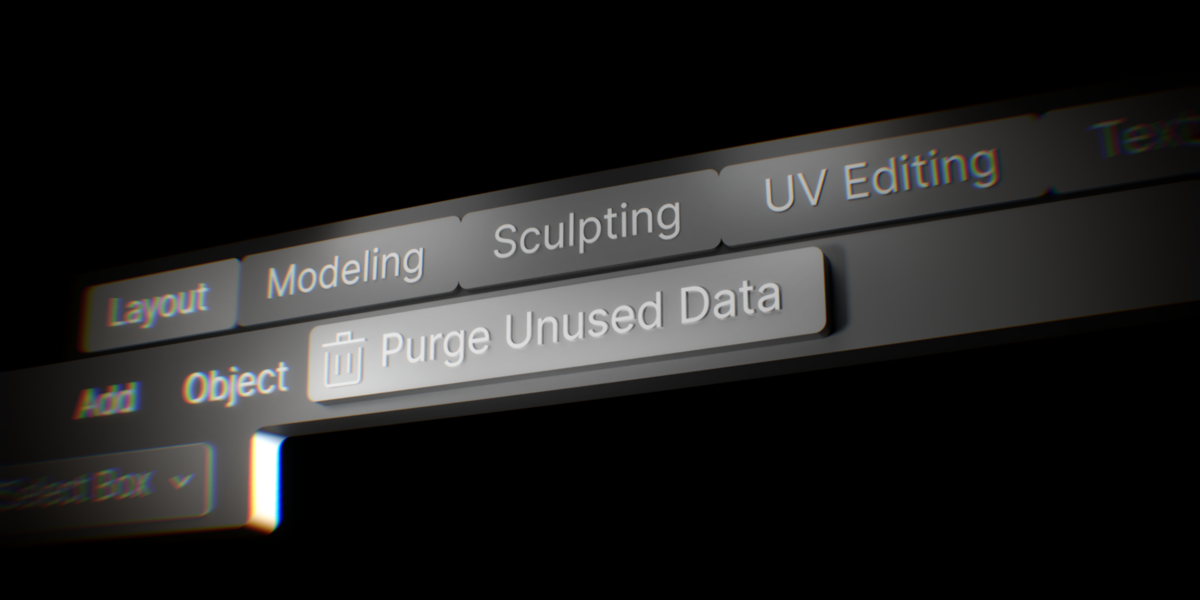
Unused Data identifies orphan materials, images, meshes, node groups, worlds and empty collections. It includes size estimates and a purge action.
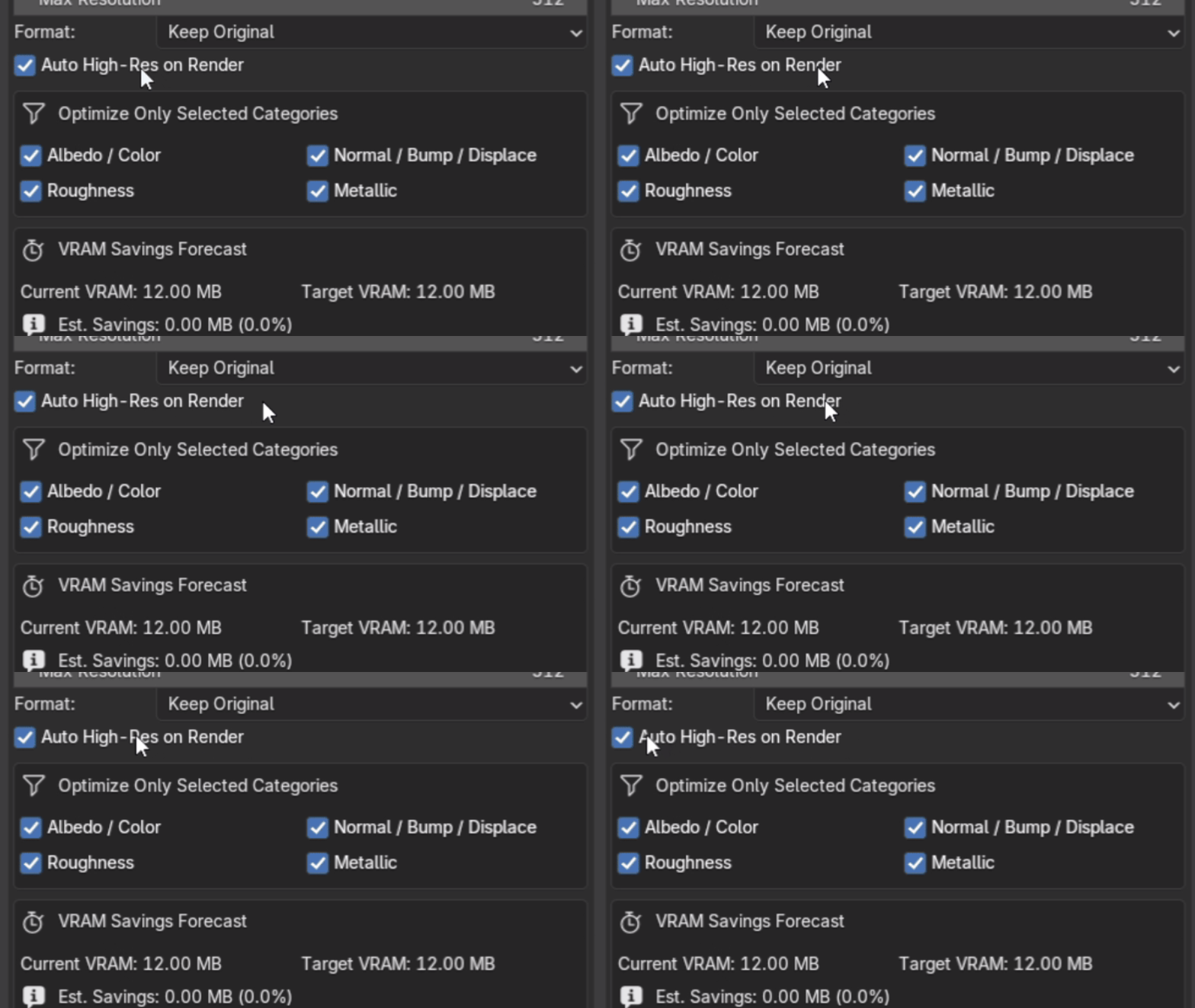
Texture Audit flags missing files, oversized or non-power-of-two images, packed image bloat and duplicate textures. Findings have severity levels and suggested fixes.
Scene Health checks for unapplied transforms, negative scale, objects at the origin, high-poly meshes without a decimate modifier, missing UV maps, duplicate mesh data and unused material slots.
Review findings before applying fixes
Building a report only reads data. To change the file, use Purge Unused, Fix Transforms or Fix Unused Slots; each action requires confirmation.
You can select affected objects from the report, copy a plain-text version to the clipboard for a team review, and set thresholds for file size, texture resolution and packed image warnings. Scene-health checks can also be toggled individually. Treat the VRAM and potential-savings figures as estimates.
Who may find it useful
Game developers can check file size and mesh counts before export. Studio technical directors and leads can share a report when reviewing files for a pipeline. Archviz artists can use the findings to investigate large scene files, while freelancers can check a project before handing it to a client.
Version, compatibility and setup
The product listing identifies version 1.0.0 and a ZIP package for installation in Blender. Its description says Blender 4.0 and newer, while its compatibility field gives 4.0–5.1. Check the Superhive product listing or ask the creator if you use a version outside that stated range. The product description specifies GPL-3.0-or-later, while its license field says GPL; the listing says the add-on has no renderer dependency.
After installing, save the .blend file, press N in the 3D Viewport, open the Inspect tab and choose Inspect File to run an inspection. AnyPlugins lists Blend Inspector as free; check the product listing for current price and release details before downloading.