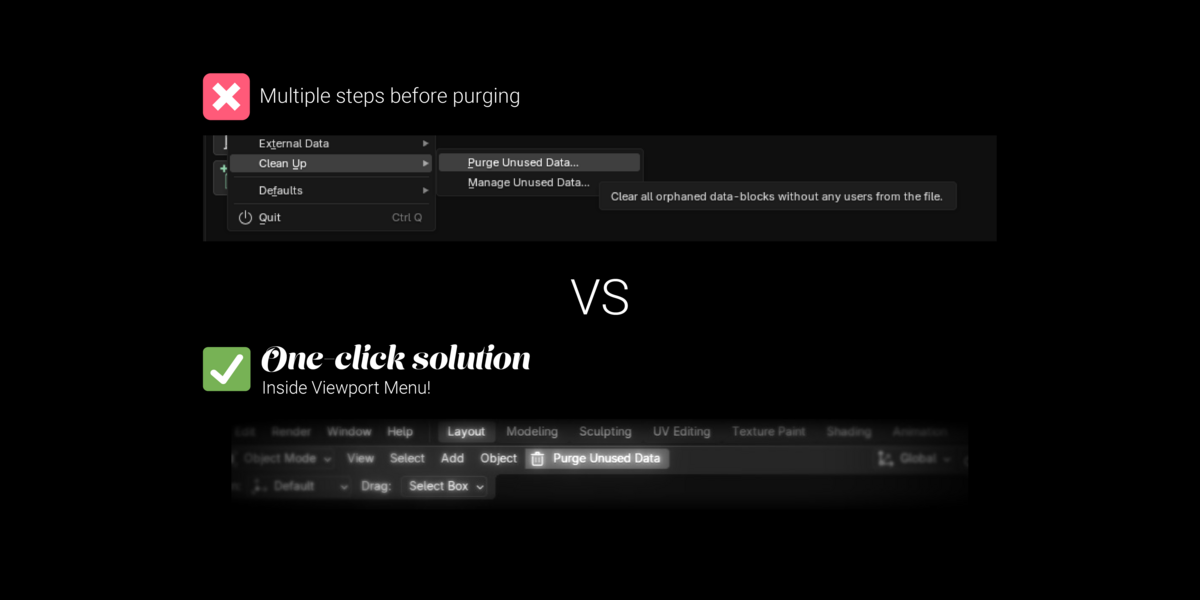
Easy Purge is a Blender add-on that removes data blocks from a .blend file when no scene object links to them and no fake user is set. It recursively scans for orphaned data, including nested leftovers such as a texture whose parent material was deleted. Its removal counts cover meshes, materials, textures, images, armatures, actions, cameras, lights, node groups, collections, fonts and curves, according to the product listing.
Preview a purge before running it
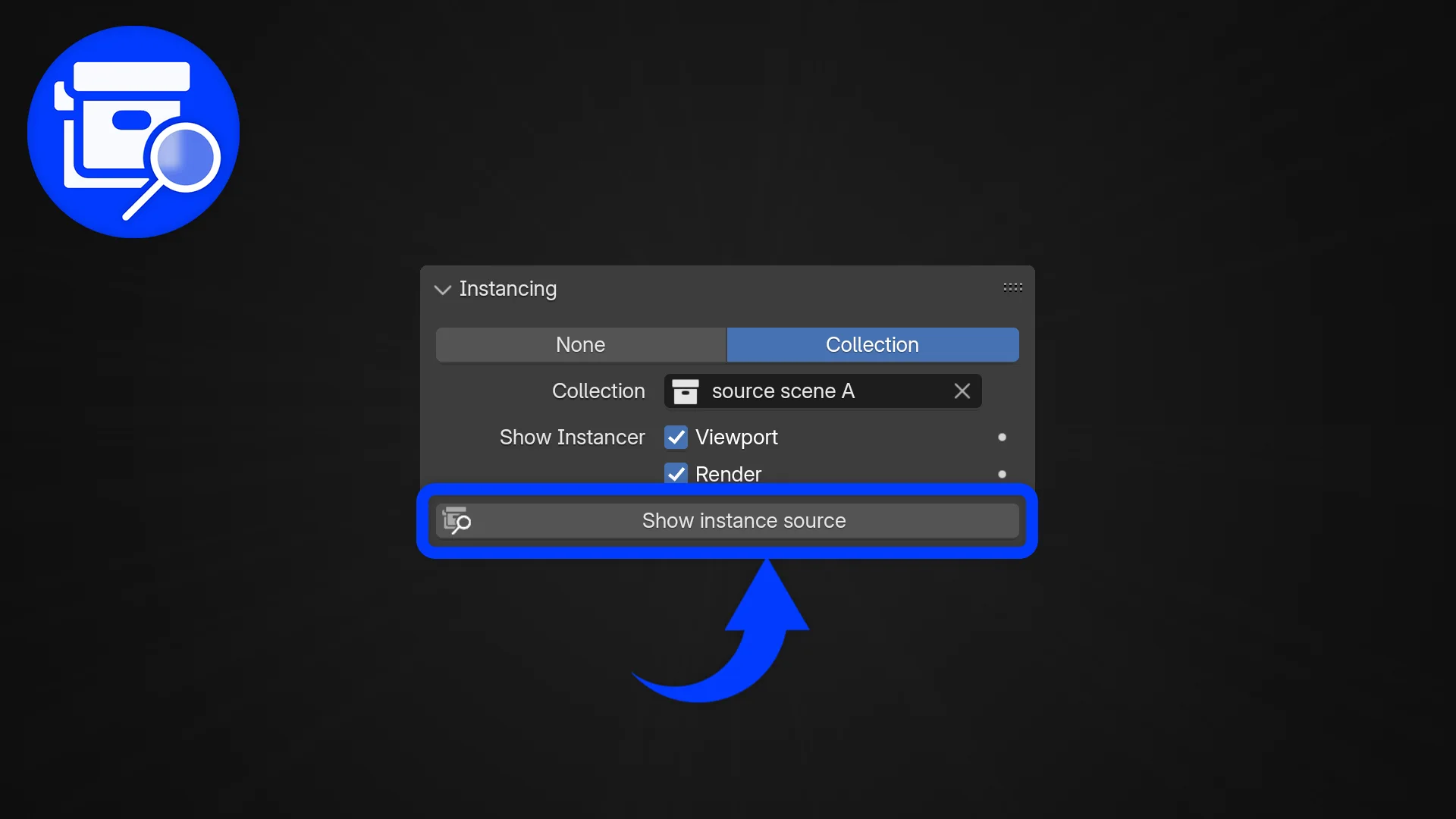
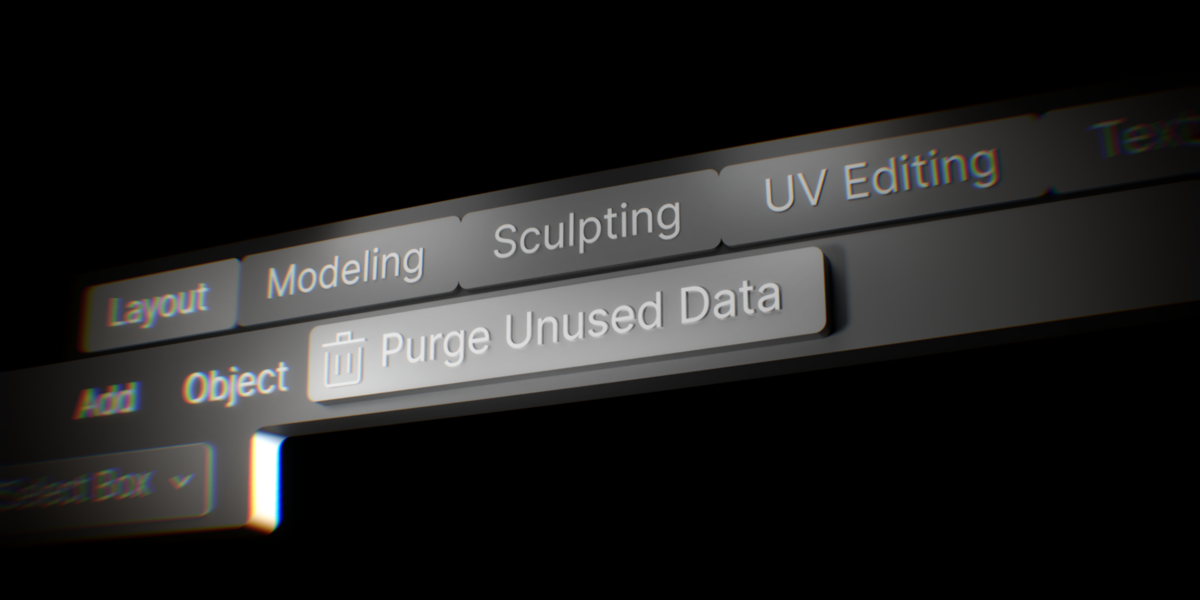
The v2.0.0 release notes place Easy Purge in a dedicated N-Panel under View3D > UI. Its Purge Unused Data button runs cleanup; the adjacent search-icon button opens Dry Run Preview, showing how many orphaned data-blocks would be removed by category before you commit. The notes say purge results appear in Blender's Info bar. The version history lists v1.4.1 separately, and its documentation describes an editor-menu interface.
Choose what Easy Purge removes
The v2.0.0 release notes describe per-category toggles for choosing data types in the N-Panel, with defaults in Add-on Preferences. Smart Name Exclusion accepts comma-separated patterns such as _keep or lib_ and ignores matches even when data is orphaned. These controls are described as v2.0.0 features; the separate v1.4.1 documentation describes an editor-menu interface.
In v2.0.0, Auto-Purge on Save is an opt-in setting, off by default, that silently purges unused data before each file save and respects category toggles and name-exclusion patterns. Review the Dry Run Preview and those settings before enabling it. Purge History keeps up to 50 entries for the current Blender session, with data-block counts, per-category breakdowns, and a file-size-freed figure for saved .blend files. These are v2.0.0 features; the separate v1.4.1 documentation describes an editor-menu interface.
Check Blender compatibility
The v2.0.0 release notes list Blender 3.6.0 to 5.x compatibility. The v1.4.1 documentation gives Blender 5.1.0 as the minimum, while product details list Blender 3.6 to 5.1. Confirm with the creator which range applies to the version you plan to install.