Tex Audit, styled TexAudit on Superhive, is a Blender add-on by Harsh Pandya for checking texture health and managing texture memory. It scans a scene, reports issues such as oversized textures and duplicates, and estimates VRAM savings before optimization. Original textures are backed up automatically so you can switch back or restore them.
Scan a scene and choose what to review
The Health Scanner gives a score from 0 to 100 and reports oversized textures, duplicate images, missing files, corrupted images, non-power-of-two resolutions, and unused textures. Each issue includes a plain-language recommendation.
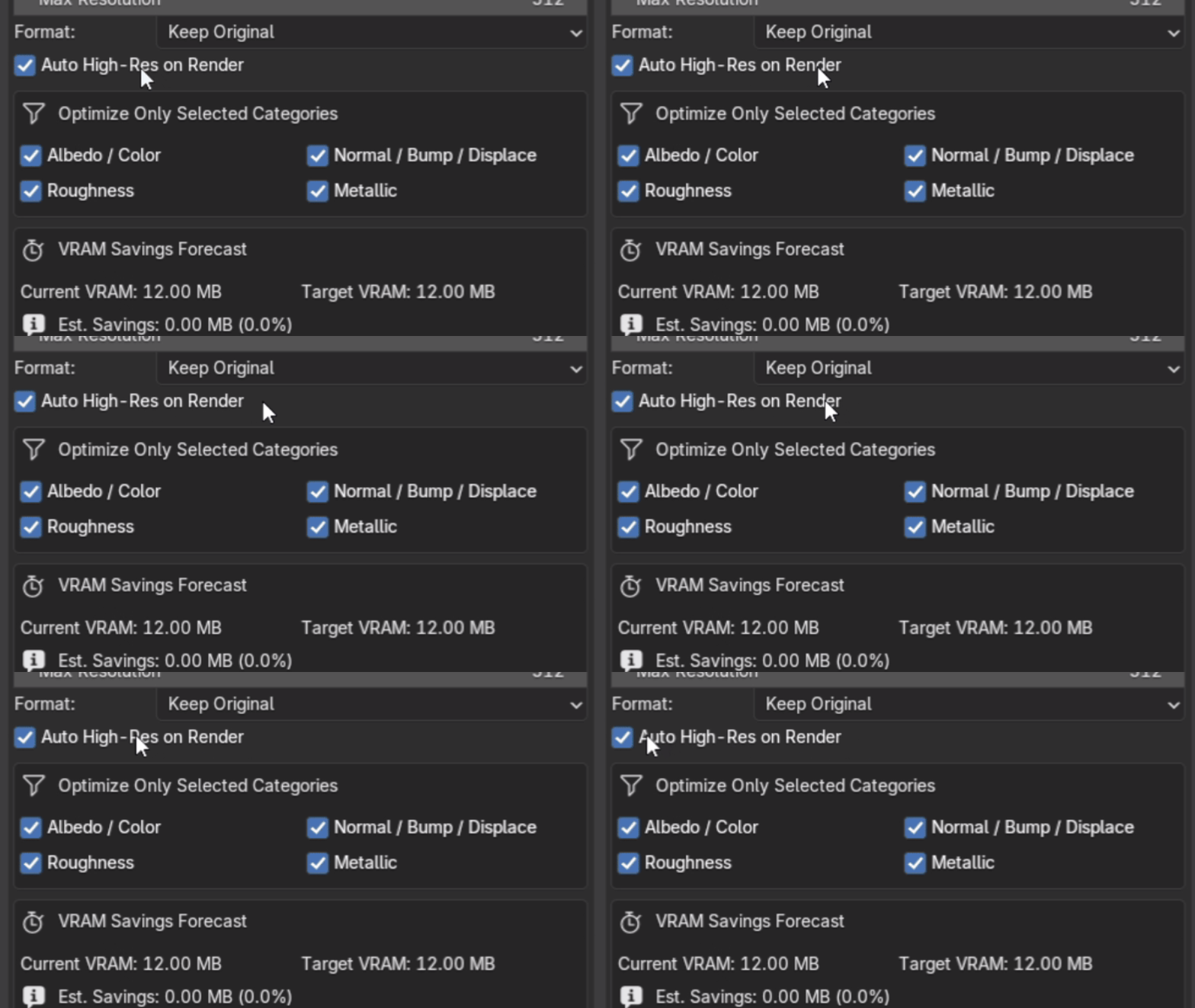
You can target selected objects, images, materials, or the whole scene. World and HDRI textures have separate resolution and format settings. Smart Search helps find specific images or materials, while Map Isolation lets you target or exclude PBR maps such as Albedo, Roughness, Metallic, and Normal.
Set resolution and format
Tex Audit includes Game Ready at 1K, Viewport Fast at 512 pixels, and Render Safe at 2K presets. You can set a custom target resolution, choose a compression format, or save presets for later projects. Settings can be applied globally or map by map.
The product listing identifies support for PNG, JPEG, WebP, and OpenEXR. The documentation names JPEG, WebP, or Original as optimization format choices. Check the Tex Audit documentation for the available controls.
Keep the original textures available
Save your .blend file before optimizing. Tex Audit stores backups relative to the file location and backs up packed and generated images before changes. You can preview optimized textures, switch between optimized and original versions, or restore the originals with one click.
An auto-swap option switches to full-resolution originals before rendering and returns to optimized textures afterward. This can keep the viewport on smaller textures while using originals for final renders.
Process files and export reports
For larger projects, point Tex Audit at a folder of .blend files to process them one after another in the background. It tracks each file as successful, failed, or cancelled, and supports cancelling a batch while it runs.
Export reports as TXT, CSV, or JSON. They can include per-texture before-and-after resolution and format, estimated VRAM saved, and errors, which is useful for documenting an optimization pass or sharing its results with a team.
Compatibility and product details
Superhive lists Tex Audit as add-on version 1.0, under the GPL license, for Blender 4.5–5.2 and the Cycles and Eevee render engines. Its documentation requirements state Blender 4.5.0 or newer, while the listing specifies 4.5–5.2. The sources therefore differ on support above 5.2; check the current product listing before installing it for a specific Blender release.
Tex Audit may suit artists working with texture-heavy scenes who want to inspect image issues, reduce texture resolutions, and retain a way to restore originals. VRAM savings are estimates, and the available sources do not promise a fixed reduction in render time or GPU memory use for every scene.