LODify by 小T_sune is a Blender add-on for finding and reducing the cost of large, complex scenes. Its tools cover texture resizing, camera-based optimization, geometry and viewport levels of detail, shader detail, and scene cleanup. The current Blender Extensions entry lists version 3.0.0, with Blender 4.2.0 as the minimum and Windows x64 as the supported platform. The developer's repository documents the features and installation steps.
Find costly collections and objects
The Collection Analyzer measures vertex load across collections and can add percentage labels or heatmap colors to help locate heavier areas. The 3D View Analyzer colors mesh objects by relative density in the current view layer and can restore their original colors. These tools help you inspect a scene before changing its detail.
Match textures and geometry to the shot
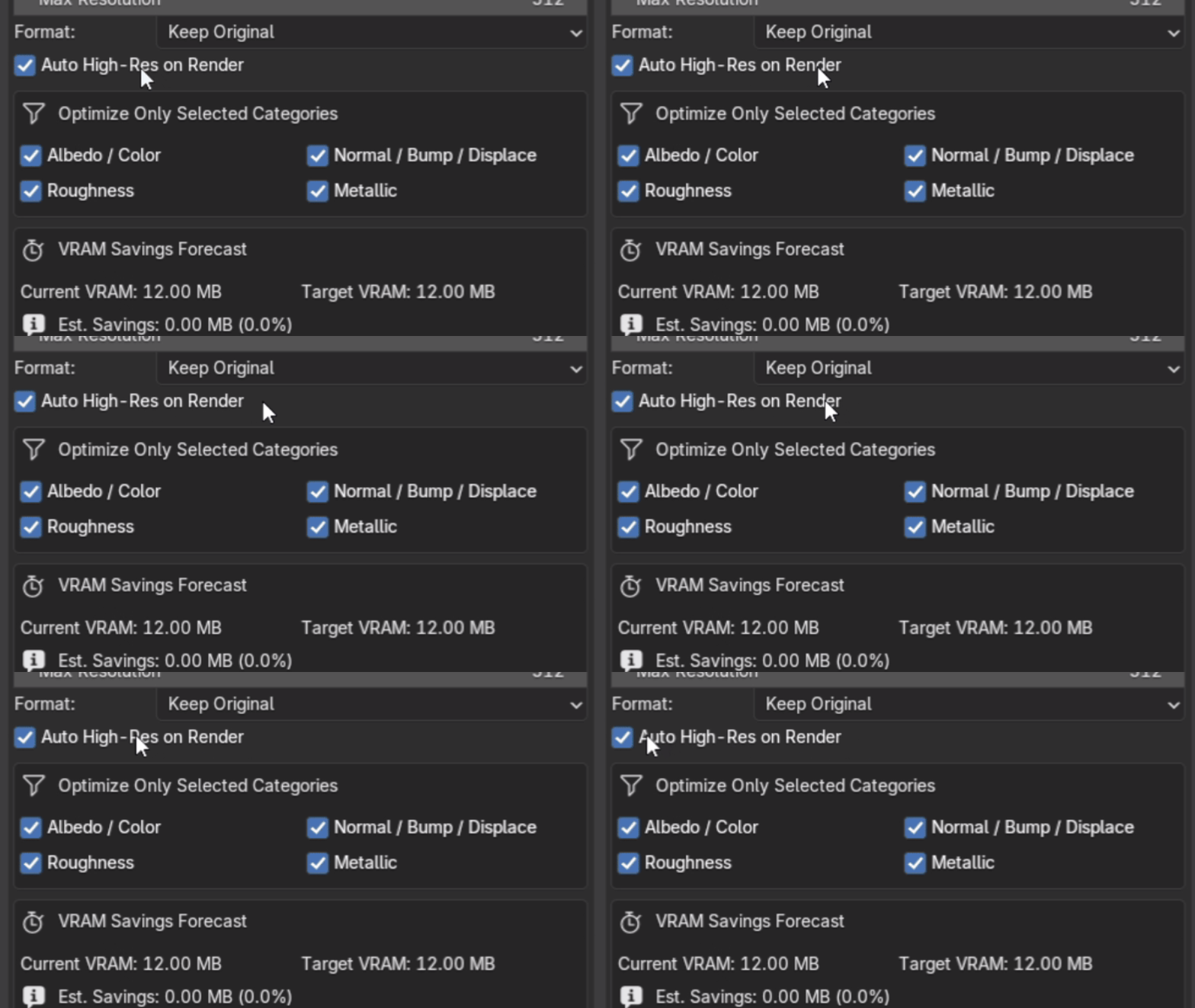
The Image Resizer scans scene textures, estimates memory use, and batch resizes selected images. It supports safe-copy output and switching between original and generated texture sets. Camera Optimization estimates texture needs from the active camera's screen coverage and creates a camera-specific texture set, so small or distant objects need not keep more resolution than their framing requires.
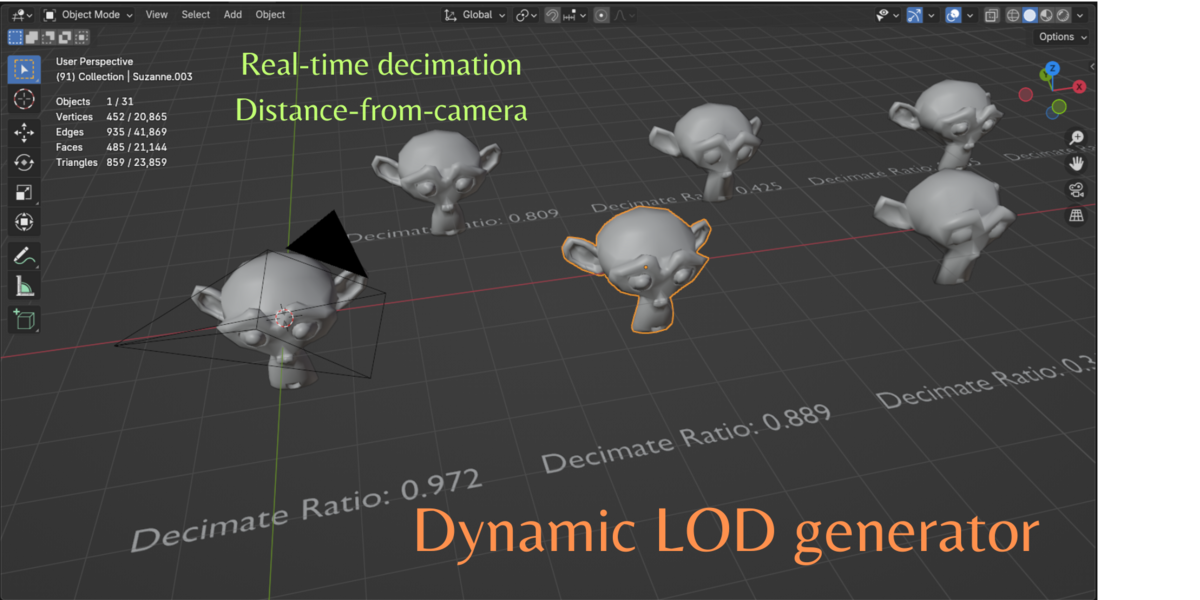
For mesh detail, Geometry LOD supports the Decimate modifier and Geometry Nodes. It adjusts detail by normalized screen ratio and includes minimum-face and retained-ratio limits. The workflow supports setup, update, reset, and a destructive Apply step.
Lighten the viewport and distant detail
Viewport LOD can change distant objects to Textured, Solid, Wire, or Bounds display modes, or hide very distant objects. It can restore their original display and hidden states. Shader Detail LOD reduces Normal Map, Bump, and Displacement strength with distance. LODify also includes tools for finding duplicate image references and removing unused material slots.
Keep optimization changes reviewable
LODify 3.0 adds render optimization profiles that record original object, material, image, collection, and modifier states before optimization. The generated preview can be restored from Blender with one click. A profile can also use a selected render camera and limit its operation to a collection. Heavy image processing runs through a subprocess worker, while some batch operations use modal flows to reduce interface freezing.
Requirements and installation
The extension record declares file access for reading and writing textures during resizing and lists the GNU GPL version 3.0 or later license. The developer's installation instructions are to download a release ZIP, open Blender's Edit > Preferences > Get Extensions, choose Install from Disk, and then open the Optimize tab in the 3D View sidebar. The current listing does not name macOS or Linux packages, so verify availability for those systems before relying on LODify's image-processing tools.