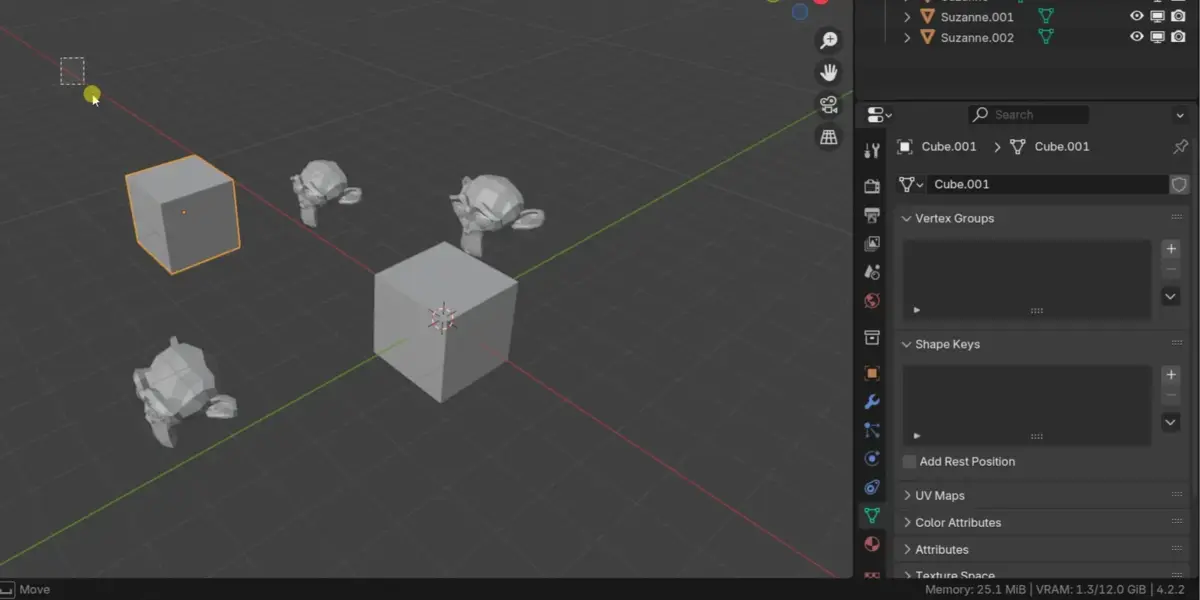
Find Duplicate Meshes helps Blender users locate mesh data that matches a current selection, then select matching objects or link their mesh data. That can help with imported files that do not preserve shared mesh data and scenes where duplicates were created as separate copies. The product documentation describes two operators and several comparison methods.
Two ways to work with matching meshes
In the 3D View, use Select > Select by Similar Mesh to select meshes in the scene that match the current selection. To connect duplicates, use Object > Relations > Link Duplicate Meshes. Linking lets multiple objects share mesh data, so editing that mesh updates each linked object. The developer says this can reduce memory use and improve viewport or render performance, particularly in large scenes.
Choose how meshes are compared
The operators share settings, including a choice of comparison method. The methods check mesh data differently, so the result depends on the kind of match you need.
- Native uses Blender's native mesh comparison and checks details such as attributes. It is exacting, but can miss meshes that are similar enough for a particular workflow because Blender treats some mesh details as different.
- Hash creates an identifier from vertex coordinates and edge and face indices. The documentation describes it as less thorough and useful for “close enough” comparisons. The product FAQ warns that this method can produce false positives.
- Buffer compares mesh attribute data as bytes. It can work well for exact duplicates, including meshes duplicated within Blender. You can choose which attributes to compare and set a threshold for allowed differences.
Other settings can require matching edge and face index order or matching attribute names and values. Blender vertex groups are not considered mesh attributes. The Native method's threshold compares vertex positions; the Buffer method's threshold is a percentage of allowed differences.
Transforms and matching limits
Objects can have different positions, rotations, or scales while sharing equal mesh data, because an object's transform is separate from its mesh. A scaled copy can therefore match the original mesh.
Matching is not comprehensive and cannot guarantee that meshes are equivalent in every way. Native comparisons may miss matches, while Hash can identify meshes that still differ. Inspect the results to the precision your project needs. When possible, linking or instancing duplicates as you create them avoids having to find and connect separate copies later.