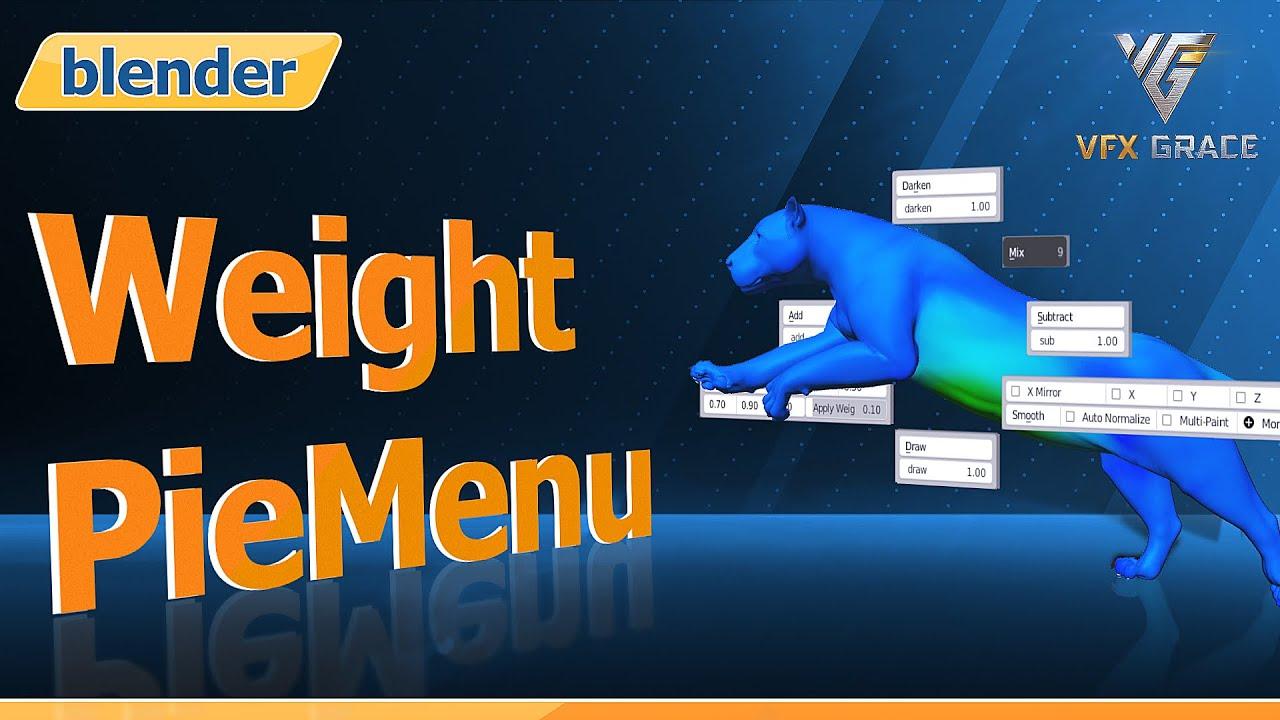
Weightbrush Pie is a Blender add-on from VFX Grace that collects common weight-painting functions in a pie menu. It includes add, subtract, and blur tools, plus a control for setting the weight value of a selected vertex. The add-on is documented for use in Weight Paint and Edit modes.
Tools and menu layout
Preset weight values appear in the lower-left corner of the pie menu, while the built-in weight function is in the lower-right. An expanded panel contains additional weight tools. This layout puts several weight-painting actions and controls in one menu.
Resetting weights in Edit mode
In Edit mode, Reset returns the selected vertex's weight value to its original value. Reset All returns the object's weight value to its original value. The product notes describe both functions specifically for Edit mode.
Blender versions and installation
The Superhive listing lists Blender releases from 2.79 through 3.4 in its details. Its description separately names versions beginning with 2.83.5 and 2.90.1, then 2.91 through 3.4, so the older-version details differ. The listing does not name a release newer than 3.4. Check with VFX Grace about your exact Blender version before installing. The changelog identifies version 1.4, dated April 15, 2022, as adding support for Blender 3.1.
The installation notes say to open Preferences, go to Add-ons, choose Install, and select the add-on's .py file.