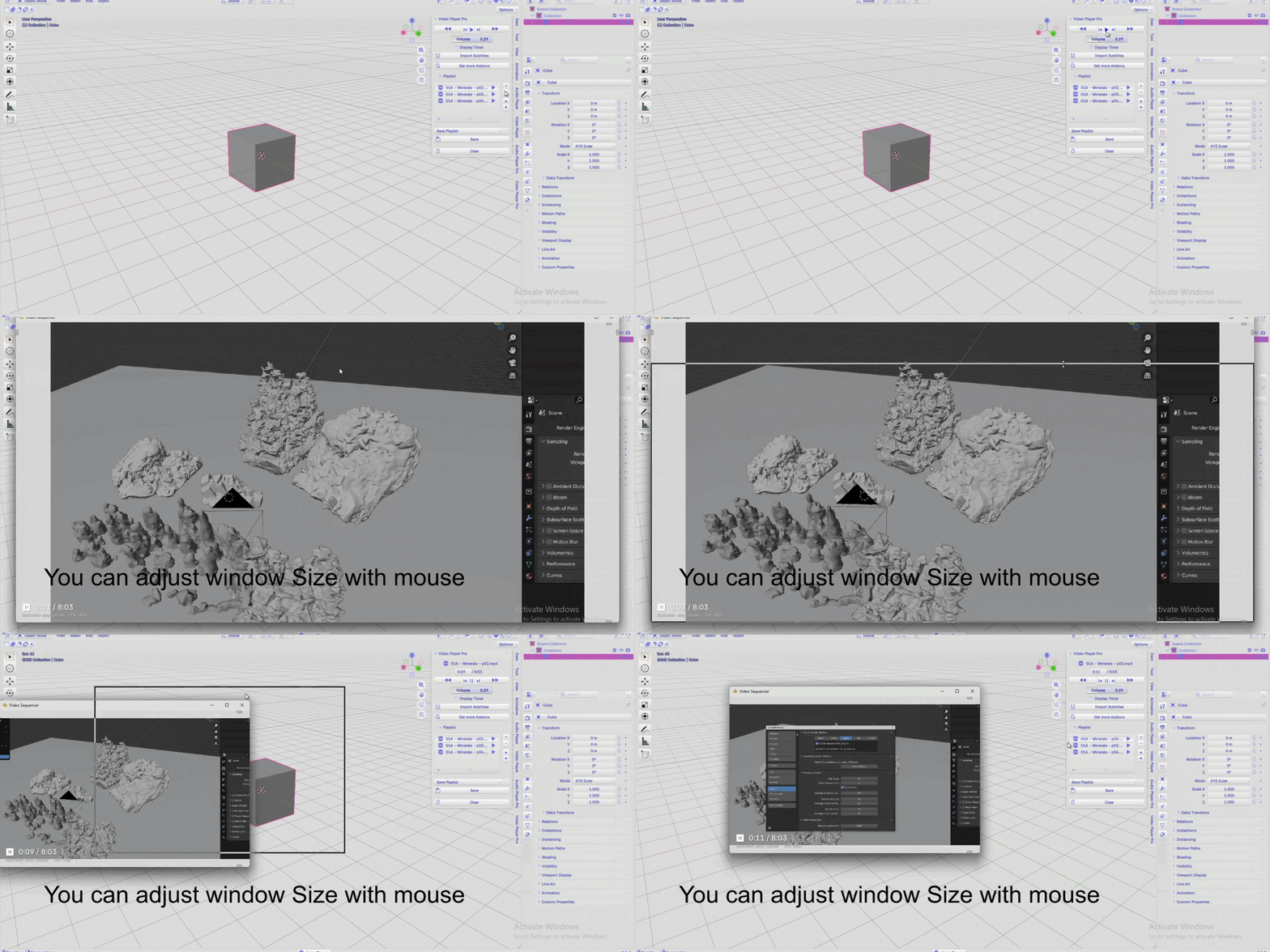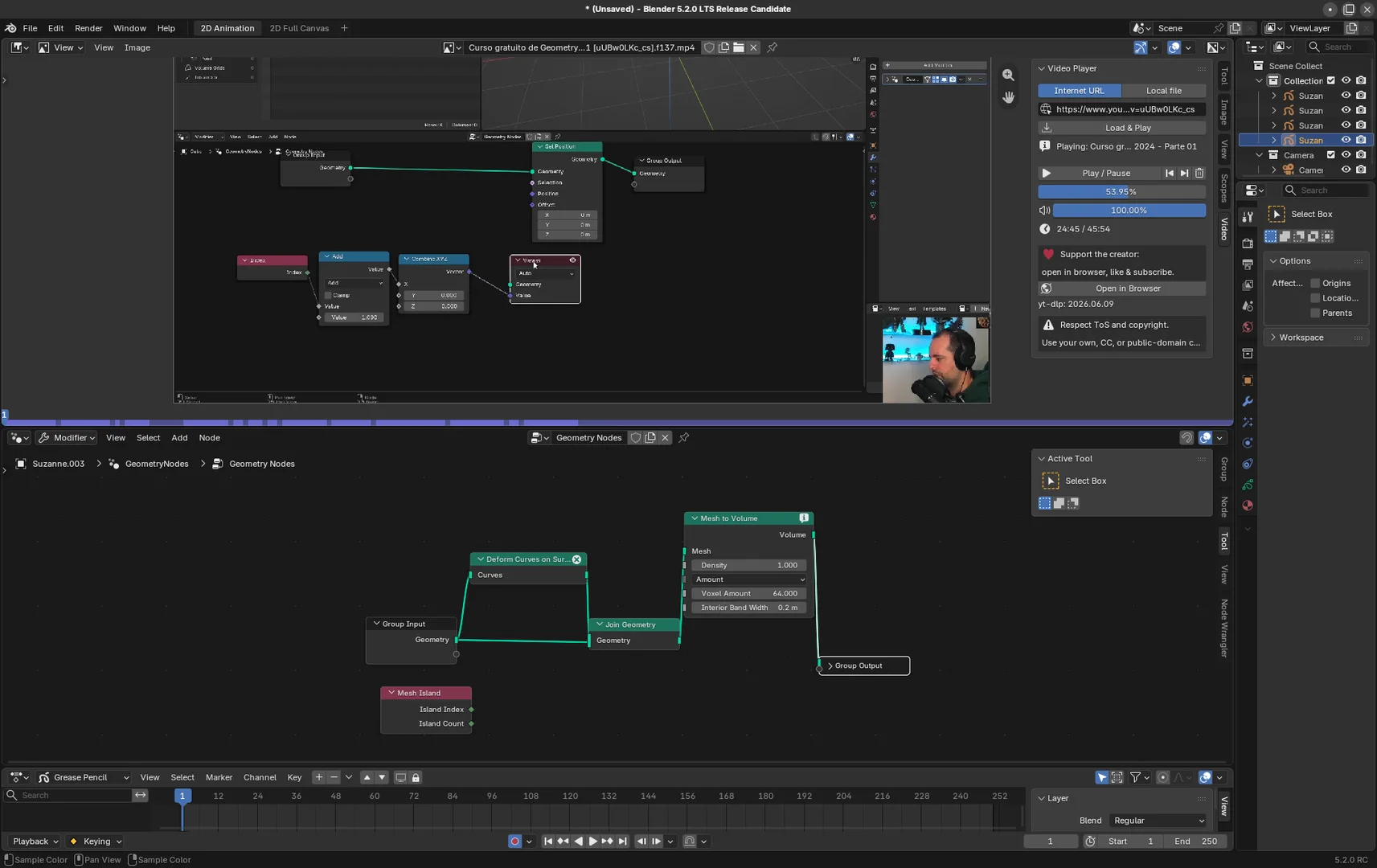
Tutorial Viewer (Online & Local) plays online and local videos with audio, inside Blender's Image Editor. Paste a tutorial URL or open a video stored on your computer.
Watch alongside your Blender project
The add-on puts the video viewer in Blender's Image Editor, so you can refer to a tutorial without switching to a separate video player. Zoom and pan to inspect details such as a node or setting.
Choose online or local playback
For an online video, paste its URL into the add-on. The extension listing says it uses yt-dlp to download videos from the internet, and requests network permission for those downloads. The listing does not specify which video sites its yt-dlp integration supports.
For a video saved on your computer, use the local-file option. The add-on requests permission to read local video files. Its file permission also covers writing downloads to a temporary folder.
Use the add-on's playback controls
The add-on has its own play, stop, seek and timer controls. Its version 1.6.0 notes explain that it does not rely on the Image Editor's scene-timeline playback. That playback is tied to the scene's frame range, frame rate and synchronization, which can get in the way when watching an animation tutorial.
Version and installation
The Blender Extensions listing identifies version 1.6.0 and compatibility with Blender 4.2 LTS and newer. It lists the license as GNU GPL version 3 or later. The listing provides a drag-and-drop installation option and links to Blender's Install from Disk instructions.
For the current listing and download, see Tutorial Viewer on Blender Extensions. The listing also links to the developer's project repository for project details and issue reports.