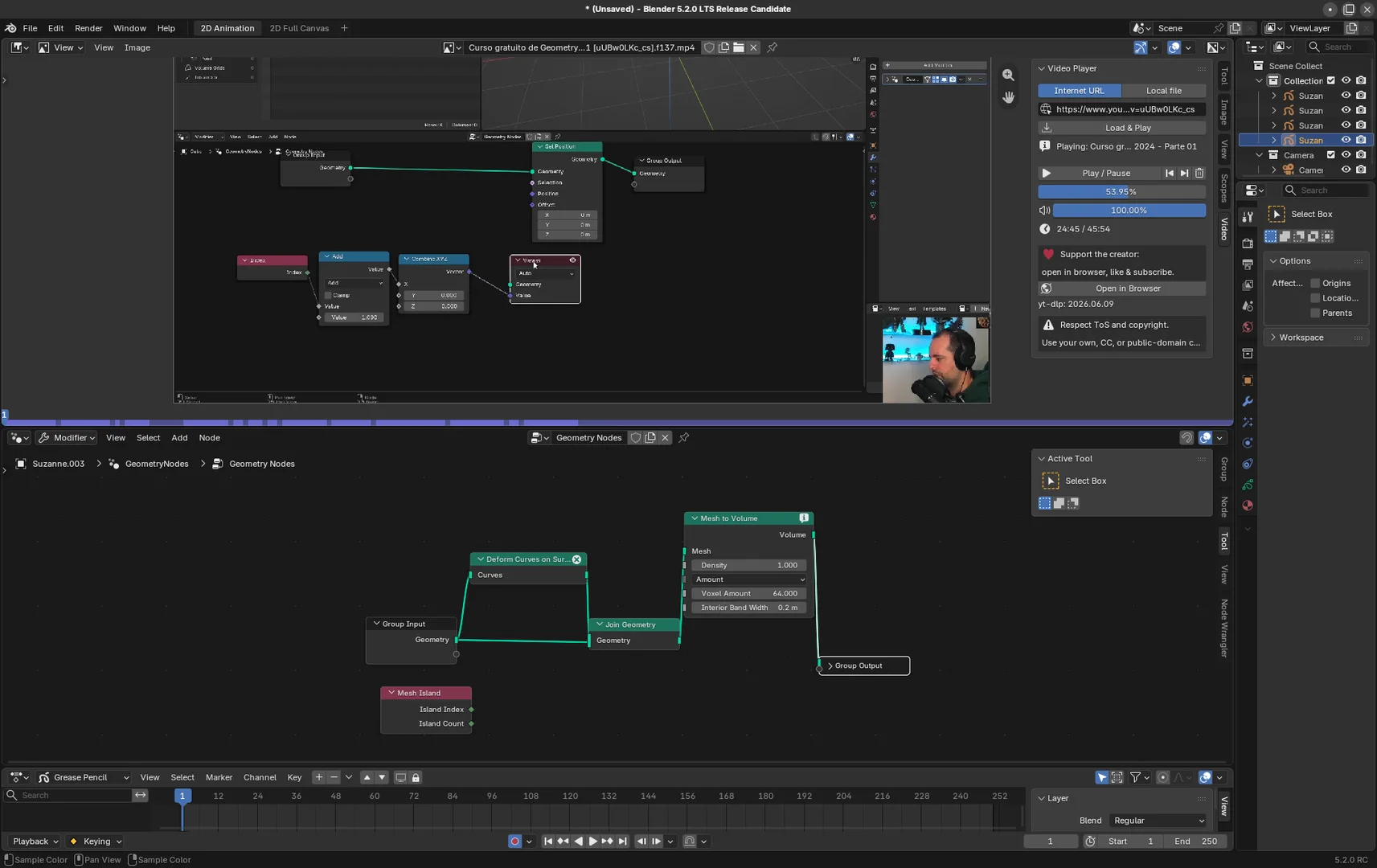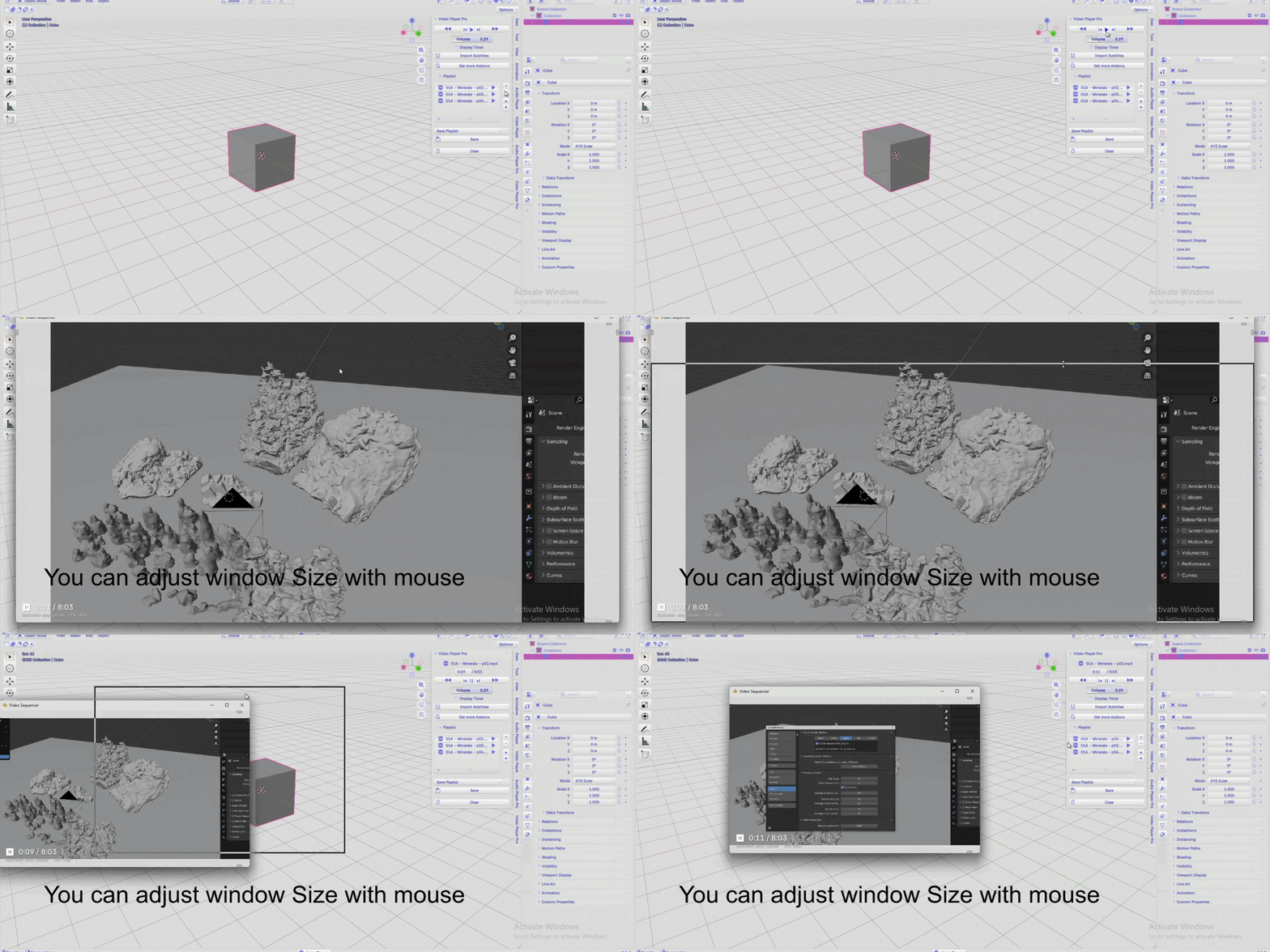
Video Player - Play Videos Inside Blender is a Blender add-on for watching tutorial videos and other clips while you work in the application. Open files from its Playlist Panel, control playback in a separate resizable window, and keep saved playlists between Blender sessions.
Play and manage videos in Blender
The add-on supports opening multiple video files from the Playlist Panel. Each video opens in a new window. Use the built-in playback and volume controls, show or hide the timer, and enter a time in the timer box to jump to a particular moment. The middle mouse wheel changes the video’s size.
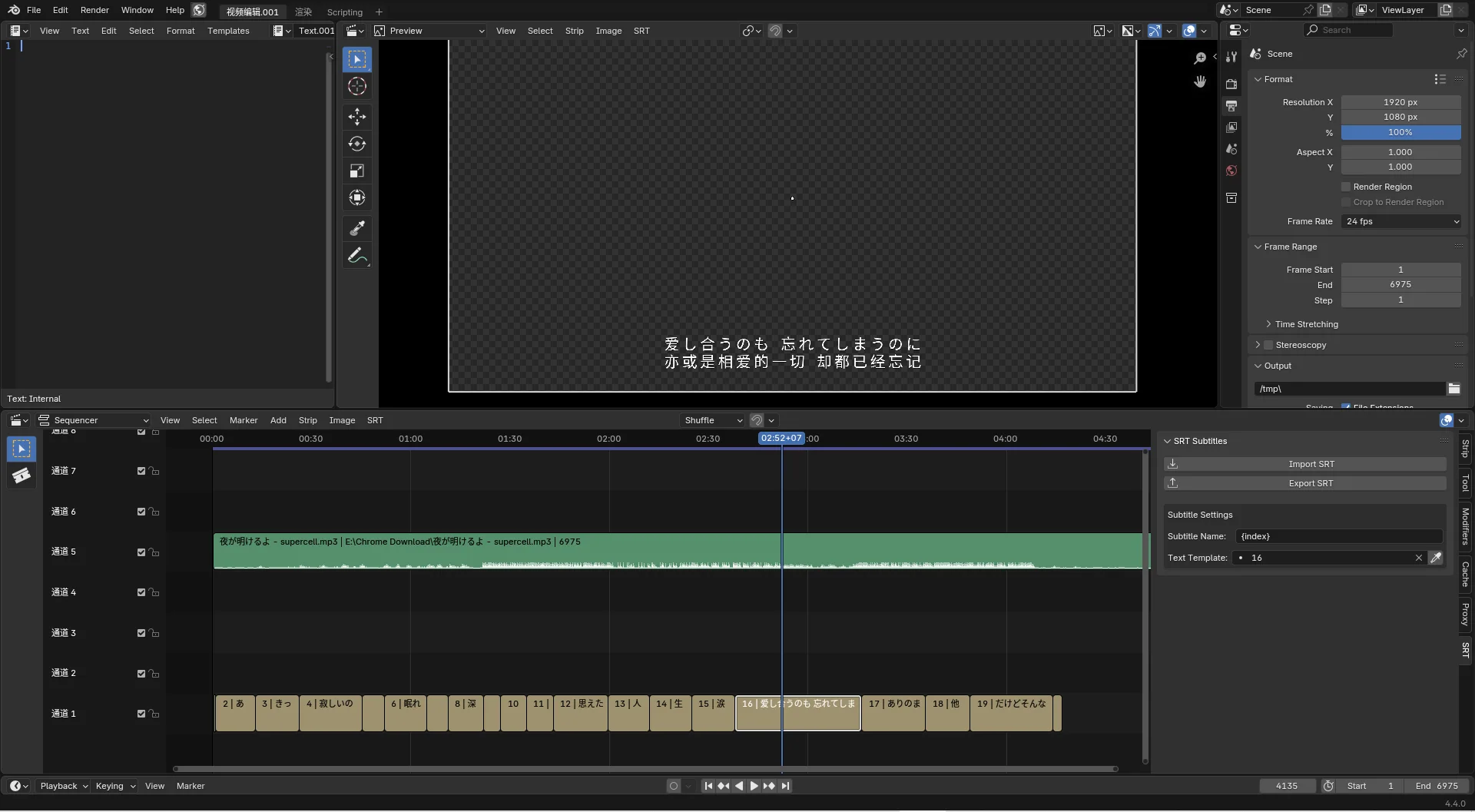
You can import subtitles and toggle their display while watching.
Compatibility and workspace limitation
The product listing identifies Video Player as a Blender Extension compatible add-on under the GPL license, with Blender versions 4.0 through 5.1 listed as supported. It is not available in Blender’s Video Editing interface. Check the product listing for current compatibility and product details before installing.
The listing also links a free Normal Version from the creator’s Gumroad store. Check the creator’s page for the current download and terms.
Who it may suit
Video Player may suit Blender users who follow tutorials or keep video references open while modeling or working in another Blender workspace.