BlenderAe2 transfers scene data between Blender and After Effects. It suits 3D artists and motion designers who need to bring Blender scene elements into an After Effects project, or move After Effects layers and transforms into Blender.
What it transfers
From Blender to After Effects, the listed data includes cameras, lights, objects, vertices, faces and bones. From After Effects to Blender, BlenderAe2 imports solids, nulls, cameras and 3D layer transforms. The layer sync feature supports objects, vertices, faces, lights and cameras without creating new After Effects layers.
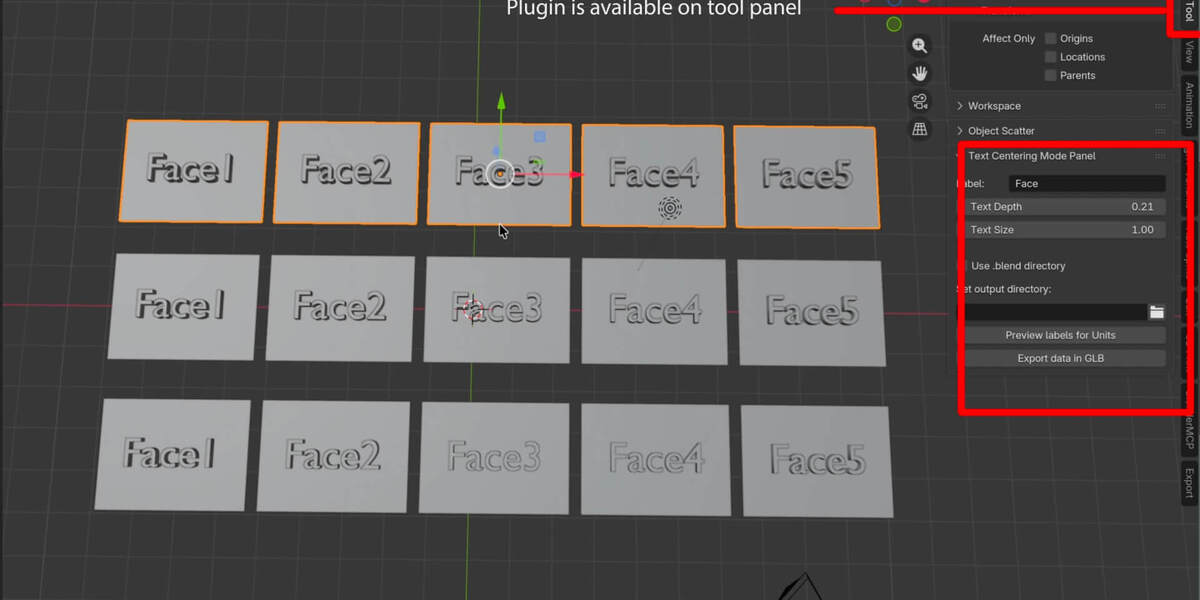
The workflow also supports vertices from simulations such as cloth, ocean, soft body and rigid body setups. BlenderAe2 includes a GLB (glTF) quick exporter for After Effects 23.0 and later, plus options such as camera shift support and vertex normal rotations.
Setup and compatibility
The product listing describes installing BlenderAe2 as an extension in Blender 4.2 and later, or as an add-on for Blender 3.6 LTS through 4.2. Its compatibility table names Blender 3.6, 4.0 through 4.5, and 5.0 through 5.1.
The After Effects compatibility information conflicts: the table lists versions 2020 through 2026, while the system requirements say After Effects 23 or later. Confirm support with Salt Media if you use After Effects 2020, 2021 or 2022. The listed operating systems are macOS 10.15 through 15 and Windows 10 and 11. On macOS, enable Full Disk Access for After Effects under Privacy & Security.
Workflow limits and behavior
- Some modifiers can affect exported data. Non-planar faces in Edit Mode and non-planar planes in Object Mode are not supported.
- Large selections and long frame durations can take a while to process, especially face selections. Press Esc to abort an import.
- The listing warns that if the 'Ae Path' field points to After Effects but the application is closed, it may open and close without saving.
The published feature list describes scene data and transforms; it does not specify material or texture transfer.
License
The EULA allows one copy for one licensee and one computer at a time, plus one archival copy on a storage medium other than a hard drive for reinstallation. Multiple users or computers require an appropriate licensing agreement for each user and each copy.