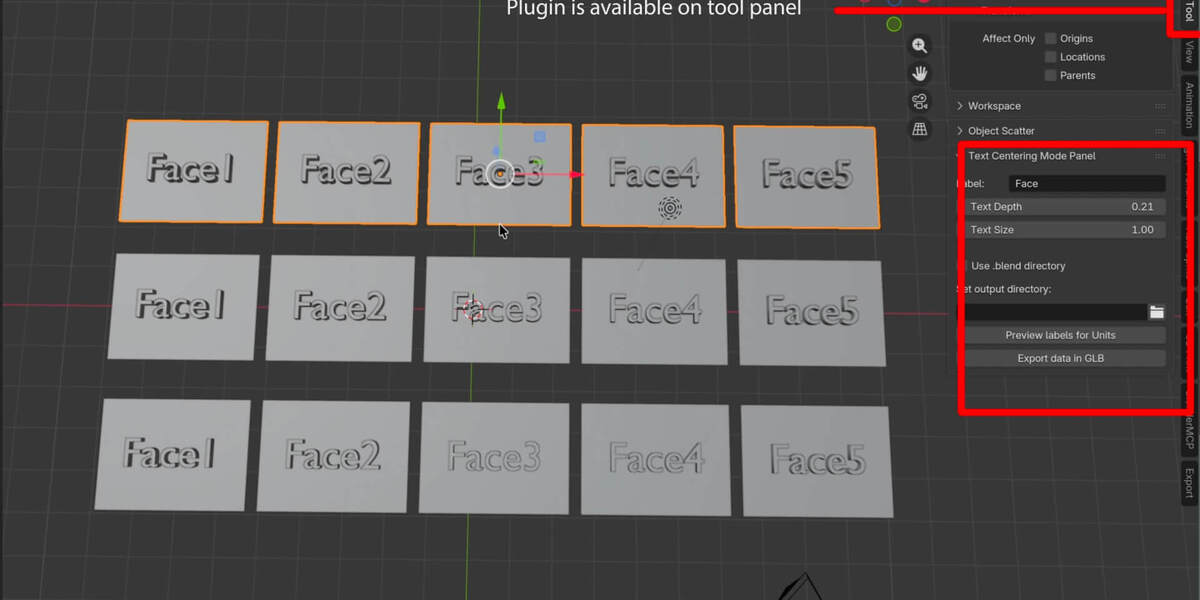
GLB External Textures is a Blender add-on by Arnau-Aymà. It writes mesh data to a single .glb file and saves image textures as separate files that the GLB references by URI. This can suit a project where several models share the same texture atlas. The Blender Extensions listing describes Godot loading a shared PNG once for multiple models.
How its export differs
In the Blender Extensions listing, the built-in glTF exporter’s .glb output embeds textures. Its separate glTF output creates a .gltf file, a .bin file, and texture files. GLB External Textures keeps the mesh data in one .glb while writing textures outside it. Because the images remain separate and are referenced by URI, keep them available at the referenced locations when you move or package the export.
Export a GLB with external textures
After installing the add-on, choose File → Export → GLB External Textures (.glb). The export dialog includes a Texture Subfolder field for the texture output. Set the file name in the export dialog: that name takes priority, and the current .blend file name is not used. If the output name is blank, the add-on names the file undefined.glb.
Check materials and modifiers
A texture exports only when it is connected to the Base Color input of a Principled BSDF. If an expected image is missing, check that material connection first.
The add-on always applies modifiers during export, regardless of the Apply Modifiers checkbox. Review the exported geometry if you expected that checkbox to leave modifiers unapplied.
Requirements and release details
The Blender Extensions version requires Blender 4.2 or later. The add-on’s README describes a legacy single-file installation for Blender 3.0 or later. The add-on depends on Blender’s built-in glTF 2.0 add-on, which the listing says is enabled by default. Its file permission allows it to write the .glb and copy textures to the export directory.
The listing identifies version 1.3.0, published August 3, 2026, under the GNU GPL version 3.0 or later. Check the official listing for the current version and installation details.