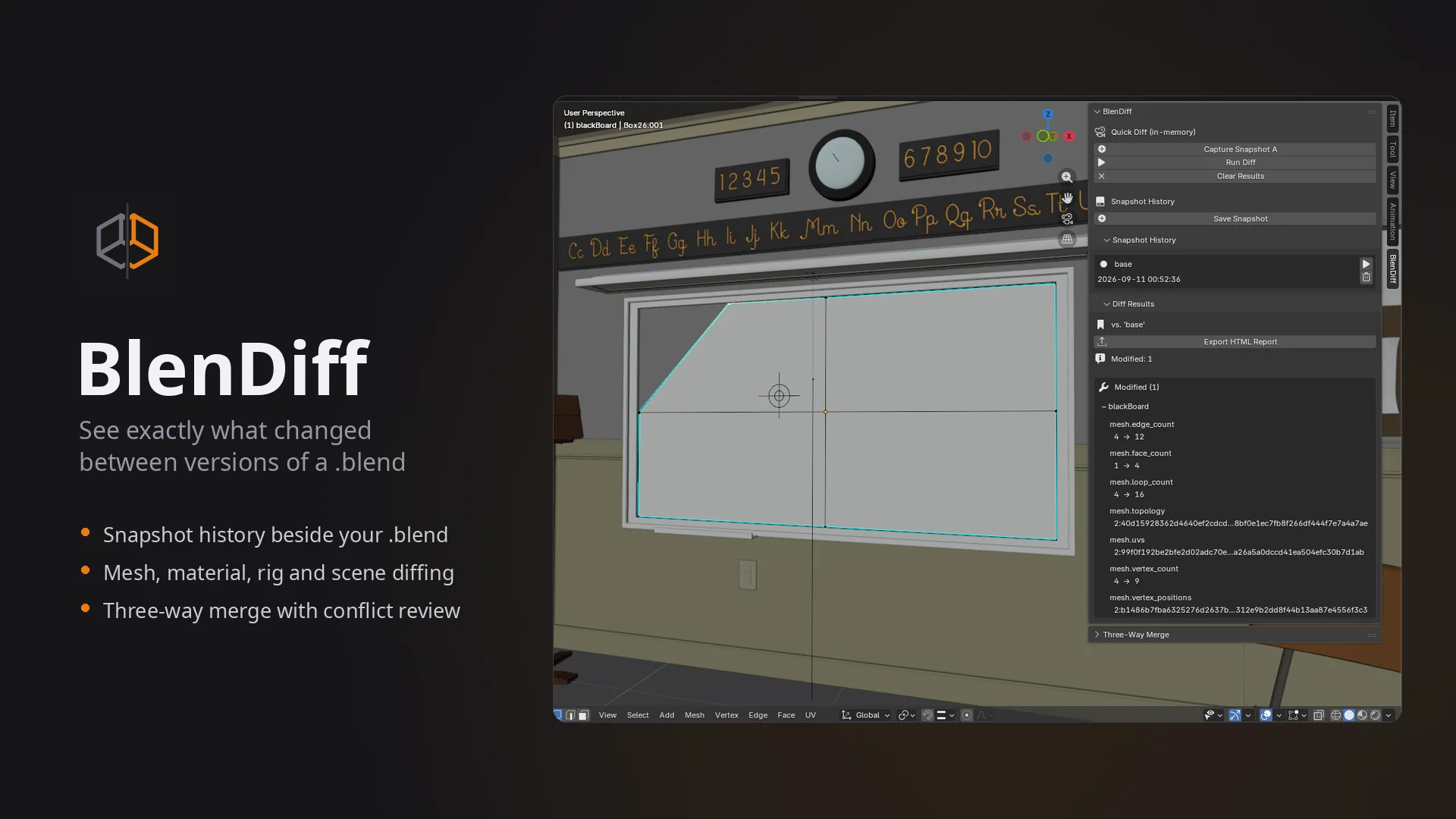
BlenDiff is a Blender add-on for comparing named scene snapshots. It compares scene data rather than the raw bytes of two .blend files. Save a snapshot in a .blendiff file beside the project, then compare it with the current scene or another snapshot. The Blender Extensions listing records version 0.9.0 for Blender 4.2.0 and newer.
What it compares
A comparison can identify objects that were added, removed, renamed or modified, down to individual properties. BlenDiff stamps objects with persistent IDs so it can track a rename as a rename across later saves and reopenings.
- Object transforms, visibility, parenting, custom properties and collection membership.
- Mesh geometry, checked with content hashes that detect changes such as a moved vertex, re-subdivision or re-unwrap without storing the mesh itself.
- Armature rest poses and bone hierarchies, including bone roll and connection.
- Materials and their node graphs, world and render settings, modifier and constraint stacks, and animation data such as F-curves, drivers and NLA tracks.
Version 0.9.0 also compares exposed Geometry Nodes inputs by the names shown in the panel, and changes to those inputs can be merged. Shape-key values, mute state, slider range and interpolation are compared and merged; sculpted keys are reported as changed. The release adds captured settings for curves, surfaces, text, metaballs, lattices, empties, volumes, speakers and Grease Pencil objects.
Review and merge versions
For a three-way merge, choose a common ancestor snapshot and two versions that diverged from it. BlenDiff applies changes it can resolve without overlap and asks you to decide how to handle overlapping edits. It writes supported changes back to the scene, including transforms, visibility, parenting, custom properties, collection membership and render settings.
Version 0.9.0 also writes back settings on existing modifiers, modifier-stack order, shape-key values and object data. Some changes still need manual reconciliation. The listing names constraints, drivers, NLA tracks and material node graphs among the data it reports for hand review.
Restore a snapshot or capture changes on save
Each snapshot has a restore action. After asking for confirmation, it writes the snapshot's values over the scene in a single undo step. Restore does not create or delete objects. It reports what it cannot account for, leaving objects made since the snapshot in place.
You can enable Snapshot on save in the add-on preferences to capture a snapshot each time you save. Automatic snapshots are pruned to a limit you choose; snapshots made by hand are never pruned.
Share a report and check compatibility
Export a diff as a self-contained HTML report to share with someone who does not have the Blender file open. The Blender Extensions listing says BlenDiff makes no network connections and reads or writes only in the .blend file's folder and the report location you choose. It lists the license as GNU GPL version 3.0 or later.
Check the BlenDiff listing for the release and compatibility details. For installation from disk, follow the Blender Manual instructions.