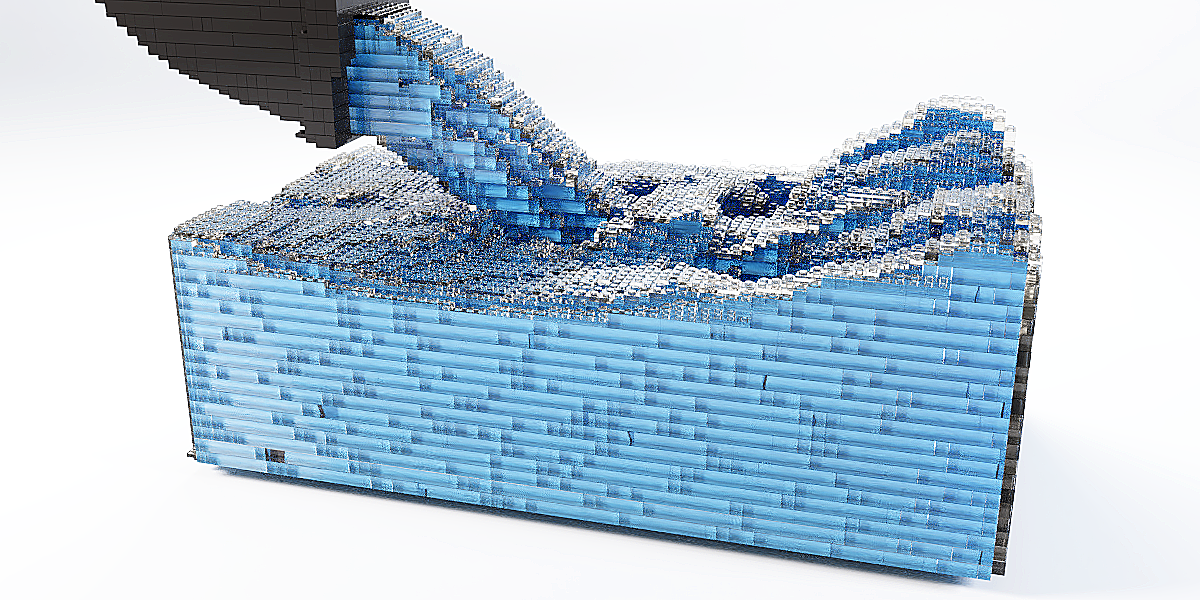
Bricksculpt - Sculpt With Bricks is a Blender add-on for sculpting, painting, and editing brick sculptures made with Bricker. Its tools let you change a generated model's shape, brick construction, and materials. Bricker tracks those edits, so you can continue adjusting model settings afterward. Its four main tools are Draw, Cut, Merge/Split, and Paintbrush .
Draw and cut bricks
The Draw tool places 1x1 bricks along the path you make with the cursor. New bricks merge dynamically with the rest of the model as you work. The Cut tool removes brick material in 1x1 plate increments, splitting larger bricks as needed. In Draw/Cut, Alt removes only bricks created during the current session; Shift cuts into all bricks, including those that existed before it began.
Change how the model is built
Merge/Split changes the construction of a Bricker model with brush strokes. You can merge selected bricks or split them into smaller parts, which helps when you want a different arrangement, such as using a 2x4 plate where the generated model used 2x2 plates.
Paint down to a 1x1 plate
The Paintbrush applies a chosen material to the model with precision down to an individual 1x1 plate. Choose a material from the popup menu or sample one already on the model with the Color Picker. Hold Alt to pick a material from a brick. When you release the mouse, BrickSculpt applies the paint changes and merges the bricks again.
Prepare a model in Bricker
BrickSculpt works on brick models made with Bricker. Before installing or starting BrickSculpt, check the version requirements: the product listing states the supported Blender range as 2.93 through 5.0, while the installation guide says Blender 2.80+. The guide also calls for the latest Bricker version installed in Blender. The documentation recommends enabling Split Model in Bricker's Model Settings and using the Bricks and Plates brick type for the best experience. Open Bricker's Customize Model tab to start a BrickSculpt session. The included Bricker demo has limited Bricker features and gives access to the full BrickSculpt toolset. The full Bricker version unlocks additional Bricker features, including its LDraw exporter.
Commit or cancel your changes
Press Return to commit the changes from a session and return to the standard 3D view. Press Esc to cancel the session; all changes made during it are discarded and cannot be recovered.