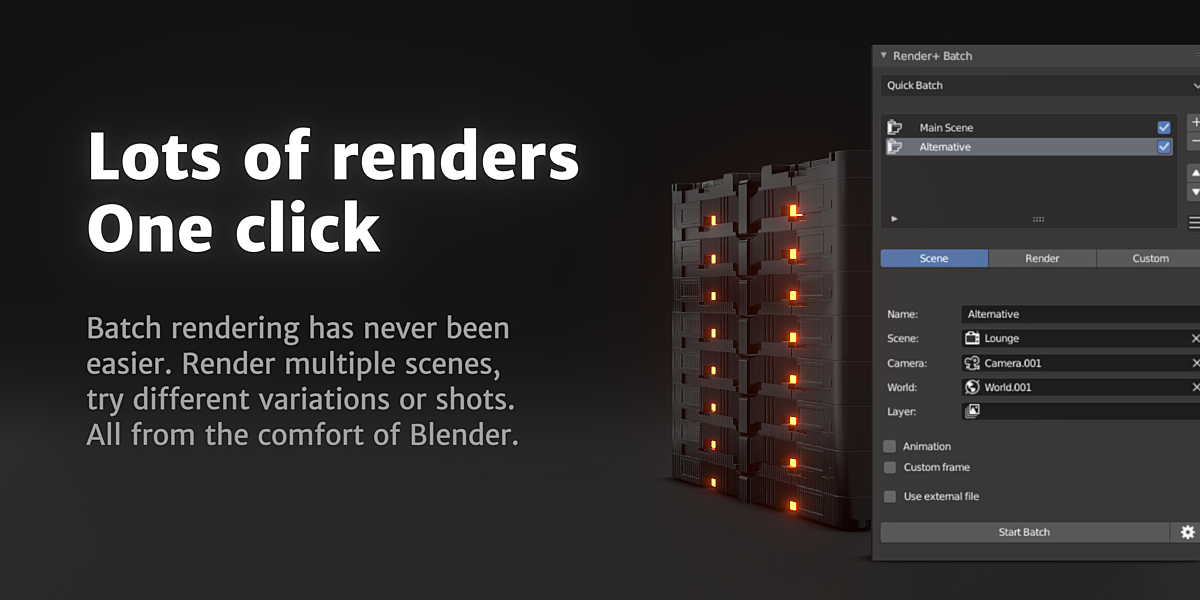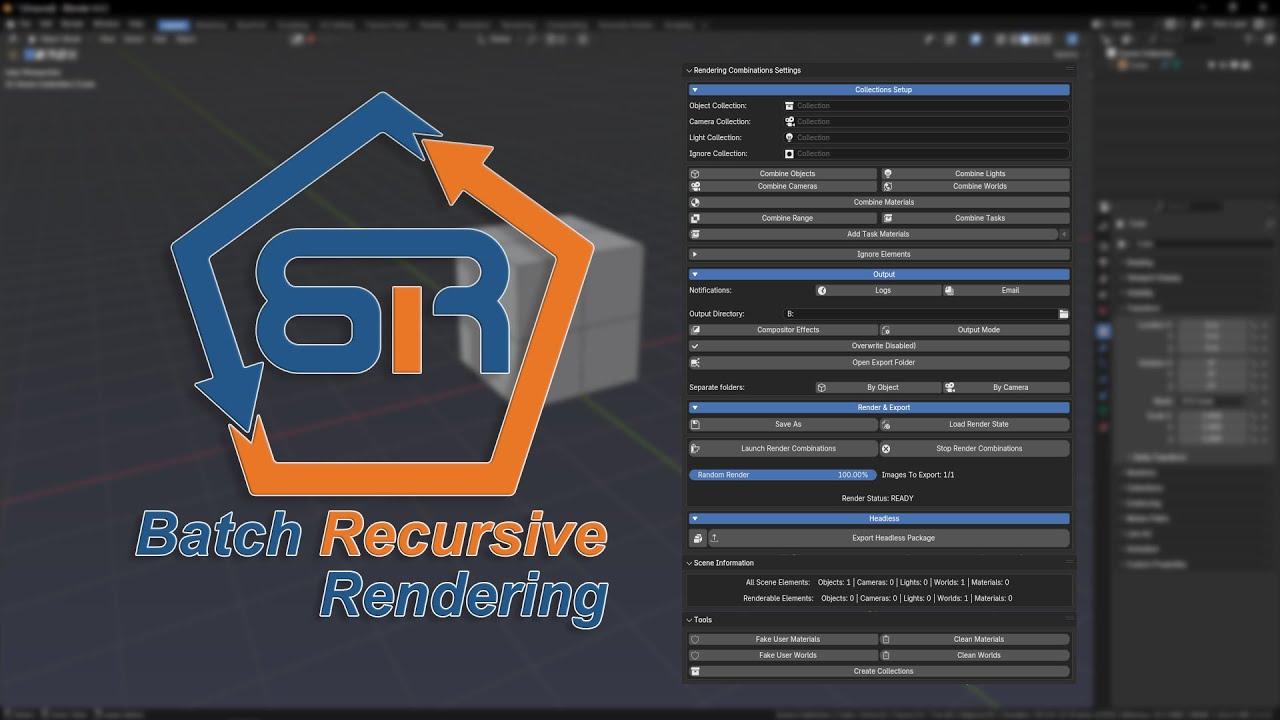
Brr - Batch Recursive Rendering is a Blender add-on for rendering selected combinations of scene elements. It helps artists prepare batches of product variations or other renders without manually changing each setup. The Superhive product listing describes its combination controls, task system, output options, and included files.
Choose which scene elements to combine
Brr can vary objects, materials, cameras, lights, and worlds. You choose which elements to include in a combination. Its task system uses a Main Collection and can link additional collections, assign materials to objects by task, keep locked objects visible, or isolate a solo object. Task-specific cameras, lights, and worlds are managed through Group IDs.
For combinations to work properly, organize the elements under a Main Collection and assign each element to its respective collection. The product FAQ also explains how global camera, light, and world options take priority over task-specific lists when enabled.
Limit, recover, and organize a batch
Run a selected part of a sequence with a start and end index, or set a random percentage below 100% to render a subset. Ignore Collections and Elements can exclude meshes, lights, materials, or worlds from the combinations. Brr saves render progress in Render_State.json, which lets you resume a batch after an interruption or crash.
Output can be organized by objects, cameras, lights, worlds, materials, tasks, and output nodes. Smart Mode creates descriptive file and folder names; if a path exceeds the character limit, Brr switches to deterministic hashing so the render can still be saved.
Run renders outside Blender's interface
The Headless Pipeline exports standalone render packages for command-line rendering without Blender's user interface. Brr can also send completion or error notifications by SMTP email or HTTP webhook, and transfer output to S3-compatible storage or an FTP/SFTP server. For Blender installation steps, see the product's documentation.
Package and installation
The core package includes the add-on ZIP, a Flamenco custom job file, a test Blender scene, a Boto3_Launcher script, and PDF documentation. The listing describes additional pipeline tools for Commercial, Team, and Studio tiers, including a Boto3 installer and a Paramiko installer. The documentation says to drag the ZIP into Blender or use Preferences, Add-ons, and Install from Disk, then enable Brr.