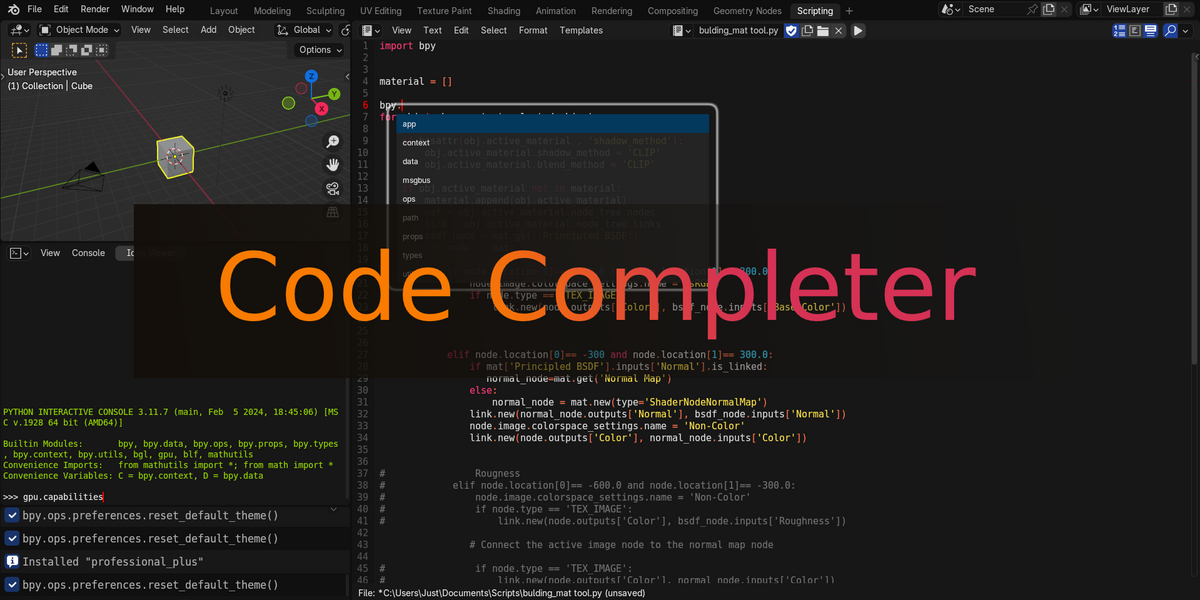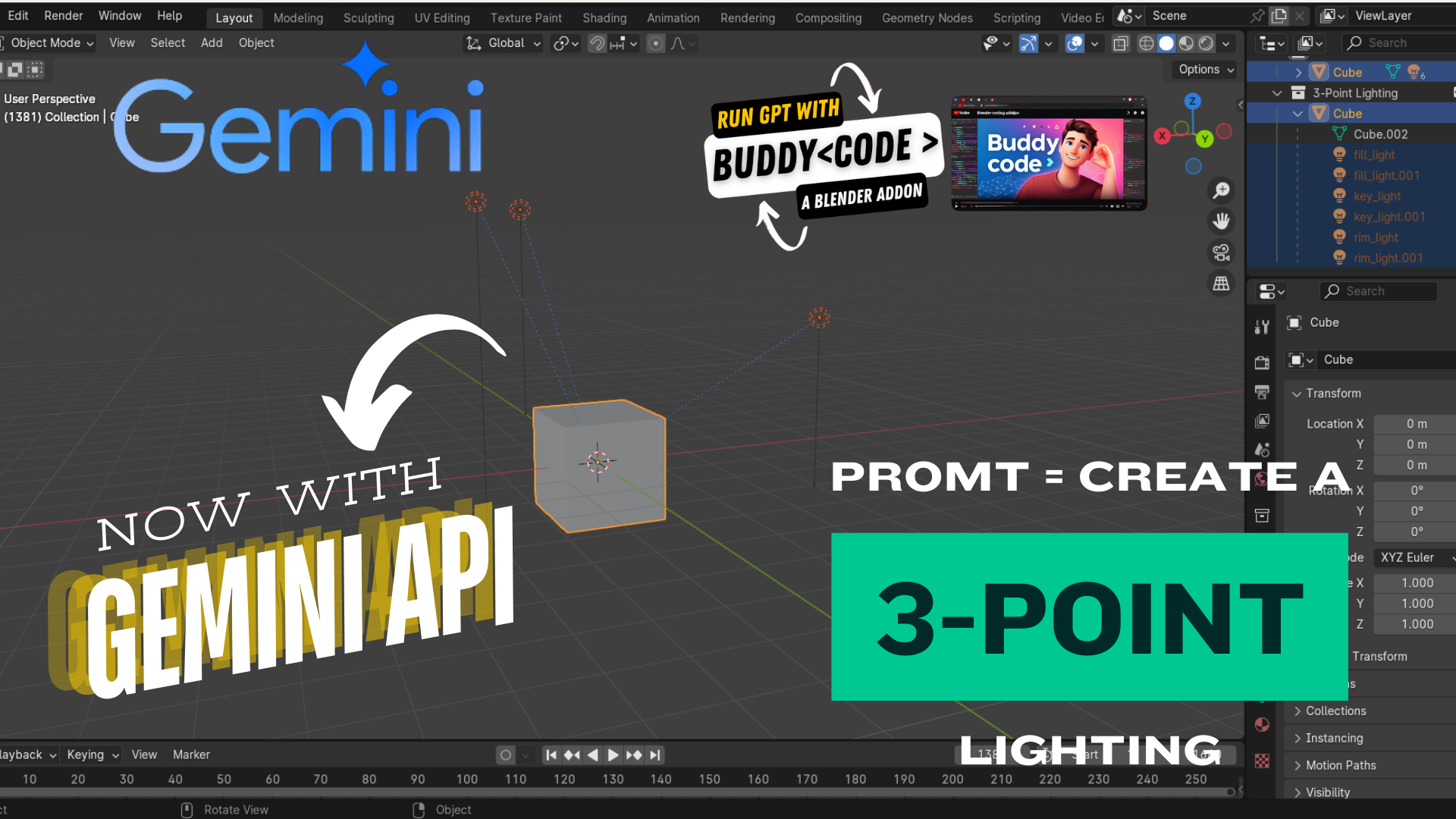
BuddyCode GPT is a Blender add-on for writing Python in the Text Editor. It adds AI-assisted code completion and code generation from natural-language prompts, along with text completion. EasyLight's product page also describes a file browser and tools for handling multiple prompts.
Writing and organizing scripts
The add-on can suggest code as you type. Its file browser lets you select folders, load Python files, and create files or folders within Blender. A clipboard control copies generated output, and chat history keeps previous exchanges available. Multi-Pair tools process several input, system-prompt, and temperature combinations, with options to run them with or without context. Review generated Python before running it in Blender.
Model connections and context
The product documentation describes connections to LM Studio, Ollama, and Google Gemini. LM Studio and Ollama provide local model endpoints; Gemini is configured through its API. For document-based context, BuddyCode GPT can load documents and use vector search. FAISS is listed as optional for that feature. The preferences also include a vision setting and image path, though the product page does not explain supported image formats or the resulting behavior.
Check which edition includes the model connections you need. EasyLight's page says the free add-on includes LM Studio integration, while Ollama integration and later updates are part of a paid version. The same page also documents Gemini setup, without clarifying which edition includes it. Confirm current edition details before downloading.
Requirements and Blender versions
The product page's compatibility details list Blender 3.4, 3.5, 3.6, 4.0, and 4.1. Its general requirements section separately says Blender 2.80 or later, so check with EasyLight which versions are supported by the download you plan to use. Setup notes list Python 3, LangChain, LangChain Community, and Pyperclip. FAISS is optional for document loading. Provider setup may also require a running LM Studio or Ollama API, or a Google Gemini API key and Google Cloud SDK.
The installation instructions describe the standard add-on flow: download the add-on script, open Blender's Edit > Preferences > Add-ons panel, choose Install, select the script, and enable the add-on. The page notes that BuddyCode GPT is under development and may have limitations or bugs. Superhive lists its license as MIT. For current edition, compatibility, and setup details, see EasyLight's BuddyCode GPT listing.