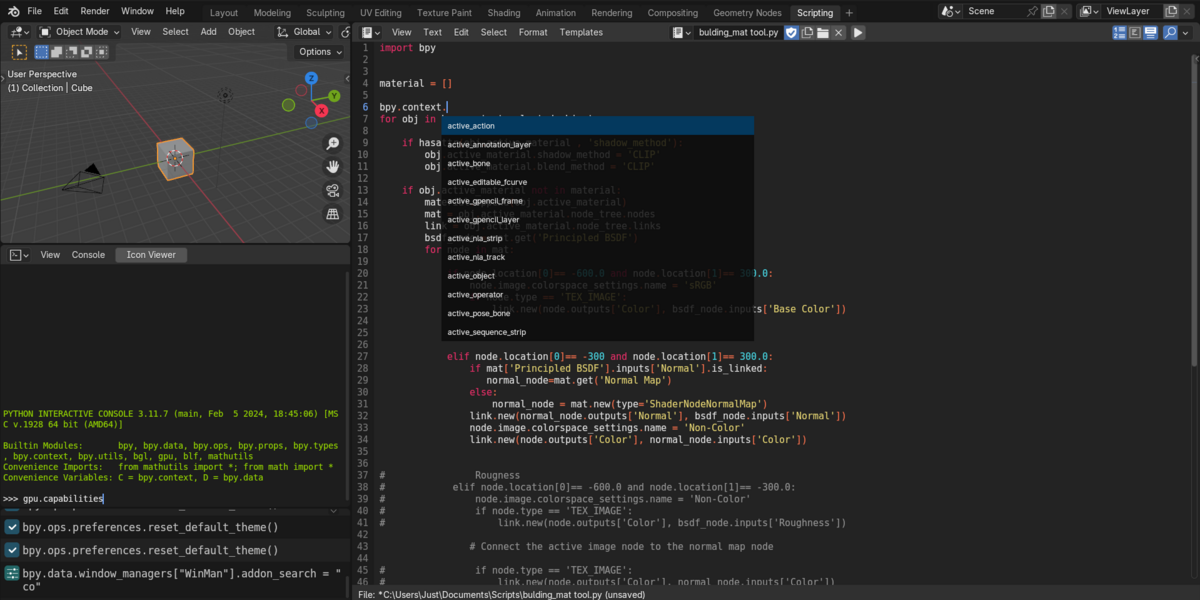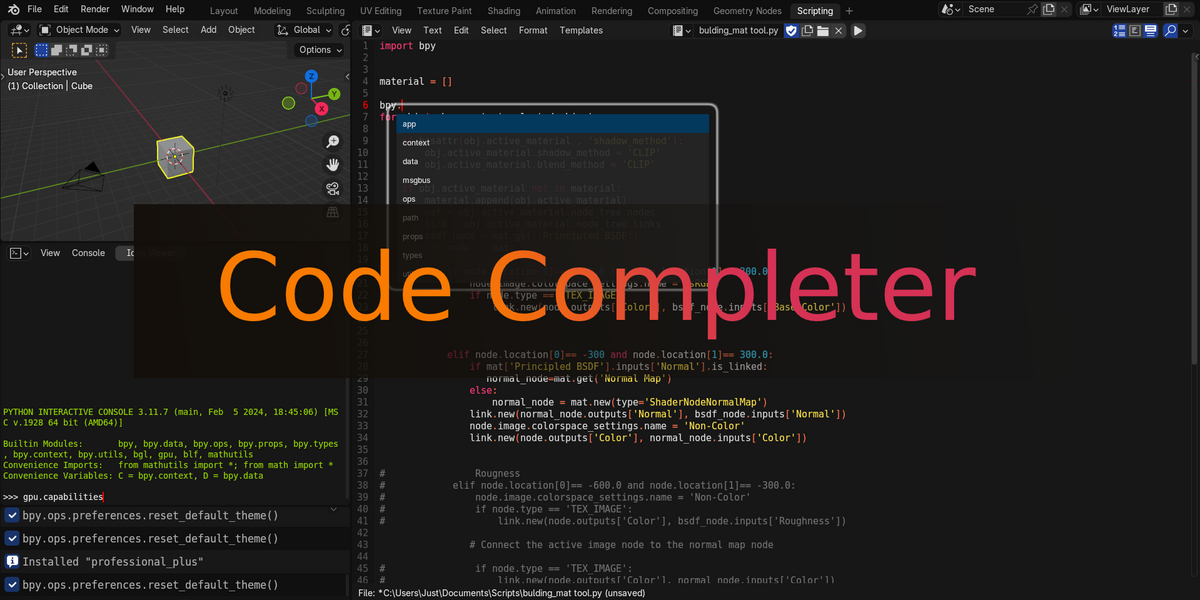
Code Completer is a Blender add-on that brings console autocomplete into the Text Editor. It shows suggestions as you type in a VSCode-style interface, using Blender's console completion. The Blender console must remain open while the add-on is in use.
Autocomplete features
The add-on can auto-import modules into a script for suggestions, and it can run a single line of code in the console for code completion. Its interface is customizable. The listed controls include Quick Off, Auto Import, and Internal Attributes.
Version 1.1 adds scrollbar support, text color changes, and a “Toggle privates” option. The product documentation lists the basic features and console requirement.
Blender compatibility and license
The Superhive listing names Blender 3.6, 4.0, 4.1, and 4.2, and marks the add-on as Blender Extension compatible. It lists version 1.1 and a GPL license. For another Blender release, check the current product listing before installing.
Price and availability
The listing describes Code Completer as free and offers an option to buy it to support development. Check the listing for current availability and terms. The product page links to the developer's GitHub repository.
Code Completer suits Blender users who write Python in the Text Editor and want suggestions based on console autocomplete.