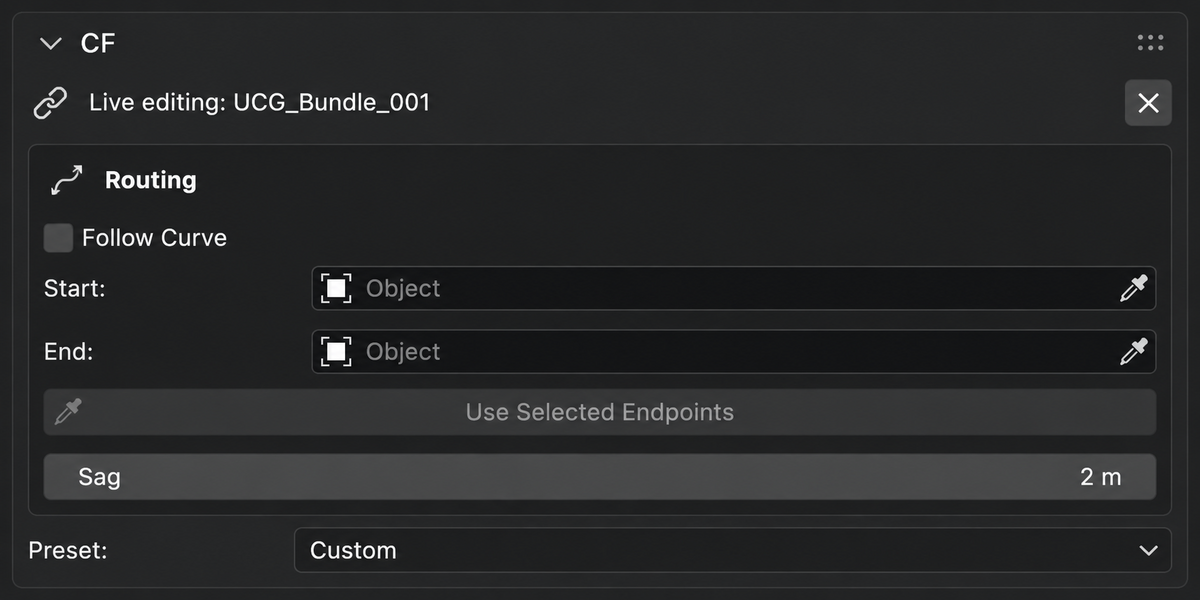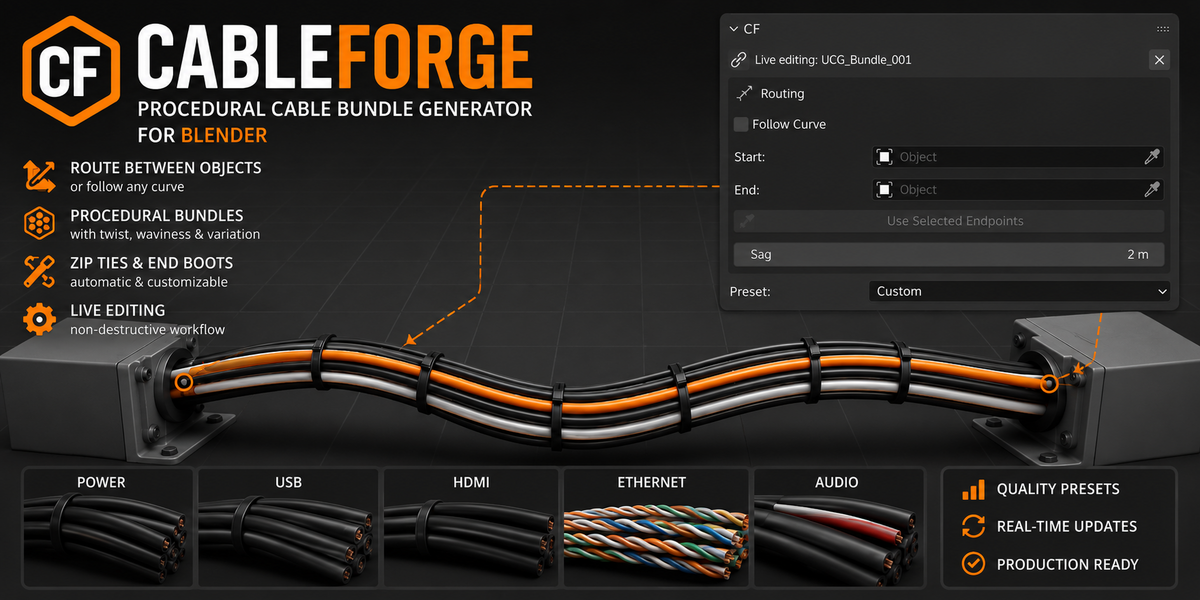
CableForge is a procedural Blender add-on for building single cables or bundles from two selected objects or an existing curve. Adjust cable count, radius, spacing, and bundle thickness, then refine the generated result live. The Superhive product listing also describes optional cable sag for routes between objects. CableForge is aimed at scenes such as product visualizations, industrial machinery, electronics, server rooms, sci-fi environments, and game assets.
Route cables and add detail
Use an existing Blender curve to define a cable path, or choose two objects as the start and end points. Built-in presets cover Power, USB, HDMI, Ethernet, and Audio cables, and each preset remains customizable after you apply it. Procedural zip ties have adjustable spacing, width, thickness, and color. Molded strain-relief boots can be added to both ends.
Shape color and variation
Adjust bundle twist, cable waviness, random seed, and color variation to change the look of a bundle. The Smart Color System supports uniform cable colors with subtle variation or standard Ethernet T568B pairs. Low, Medium, and High quality presets let you balance viewport performance with final-render detail.
Set up the add-on
The CableForge documentation describes this setup:
- Install the add-on through Edit > Preferences > Add-ons > Install, then enable it.
- Open the 3D Viewport, press N to open the Sidebar, and select the CableForge tab.
- Choose two objects or an existing curve, adjust the settings, and click Create Cable Bundle.
Compatibility and license
The Superhive product details list Blender versions 4.4 to 5.1, Cycles and Eevee render engines, Blender Extension compatibility, and a GPL license.