Camera Plane is a Blender add-on from Les Fées Spéciales for placing imported images in relation to a camera. It parents each image plane to the selected camera and adjusts the plane to the camera's field of view or focal length. This suits painted stage-like sets where image elements need to stay arranged in camera space.
You can set a plane's distance and width from the image object's or camera's properties. Import several images at once and space them evenly in depth. The Blender Extensions listing identifies version 3.0.1, with Blender 5.0.0 as the minimum version, and lists the GNU GPL v3.0 or later license.
Arrange and manage image planes
The Camera Plane panel lists imported images and lets you filter them or order them alphabetically or by distance from the camera. Set a plane's distance to reorder it, or drag a distance value to move several planes at once. Per-image controls adjust scale and opacity. Icons beside each layer control visibility in both the viewport and render, selectability, and transform locking.
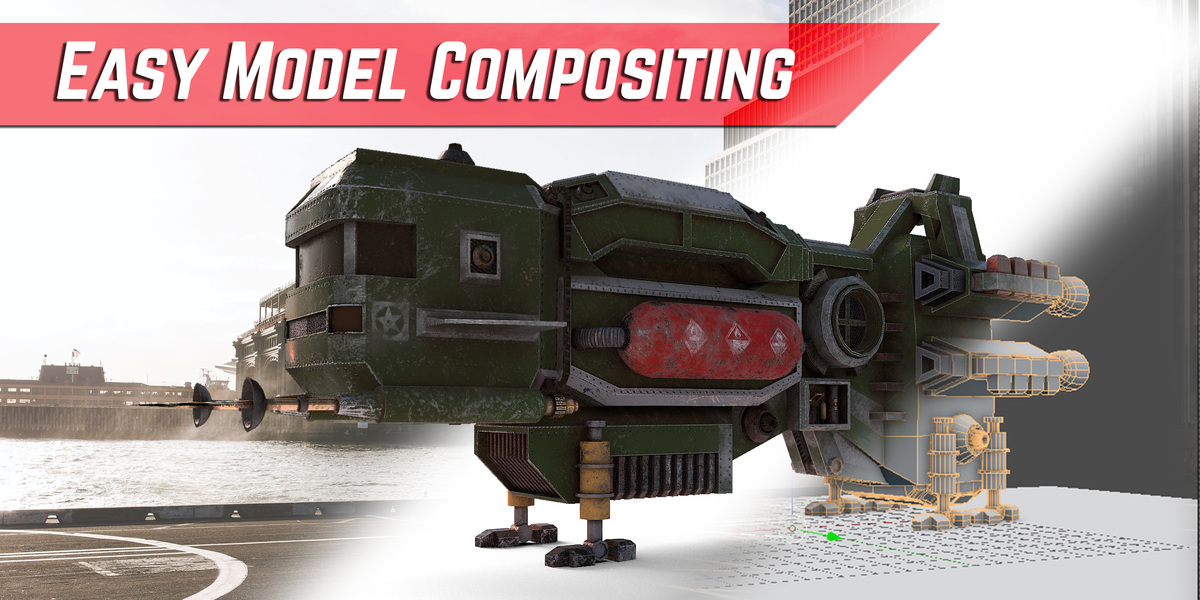
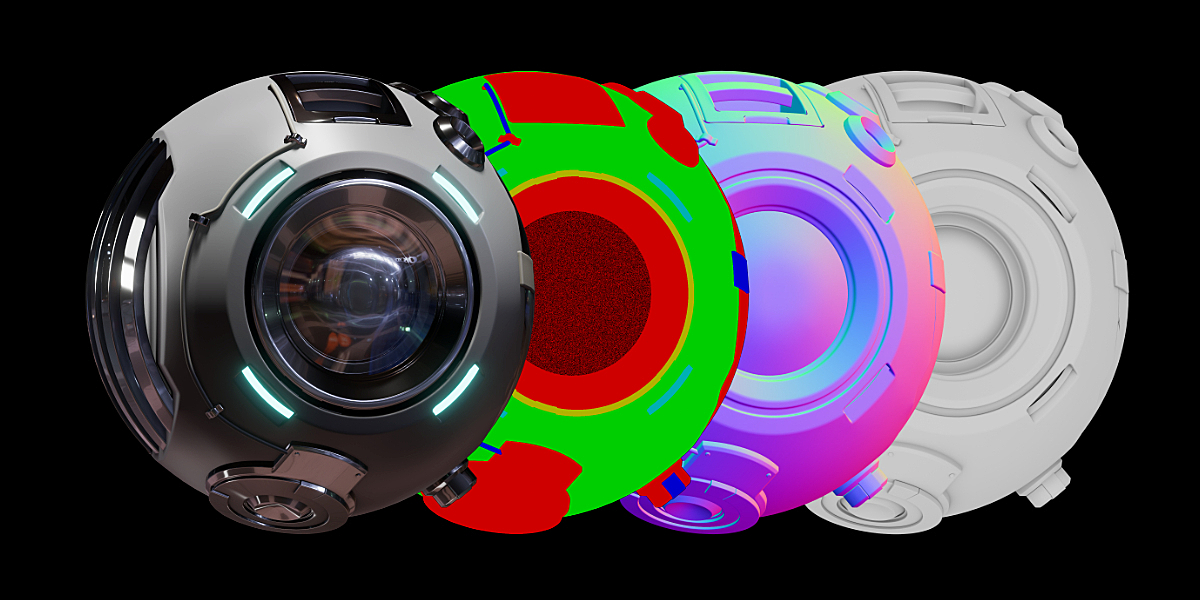
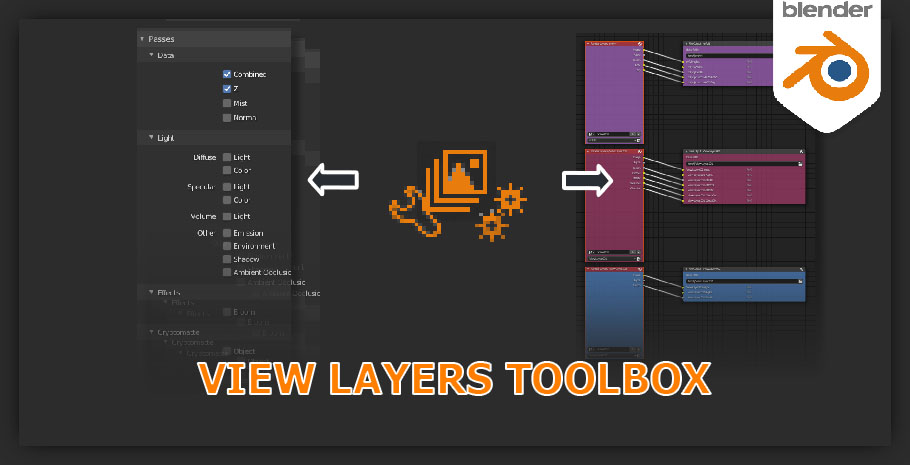
The panel's arrow menu includes tools for grouping selected planes into a precomposition, spacing them evenly, and applying selected planes. Applying ungroups selected planes if necessary and applies their drivers, so the add-on is no longer needed to place them. Setup Layers creates a view layer for each plane and assigns each layer to a collection, so each plane can be rendered to its own pass and composited individually.
Convert objects to camera mapping
Convert to Camera Mapping sets up selected objects for projection from the camera. It adds a UV Project modifier and a Geometry Nodes setup for perspective-correct UVs. Select the camera you want to use before running the operator; if none is selected, the add-on creates a camera.
Compatibility and file access
The Blender Extensions catalogue lists version 3.0.1 for Blender 5.0.0 and later. Its permissions specify access to files for importing images from disk. Check the official listing for the current package and compatibility details.