Camera Render Suite is a Blender add-on by MarkoPetrush that brings studio setup, light placement, camera controls, object positioning, animation, and batch rendering into one panel. The product listing identifies version 1.0, Blender 4.2 to 5.0, and the Cycles and Eevee render engines.
Set up lighting and test a scene
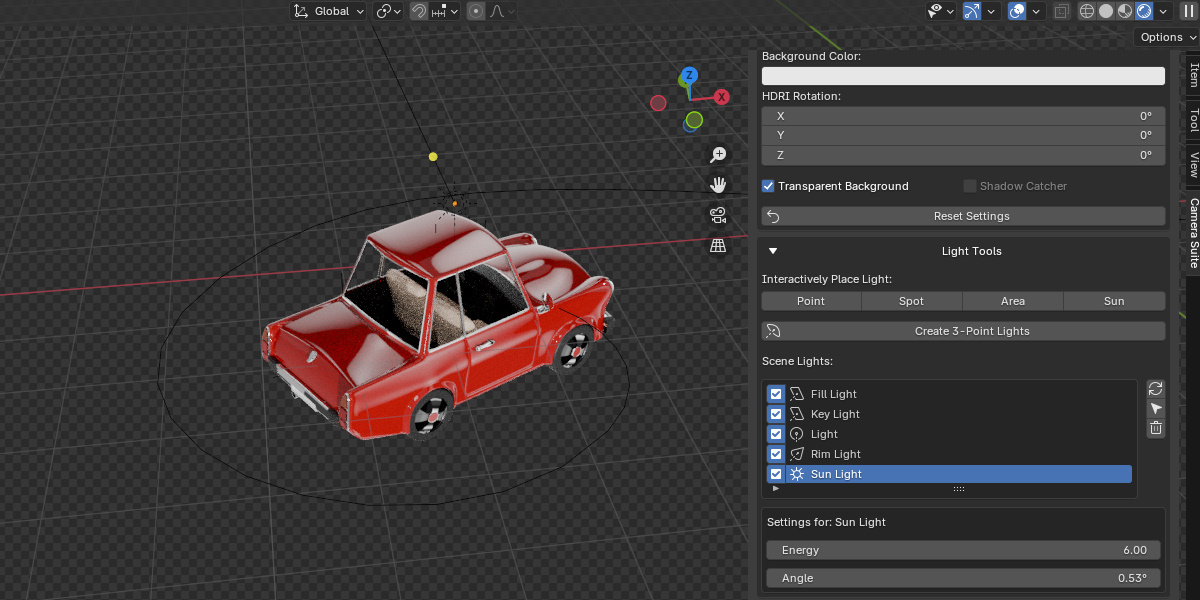
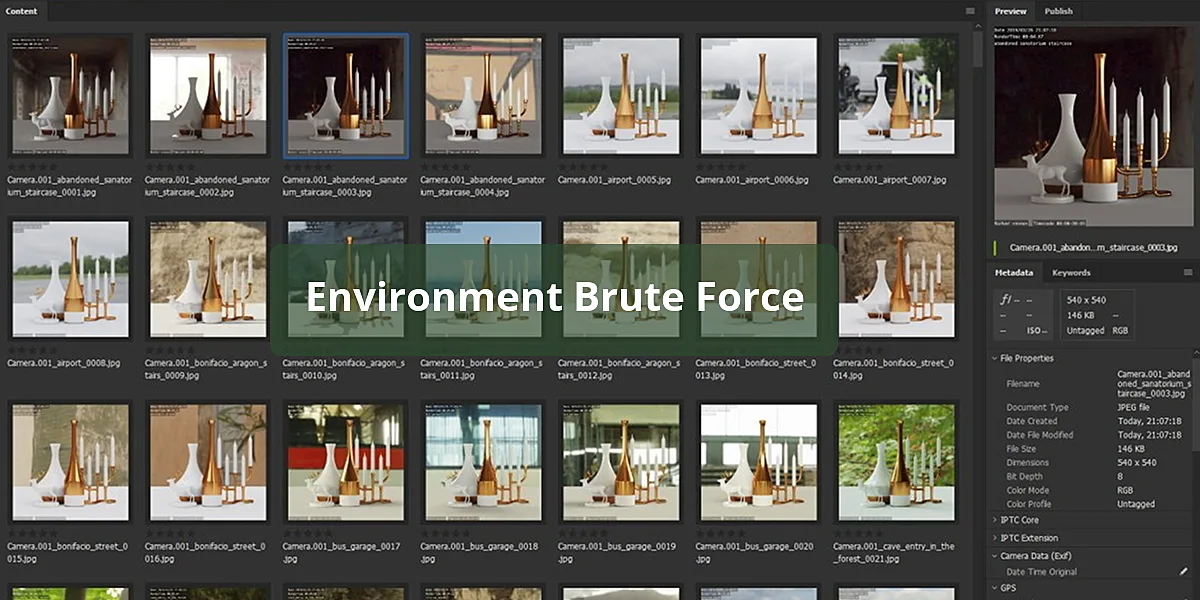
The Studio Setup module loads HDRI maps from files or folders, with an auto-preview list and controls for rotation, background color, and strength. Clay Render Mode replaces scene materials with a clay shader for checking lighting, and a wireframe overlay can be enabled for technical views. For compositing, Shadow Catcher makes a selected floor plane transparent while it receives shadows; Transparent Film makes the background transparent for PNG renders.
Light Tools places Point, Spot, Area, or Sun lights on a model's surface normals. During placement, scrolling adjusts distance and size; a second click locks the light so it can be rotated. The module can also create a three-point Key, Fill, and Rim setup for the active object. A scene light list provides visibility, selection, and deletion controls, alongside adjustments for energy, radius, shape, and beam angle.
Adjust exposure and save camera setups
The Photography module provides ISO, aperture, and shutter speed controls, plus white balance with temperature and tint. Depth of field can focus on the active object or use a manual distance. Motion blur is linked to the shutter speed setting. Camera Control includes viewport pan and zoom, Top, Front, and Right views, and resolution presets such as 16:9, 9:16, 1:1, and 4:5.
Controller presets save camera, light, and object transforms so you can restore a setup or switch between saved angles. Object Rotation offers yaw, pitch, and roll controls relative to the camera view, with a reset option for those adjustments.
Animate objects and batch render cameras
Animation templates include Slow Dolly In, Spinning, Spin to Stop, Spiral Up, and Shake. Group Mode moves a selection as a unit; Individual Mode animates each object around its own origin. The system also supports nested rigs, curve paths, camera tracking, and a sequencer that binds cameras to timeline markers. The documentation describes the modules, installation, and controls.
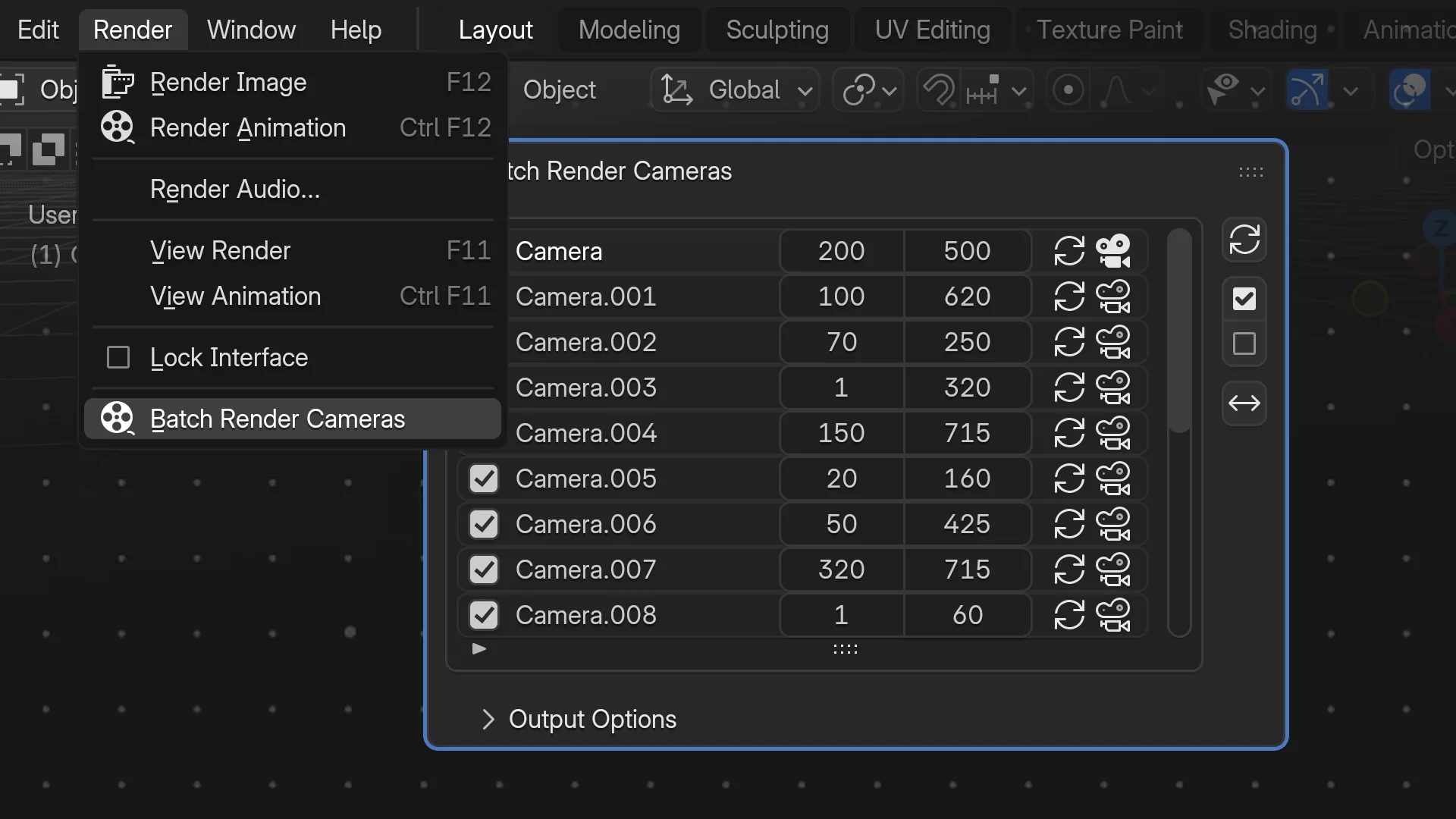
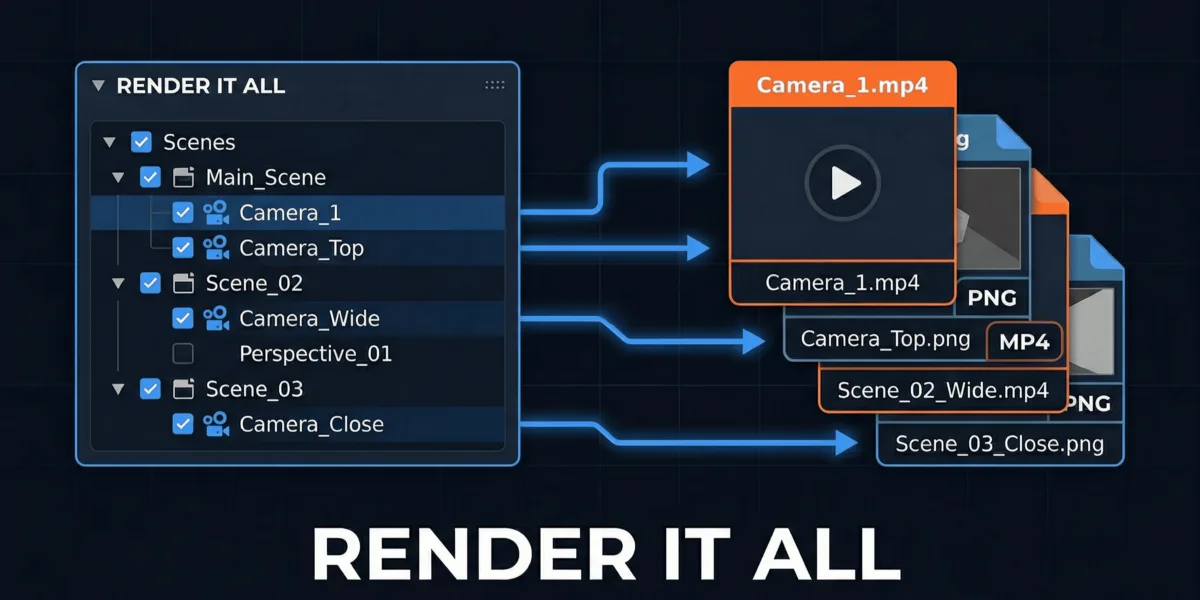
In Batch Render Manager, sync scene cameras into a queue, select which ones to render, and choose IMAGE for a single frame or ANIMATION for a frame range. Output settings include file prefixes, auto-indexing, and FFmpeg options. To install the add-on, use Blender's Edit > Preferences > Add-ons panel to install and enable its ZIP file; then open the 3D Viewport Sidebar with N and select the Camera Suite tab. The listing identifies the license as GPL.