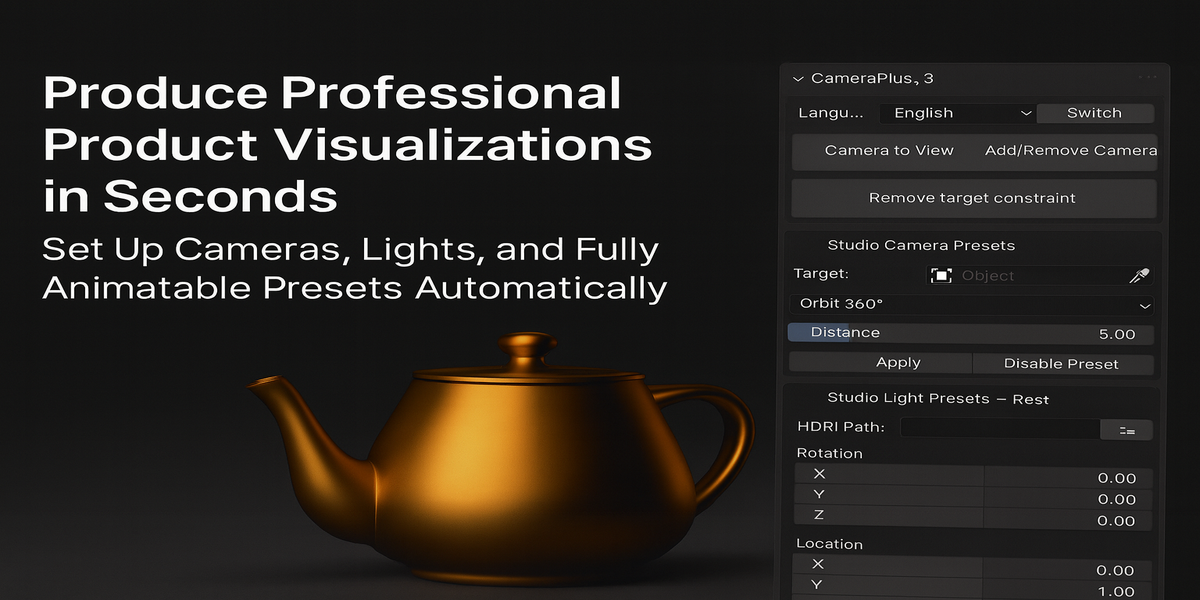
CameraPlus_3 is a Blender add-on for setting up studio camera and lighting rigs around a chosen object. Its presets and viewport controls are aimed at product visualization, industrial renders, e-commerce images, motion graphics, and cinematic shots. The product listing describes the included tools; the documentation outlines their workflow.
Camera and studio-light presets
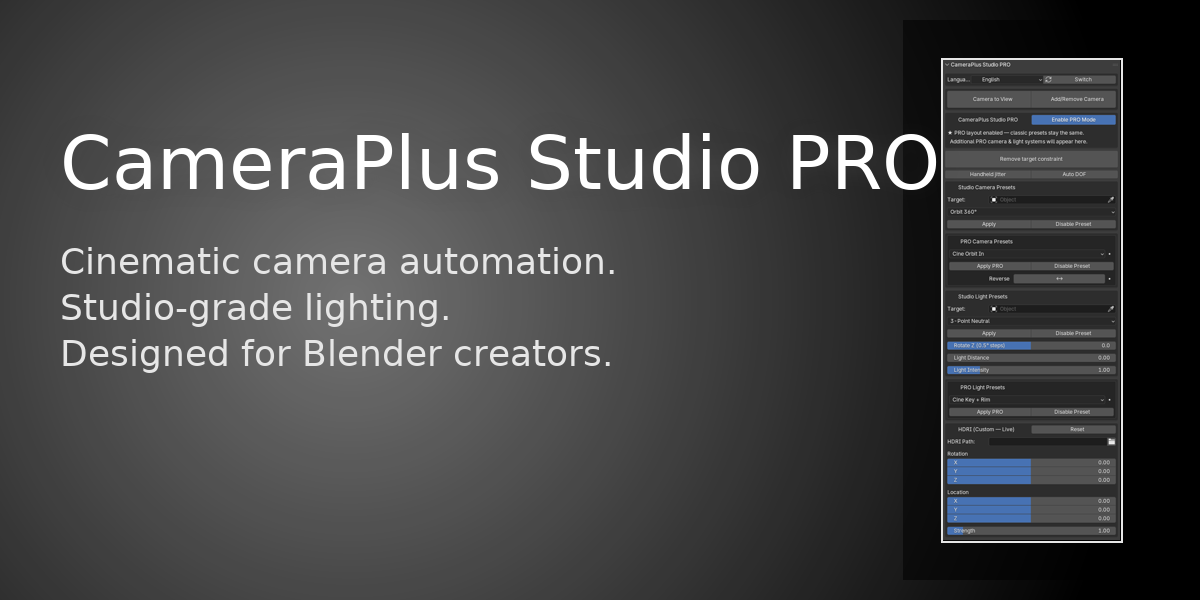
The add-on includes camera presets such as Orbit 360°, Product Rotate, Hero Shot Animation, and Parallax Slide. Studio-light options include several three-point arrangements, soft product lighting, and higher-contrast setups. These provide starting configurations for different shots, which you can then adjust around the subject.
CameraPlus_3 organizes its controls in the Blender N-panel under Target & System, Camera Tools, Lighting Tools, and HDRI Controls. The interface and documentation are listed as available in English and Russian.
Rigs that follow the target
Choose an object in the Target field, then apply a camera preset and a studio-light preset. The documentation describes the camera helper empties and light rig as centered on the target object's origin. Switching the target updates the studio setup, while the light controls work around that subject.
Rotate Z turns the studio-light rig around the target. Light Distance moves the lights radially toward or away from the object while keeping the composition. These controls help when refining light direction and distance after applying a preset.
Adjusting the shot and environment
Camera Distance moves the camera closer or farther without changing its angle. Camera-to-View lets you adjust the shot in the viewport; when you turn that mode off, the add-on shifts the animation keyframes to match the new view. This is useful when you want to reframe an animated camera move after setting its initial path.
For environment lighting, the HDRI controller provides live controls for rotation, location, and strength. The documentation also describes loading a custom HDRI or EXR and adjusting its position and intensity while working on the scene.
Installation and compatibility
Install the ZIP through Blender's Edit → Preferences → Add-ons panel, enable CameraPlus_3, then open the N-panel in the 3D Viewport and select its tab. The product listing gives Blender versions 4.0–5.0 and names Cycles and Eevee as the render engines used. Check the product page for the latest compatibility information before installing.
CameraPlus_3 may suit Blender artists who repeatedly build camera and studio-light setups around products or other focal objects. Its main workflow combines target-based rigs, preset starting points, camera reframing, light positioning, and HDRI adjustment in one add-on.