Car Transportation is Bproduction’s vehicle-library add-on for Blender. Its product listing describes more than 78 HD models across categories such as cars, trucks, emergency vehicles, public transport, motorcycles, boats, planes and tractors. Low-poly options provide lighter models for background vehicles or scenes with many assets. The listing marks rigged vehicles in their previews, so check the model’s badge if animation matters.
Vehicles, paint and render assets
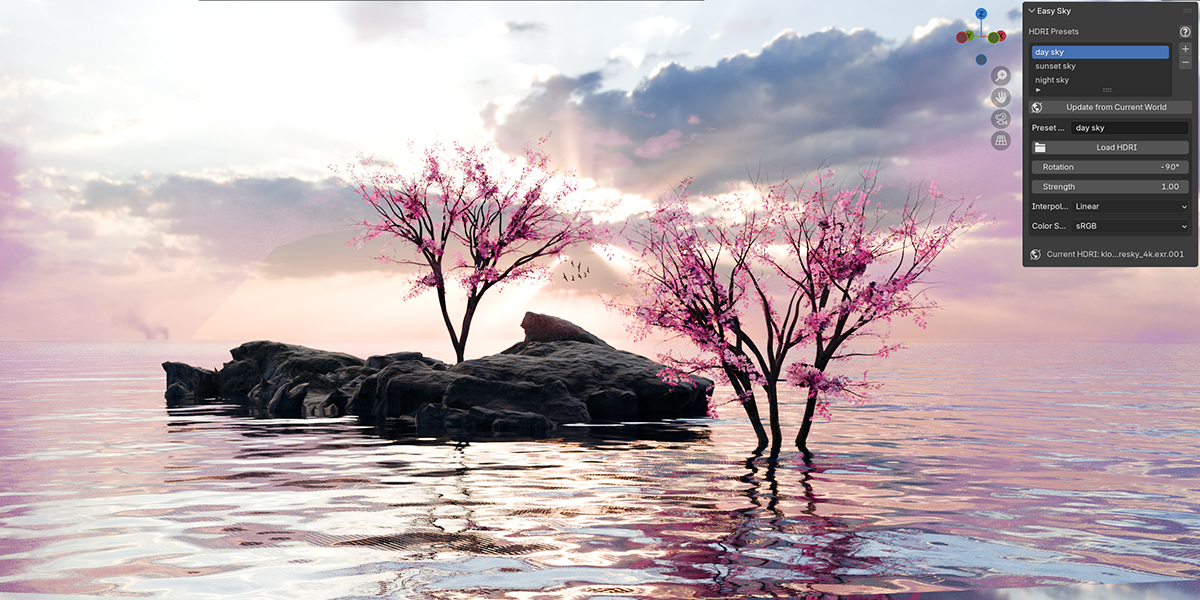
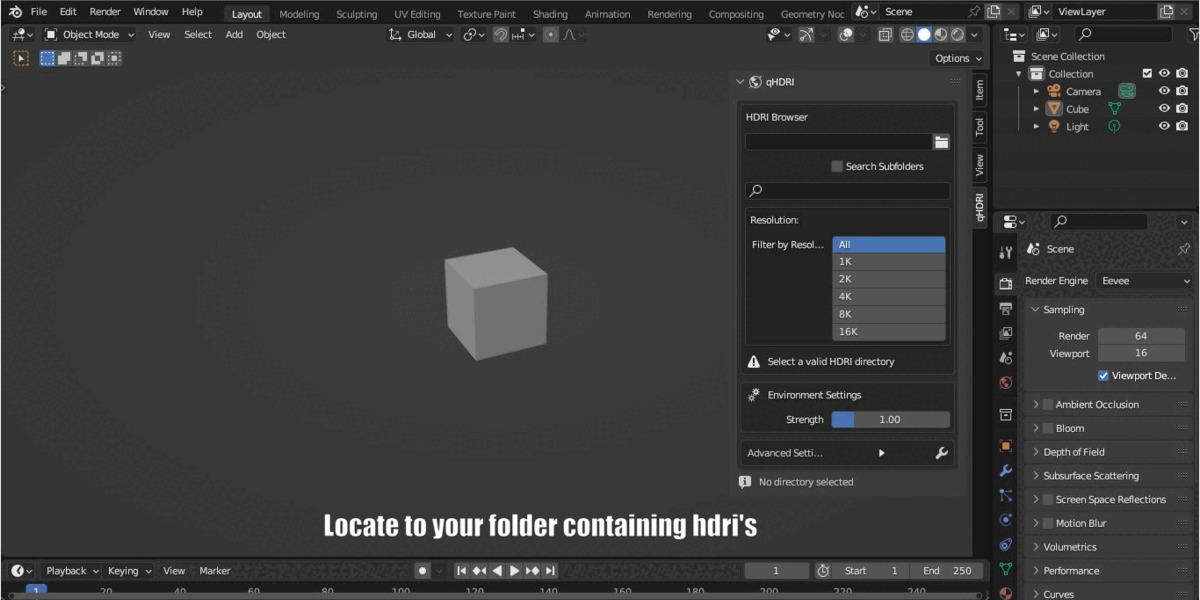
The pack includes more than 70 car-paint shaders in metallic, matte and shiny styles. Its paint editor lets you create a color from metallic, matte or glossy presets, and the product listing says paint colors appear in Blender’s viewport. For scene lighting and backgrounds, the add-on includes 65 HDRIs and more than 300 backplates. HDRIs provide environmental light and reflections; backplates give you photographic backgrounds for compositing a vehicle into a scene.
Both Eevee and Cycles are listed as supported render engines. The product page also describes the HDRIs as optimized for Blender. Check the Bproduction product listing for the current feature and compatibility details.
Import and adjust vehicles
Open the Transportation tab in Blender’s N panel to choose a vehicle category and import a model. The Snap to Ground control places a vehicle on a surface. Make Editable lets you change a model’s mesh, materials and textures. Artists who prefer browsing assets outside the add-on panel can use its Asset Browser-ready library.
Bproduction’s documentation describes separate setup steps for installing the add-on ZIP and adding the asset library to Blender. Follow the instructions for the route you plan to use, since the Asset Browser library and add-on installation are set up differently.
Check fit and compatibility
The marketplace listing names Blender versions 3.5 to 5.2 and lists Eevee and Cycles. Confirm the current compatibility details for your Blender release before installing. The publisher’s FAQ describes vehicle interiors as simple dashboards and seats, so review the model previews if detailed interiors matter to your shot. The same FAQ sets out use limits: buyers may use the add-on for personal and professional work and may sell images or videos featuring its vehicles, but may not sell 3D scenes, objects or textures containing them; video-game use is prohibited. It also says commercial use of a branded model requires clearance from that brand. Superhive’s GPL page says code-based products on the marketplace are licensed under GPL or MIT, and the Car Transportation listing is labeled GPL. The supplied pages do not specify whether that label covers the vehicle assets or affects the FAQ’s separate use limits.
Car Transportation may suit artists who want a range of vehicle types, paint choices, lighting environments and photographic backgrounds in one Blender library.