What Carousel XPress builds
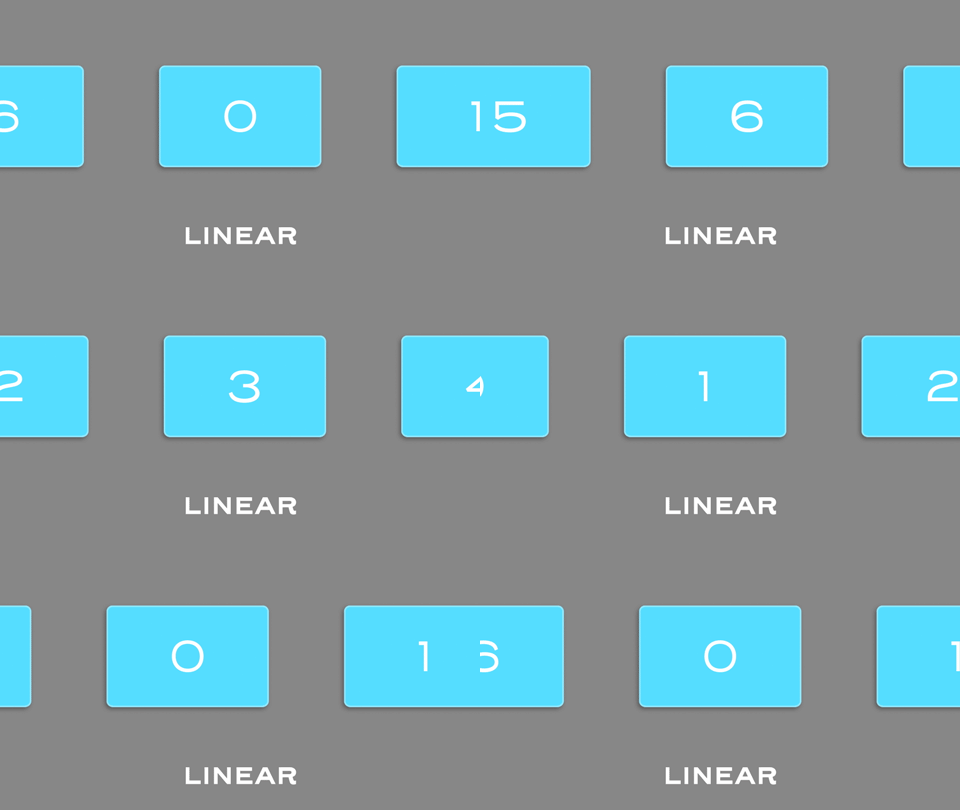
Carousel XPress is an After Effects script for arranging selected composition layers into a carousel rig. It offers five layouts: Linear, Circular 2D, Circular 3D, Exponential, and Path. Use the carousels for product presentations, looping backgrounds, and animated lettering.
Build and adjust a carousel
Place your material in a composition, select the layers, then choose a carousel type. The selected layers become part of a rig controlled by a Control Layer, whose parameters you can adjust or animate. Each rigged layer also has a local position parameter for fine-tuning its placement.
Animate items independently
Carousel XPress may apply expressions to layer properties such as position and rotation. If an item needs its own entrance or exit animation, hold Shift while choosing the carousel type. The script applies the expressions to nulls and parents each item to its corresponding null, giving you a separate control for animating that item.
Compatibility, trial, and license
The product listing names compatibility with After Effects 2026, 2025, 2024, 2023, 2022, 2021, 2020, CC 2019, CC 2018, CC 2017, CC 2015.3, CC 2015, CC 2014, CC, and CS6.
The trial lasts seven days, limits a carousel to five layers, disables three of the five carousel types and some utilities; the product listing does not identify which three types are disabled. After buying a license, enter its code in the trial; no separate download is needed. The EULA grants one copy for use on one computer at a time; additional users or computers require an appropriate license.