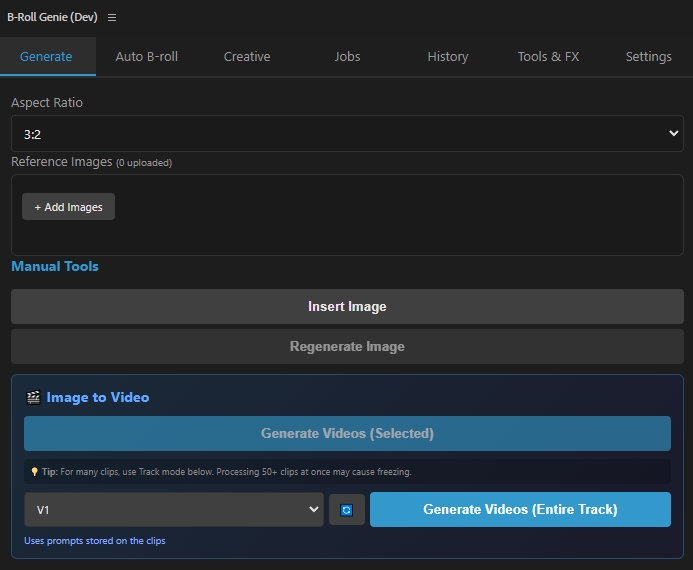
Chat Video Pro from Momentohm Media brings story editing and guided AI workflows into Premiere Pro. Story Cutter turns a transcript into a paper cut or rough assembly you can review in the timeline. Studio uses a frame, clip, reference, or prompt to create B-roll, video, VFX, transitions, motion, and transformations.
Build a first cut from dialogue
Story Cutter is designed for interviews, podcasts, documentaries, talking-head videos, testimonials, educational content, and other dialogue-heavy projects. It helps find usable story and assemble a paper cut or rough cut inside Premiere. You review the choices and control the final timeline.
Create shots and treatments in Studio
Studio provides guided workflows for images, video, VFX, transitions, motion, and transformations. Start with a frame, clip, reference, or prompt, then generate and refine the result before returning it to the project. This keeps the editing context in Premiere and avoids rebuilding it through a separate browser workflow.
Audio Expansion is optional
Audio Expansion adds Voiceover Lab, SFX Studio with Foley mode, Music Composer, and Stem Separation. It is sold separately from the core license on the aescripts product listing. Its audio results can return to Chat Video Pro or the Premiere timeline. See the Audio Expansion details for what the add-on includes.
License and AI usage costs
The aescripts listing shows a one-time core license at $149.99, with 25% off at checkout. Image, video, and supported audio generations use your own fal.ai account and are billed by fal.ai when a workflow generates something. Chat Video Pro adds no usage markup. The amount depends on the model, duration, resolution, and settings; the panel includes usage estimates and a dashboard for tracking spend.
The product listing says your Fal.ai key is stored locally. The Premiere project stays local, though a workflow may send selected media, frames, prompts, or transcripts to the provider it needs. An internet connection is required for AI requests, activation, model access, and updates.
Premiere Pro and system requirements
The listing supports Premiere Pro 2025 version 25.0 or newer, with Premiere Pro 2026 recommended. It lists macOS 12 or newer for Intel and Apple Silicon, and 64-bit Windows 10 or 11. Check the product listing and installation and workflow documentation before setup for current requirements and instructions.