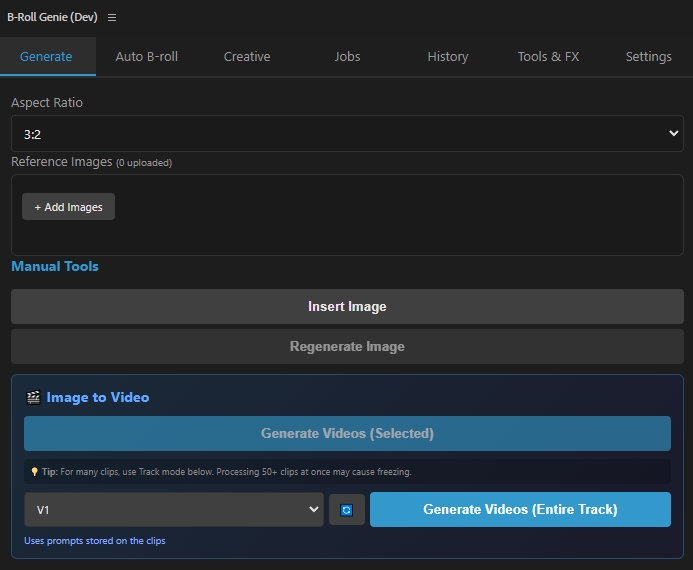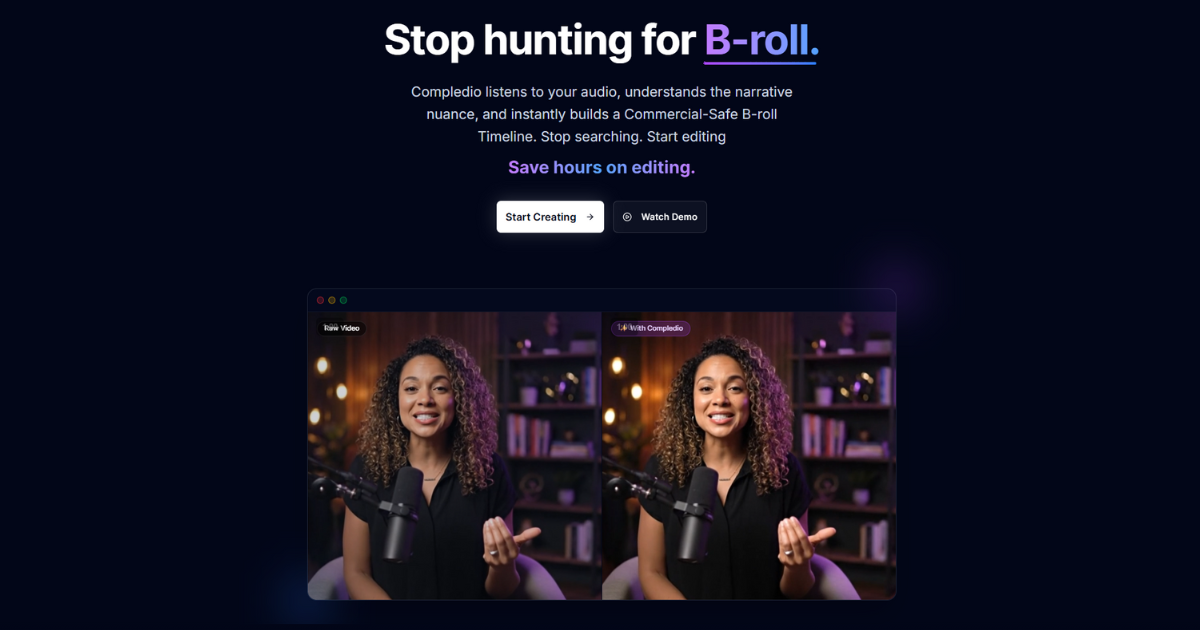
Compledio is a dockable panel for Premiere Pro that uses timeline audio and context to generate B-roll. Its version 2.4.0 listing names Premiere Pro 25.6.0 and later as compatible. Editors can also use the panel to place generated clips in the sequence and organize the assets into project bins.
Generate and place B-roll in the timeline
Compledio generates clips intended to fit the video's narrative. Its smart placement feature inserts clips on the V2 track, synced to the timeline audio. The listing notes that this placement feature requires Premiere Pro 25.0 or newer, while overall compatibility is listed as Premiere Pro 25.6.0 and later. Check the current Adobe Exchange listing before installing.
This workflow may suit editors working with narrated or dialogue-heavy sequences who want additional visuals guided by existing audio. Review generated clips in context to check that they fit the story, pacing, and intended look.
Guide the visual style
Version 2.4.0 adds support for up to three style reference images. Tag the images in your guidance text, or capture frames directly from the timeline to use as references. These options let you provide visual examples when you want generated B-roll to follow a particular look. The release also improves handling of empty timelines.
Check account and pricing details
The catalog lists Compledio as free and says an account is required. The developer's current site offers 2,000 one-time signup credits and paid plans from US$20 per month; the Premiere Pro plugin is included in every plan. Credit use varies with clip duration, resolution and other tools. The Compledio support page provides a contact form and lists [email protected]; it says the team will respond to form submissions within 24 hours.